
At month end the owner looks at the report and concludes: "A sold the most this month." That is true about sales but it is not yet a productivity assessment. A worked 220 hours and B worked 120 — divide it out and B is the stronger seller per hour on the floor. Paying bonuses off raw figures like that is the fastest way to make your most effective people feel cheated and leave.
Two numbers you need first
The first is hours worked. Staff scan a QR code on their phone to clock in and out; the code rotates over time so nobody can clock in for someone else. The timesheet collects each person's in time, out time, total hours and late status, viewable by week or by month and exportable to Excel.
The second is sales per person. The sales report has a per-employee table: employee code, full name, position, units sold and revenue over the date range you pick. The hard requirement is one account per person. If the whole shift rings up on a shared account there is no way to separate it, and this is the single most common reason an owner cannot tell who is performing.
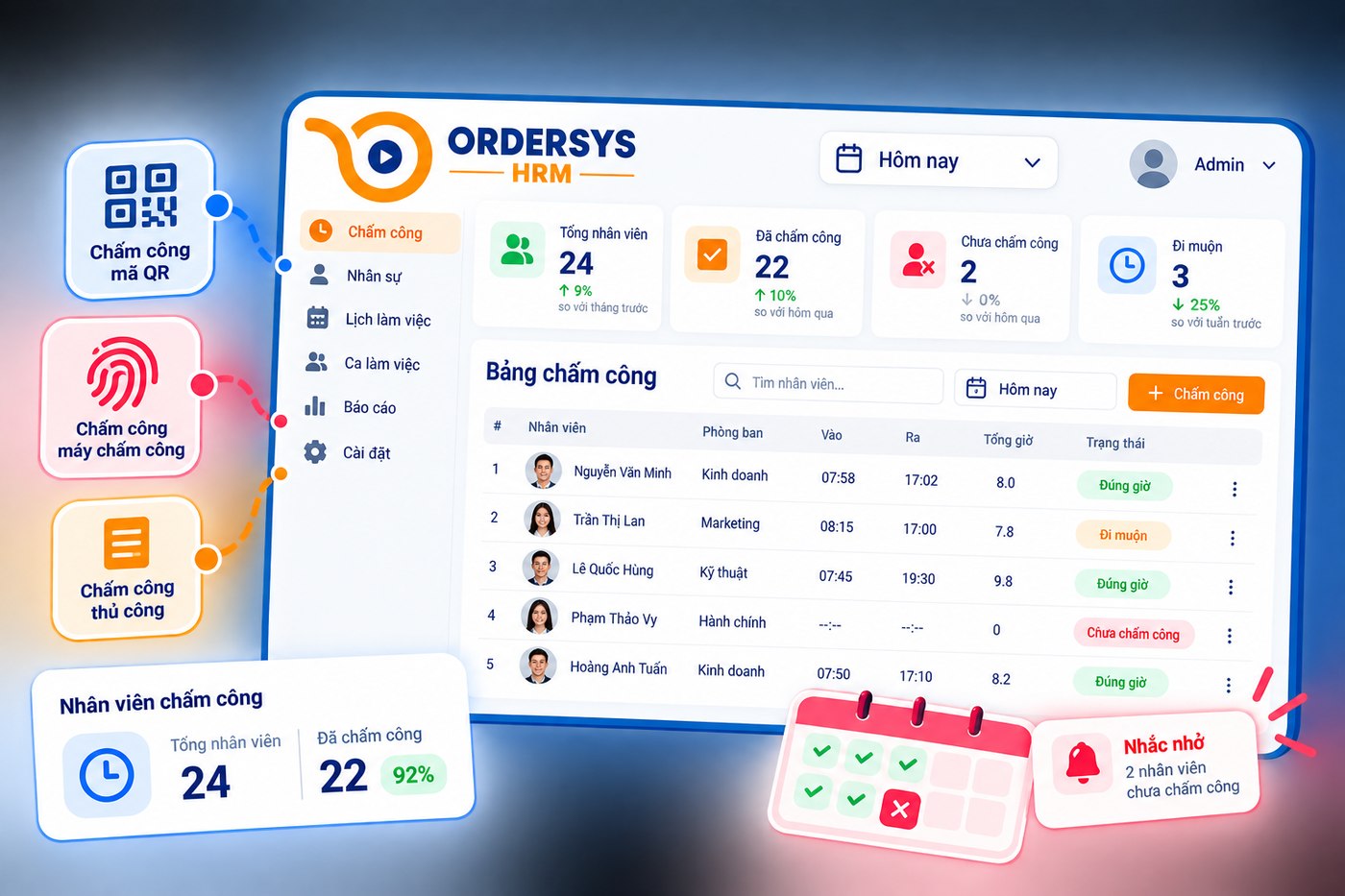
It is only productivity once you divide
Productivity is always a division: output over the effort that produced it. For sales staff, the three ratios below cover most shops.
| Measure | How to work it out | What it tells you |
|---|---|---|
| Revenue per hour worked | That person's revenue ÷ total hours | Lets you compare full-time and part-time staff |
| Orders per hour worked | Orders they created ÷ total hours | Service speed, useful in fast-turnover shops |
| Average order value | Revenue ÷ number of orders | Who upsells and suggests extras well |
The three do not replace each other. Someone with high orders per hour but a low average order value is quick-handed but not yet suggesting extras — that is something you train, not something you dock a bonus for.
Only compare people under the same conditions
This is where assessment tables usually fall apart. Three rules worth keeping:
- Same position. Cashiers, order staff and shift managers do not go in one ranking. The report splits by position; use that filter.
- Same time slot. A weekend evening shift and a Tuesday morning are two different worlds. If you must compare, compare within the same shift type, or against that same person last month.
- Same branch. A busy location produces higher revenue per hour for reasons that have nothing to do with the staff's skill.
The safest approach is to compare each person against themselves over time. A person's three-month trend says more than a ranking taken as a snapshot of one month.
What to measure for roles with no sales attached
Kitchen, kitchen hands and cleaners have no sales under their name. Do not force them into the same yardstick and then conclude they are weak. For these roles, what is measurable and fair is attendance and operations data: shifts taken in full, number of late arrivals, approved overtime hours, dishes voided or remade. Those numbers already sit in the timesheet and in the orders; no extra process has to be built.
If it connects to money, say so beforehand
The HR software can hold commission based on sales: at period end the system takes each person's sales figures to calculate it and adds it to the payroll alongside allowances, bonuses and deductions. Staff can open their own payslip and check it themselves.
What matters is not in the software but in announcing it ahead of time: which measure applies this month, what threshold earns a bonus, who is out of scope. Announce it after the numbers are in and, however correct the figures, staff will feel they were graded behind their backs. And remember that the software gives you hours and sales — turning those two numbers into a judgement about a person is still the manager's job.
QR attendance, weekly and monthly timesheets, sales-based commission and payroll are part of Ordersys HRM software, with a free 7-day trial. Read more: managing service shifts: who served which table, sales per staff member and allowances, bonuses and penalties: putting them into payroll clearly.
Clock in by phone and calculate pay by shift, allowances and overtime automatically every month.
Other news
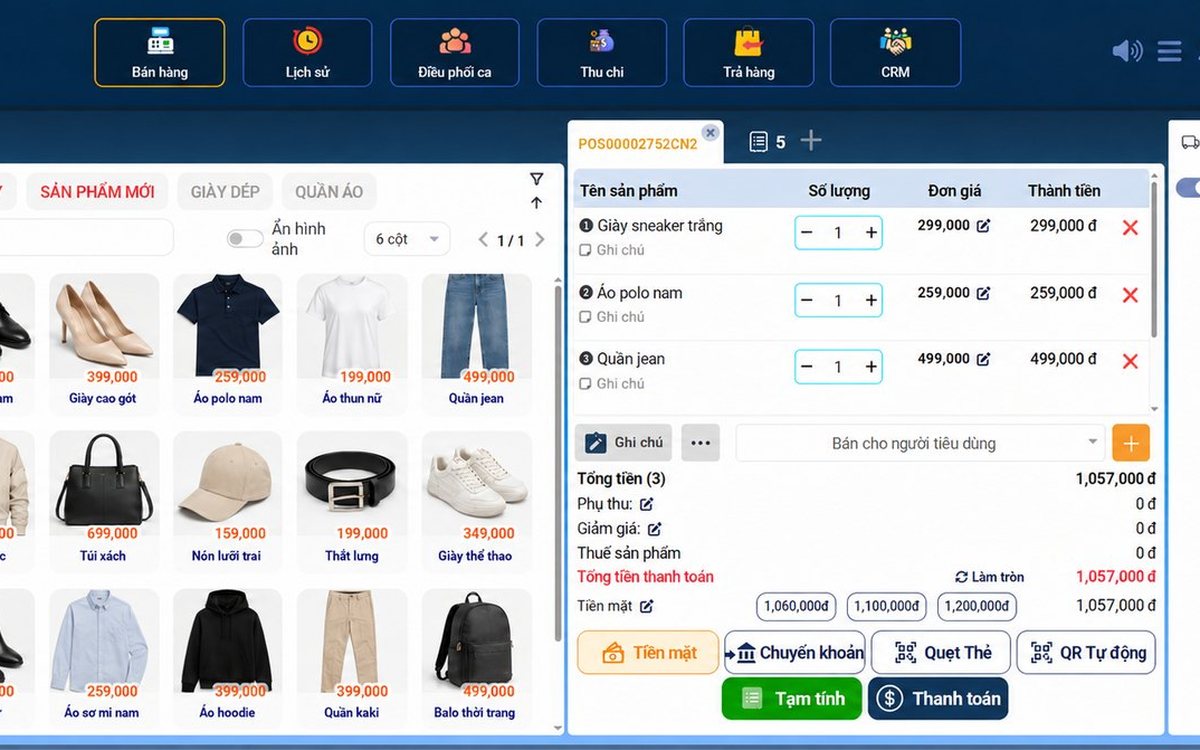
Sales software for household businesses that fits the new rules
From 2026 household businesses no longer pay presumptive tax and declare based on actual revenue; stores with revenue of 1 billion VND/year or more selling directly to consumers must use e-invoices generated from cash registers. This guide summarises the regulatory milestones that affect retail stores and what sales software must do: record every order, issue e-invoices, report by period, keep purchase records and track debts.
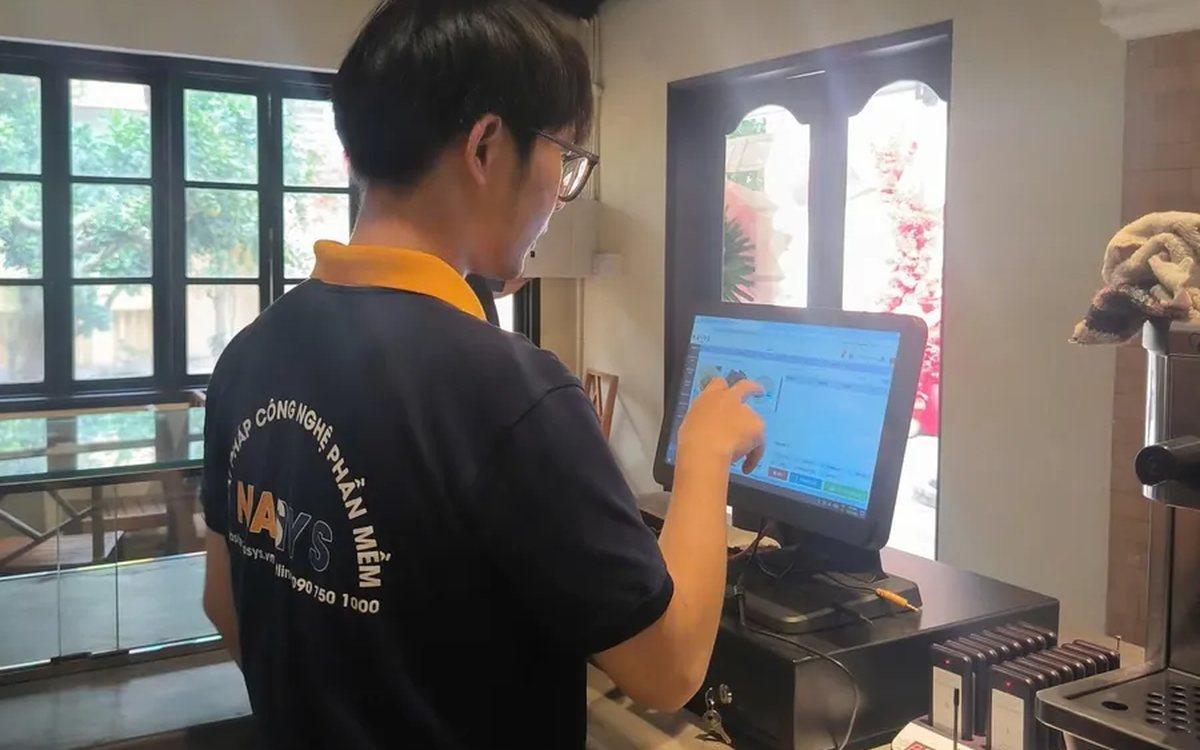
Scan a QR code to order at the table: guests order for themselves, the restaurant needs fewer staff
When guests scan a QR code to order at the table, handing out menus, taking orders, running tickets to the kitchen and answering "where is our food?" move to the guest. This guide separates what guests do themselves, what staff still have to do, how to rearrange shifts by table zone, and where things slip when the restaurant runs with fewer people.

Ordering software for wedding banquet restaurants: serving many tables at once without the bill going wrong
A thirty-table wedding banquet usually goes wrong on the extras: drinks added mid-party, tables set up at the last minute, dishes sent to the kitchen twice, deposits remembered by word of mouth. This guide puts the whole banquet into one order from a multi-table booking or by merging tables, takes extra orders by phone, sends only new items to the kitchen, and settles with the host using a provisional bill, surcharges and automatic deposit deduction.
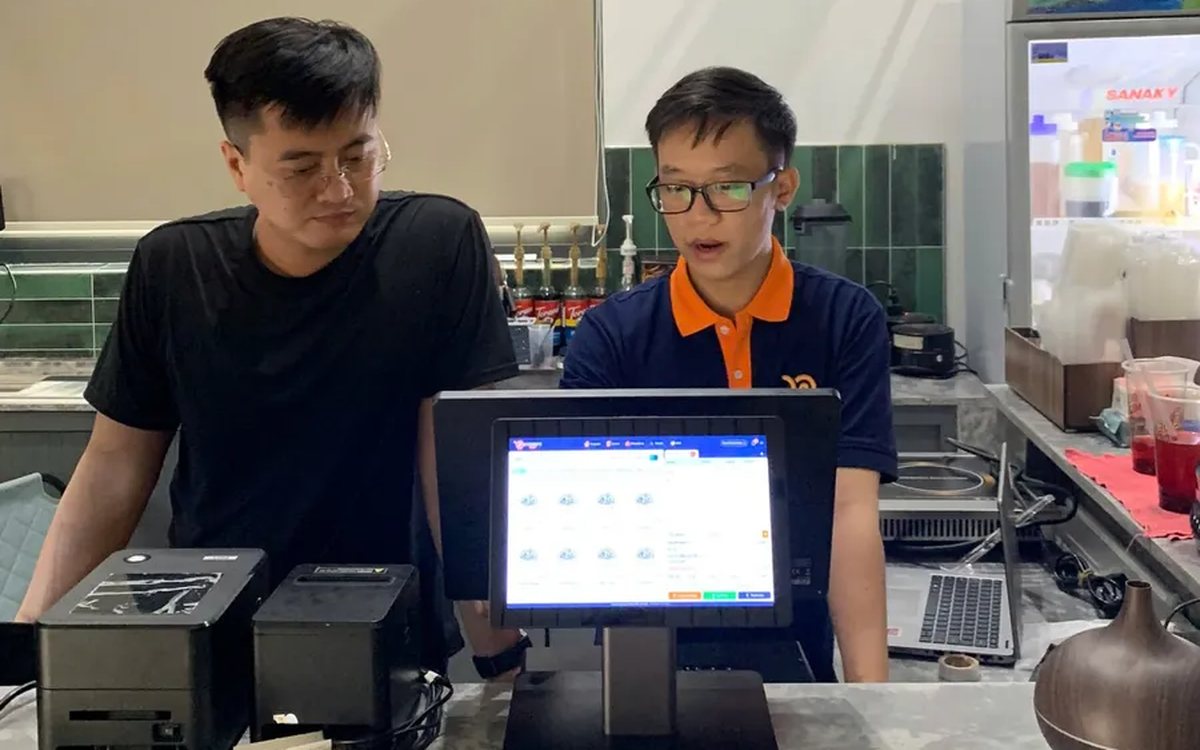
Complete coffee shop management software: how ordering, checkout, inventory and reports connect
Complete coffee shop management software is not a long feature list but ordering, checkout, inventory and reports working together: ring up one cup and the money goes into the right shift, ingredients are deducted by recipe and the end-of-day report updates itself. The article follows one cup through four stages, shows four common break points and the order to switch things on.

Billiards management software for a small new club: what to set up before opening day
For a new billiards club with five to ten tables, where the owner works the counter and starts the clocks, the software needs to do a few things right: set up tables, hourly rates, the menu and QR codes before opening; let players order drinks themselves and have table lights follow playing time; use camera highlights to get the club known; and after the first month read reports by table, debts and shift close.
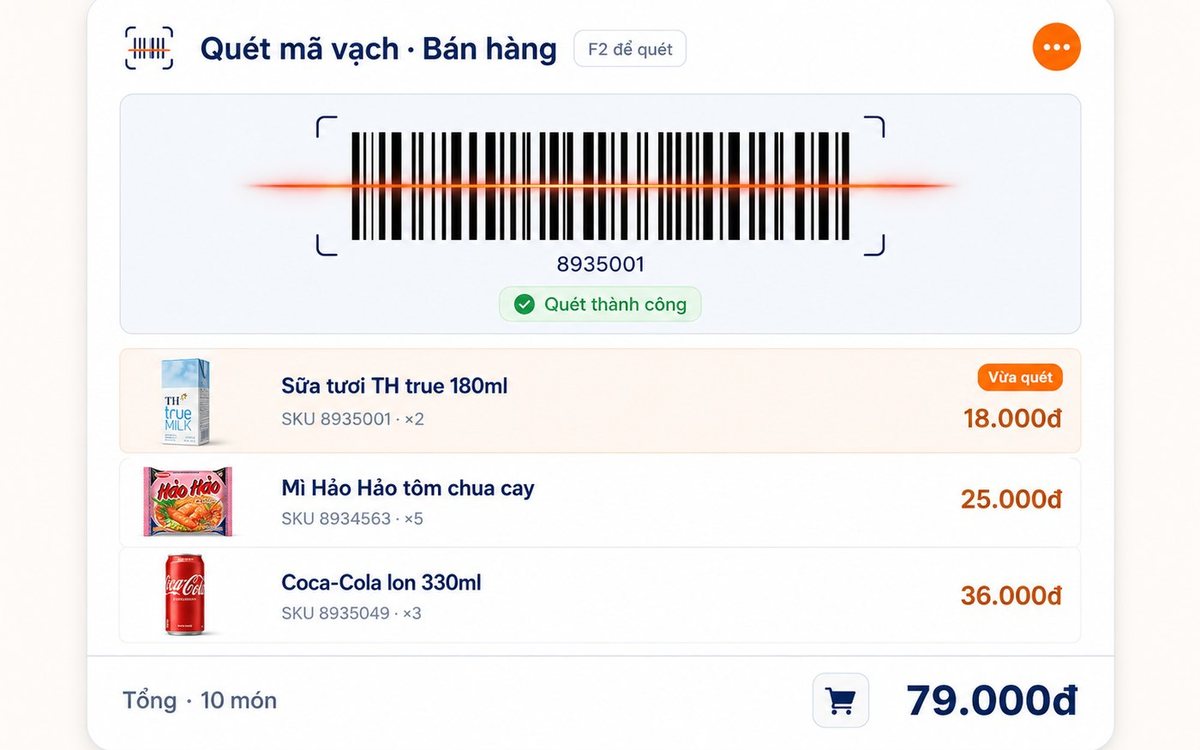
Retail order management software: counter sales and online orders in one place
Counter orders, phone and Zalo orders, and orders from the store's web shop all go into one order book in Ordersys. Each online order moves through five clear statuses, delivery requires the address, delivery time and delivery person, customers track their own order, and there is no adding up two places at the end of the day.

Spa and hair removal appointment software with no double bookings
Hair removal sessions are short, tightly packed and crowded into one machine room, so they clash easily. Each Ordersys appointment records the time, duration, room/bed and therapist; on save the software checks for room clashes, therapist clashes and therapists busy in the spa, adds bed turnover time, and shows exactly which booking is holding the slot.
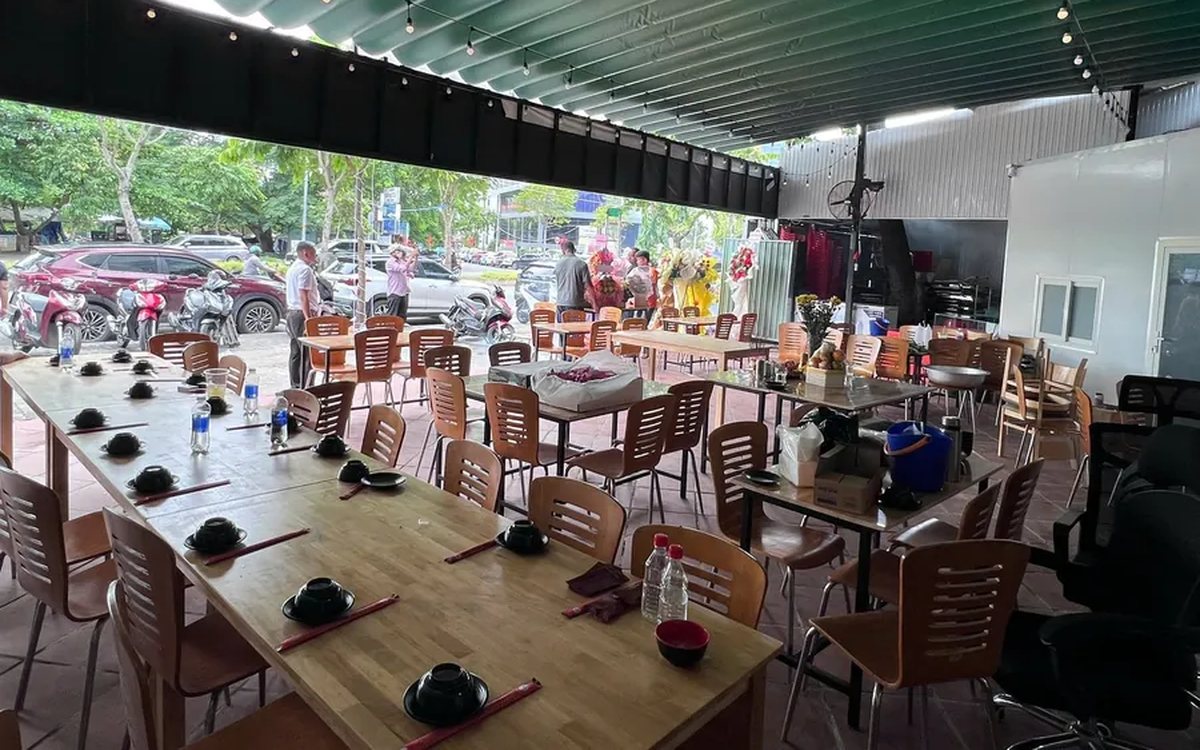
QR table ordering software for restaurants and eateries
One round of QR ordering in Ordersys goes through five steps: the guest scans the code on the table, picks dishes with options and notes, sends the order (with or without a confirmation step), the kitchen and bar receive it, and the guest reopens the page to check the order and order more. Plus a list of what to set up before putting codes on tables.
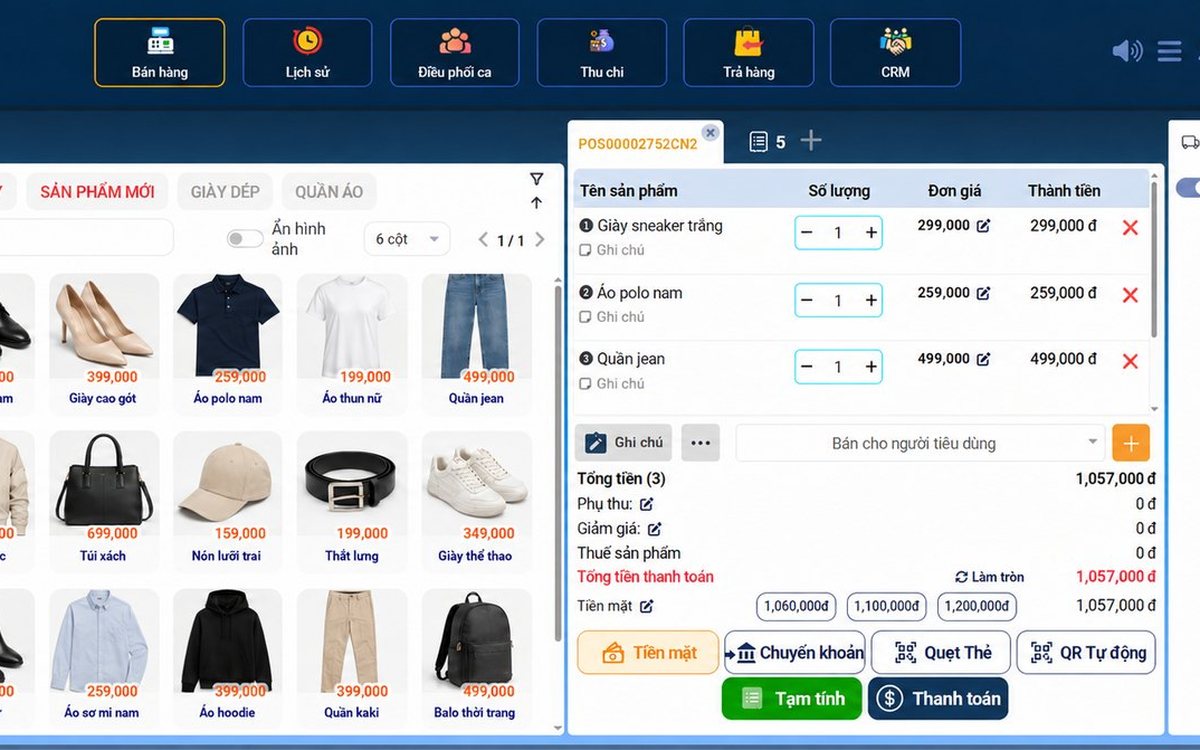
Ordersys or KiotViet? A Straight Comparison to Choose Right
An honest Ordersys vs KiotViet comparison by real needs: retail, services, billiards, QR ordering, automatic payment — choose right, not the wrong fit.