
Midnight, and a birthday group leaves the VIP room in high spirits. One guest slips two banknotes to the room server. Another tells the cashier to "add some extra to the bill for him". A third transfers more than the total and says "keep the change for the staff". Three tips take three different routes, and only the first one is sure to reach the right person. The other two sit in the venue's cash fund or bank account. If nobody records them, staff think the venue kept the money, while the owner sees unusually high revenue for that night without knowing why.
Three kinds of tips at a karaoke venue and where the money sits
| Kind of tip | Where the money sits | What often happens | What to do |
|---|---|---|---|
| Cash handed over directly | The staff member's pocket | Staff serving other rooms feel short-changed if the venue says tips are pooled | State clearly whether cash tips are kept or go into a shared pool |
| The guest asks to add it to the bill | The venue's cash fund or account | It mixes into revenue, and by the end of the shift nobody remembers whose it was | Record the tip against the right room and the right person at payment |
| Overpaid transfer, "keep the change" | The venue's account | The cashier treats it as surplus and the staff never know they were tipped | The cashier asks the guest one question, then records it as a tip |
Money in a staff member's pocket does not need managing by the venue. Money that passes through the venue's fund is being held on the staff's behalf, and it must be paid back in full.
Individual tips or a shared pool
No single method suits every venue. What works depends on how the venue assigns room servers:
- Each keeps their own: suits venues where each person covers a fixed block of rooms during a shift. The downside is that whoever covers a quiet block gets fewer tips, through no fault of their own.
- Pooled and split per shift: suits busy rooms served by several people, one carrying beer, one swapping microphones, one cleaning up. Split by hours worked in the shift; do not split equally per head if someone leaves early.
- A mix: cash tips handed over directly stay with the person, tips that go through the bill are pooled. This causes the fewest arguments at small and medium venues.
Whichever you choose, write it down and post it in the staff room, including whether the shift manager gets a share. Changing the rules halfway through is the fastest way to lose the goodwill of night-shift staff.
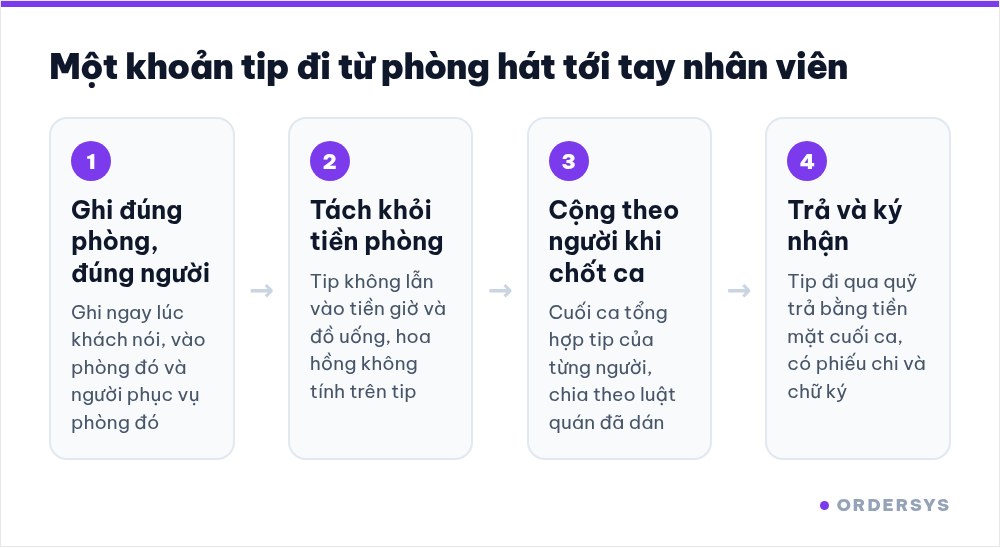
Record tips at the moment of payment
- Record it against the right room and the person serving that room. Do it as soon as the guest says so, because recalling at the end of the shift always misses some.
- Keep tips separate from room time and drinks. If tips mix into drink revenue, sales commission gets calculated on the tips too, and that night's revenue report is inflated.
- One account per person. A tip recorded to a staff member clearly belongs to that person, with no need to ask the whole shift.
When and how to pay out tips
- Pay at the end of the shift, with a signature. Tips that came through the bill or a transfer are paid in cash from the fund at shift end, with a payment voucher signed by the staff member. The shift close still balances because the outgoing money has a record.
- Do not hold them until month end and add them to wages. Night-shift staff need to see the money right away. Holding it for long breeds suspicion, even if the venue means nothing by it.
- Do not use tips to cover breakages. A broken glass or missing beer is handled separately, with a record. Deducting it from tips makes staff lose trust in the whole way tips are recorded.
Each week, the owner should look at total tips by person and by shift. Shifts and people who are tipped consistently are a sign of satisfied guests. Someone who was tipped regularly and suddenly drops off is also worth a conversation.
What Ordersys handles
In the Ordersys karaoke management software, tips are recorded by room and by serving staff member, and at the end of the shift they are totalled per person so they can be shared transparently. Each staff member uses their own account, permissions to cancel rooms and give discounts are set by role, and the shift close reconciles cash and transfers against the fund. Venues can try it free for 7 days.
Read more: Karaoke room servers: shifts and drink commissions · Closing the night shift at a karaoke venue: reconciling room fees, drinks and cash.
Staff take orders on their phones, the kitchen gets them instantly, guests order and pay by QR, owners see revenue remotely.
Other news
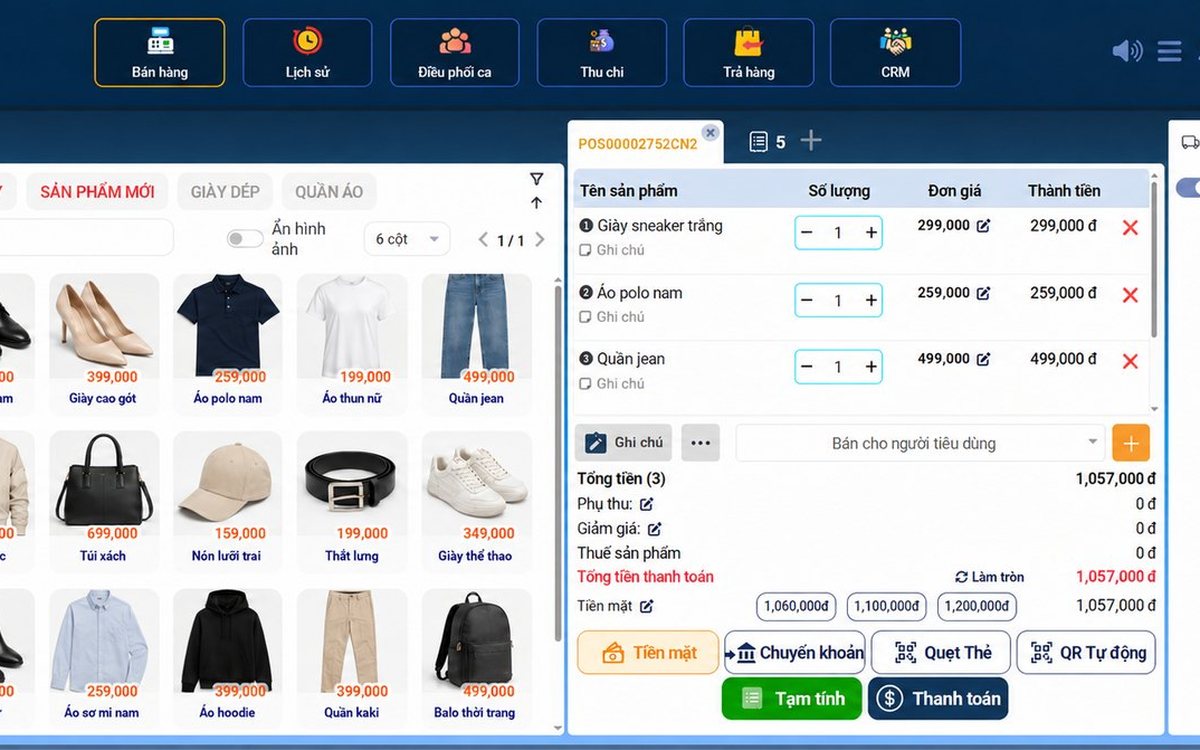
Sales software for household businesses that fits the new rules
From 2026 household businesses no longer pay presumptive tax and declare based on actual revenue; stores with revenue of 1 billion VND/year or more selling directly to consumers must use e-invoices generated from cash registers. This guide summarises the regulatory milestones that affect retail stores and what sales software must do: record every order, issue e-invoices, report by period, keep purchase records and track debts.
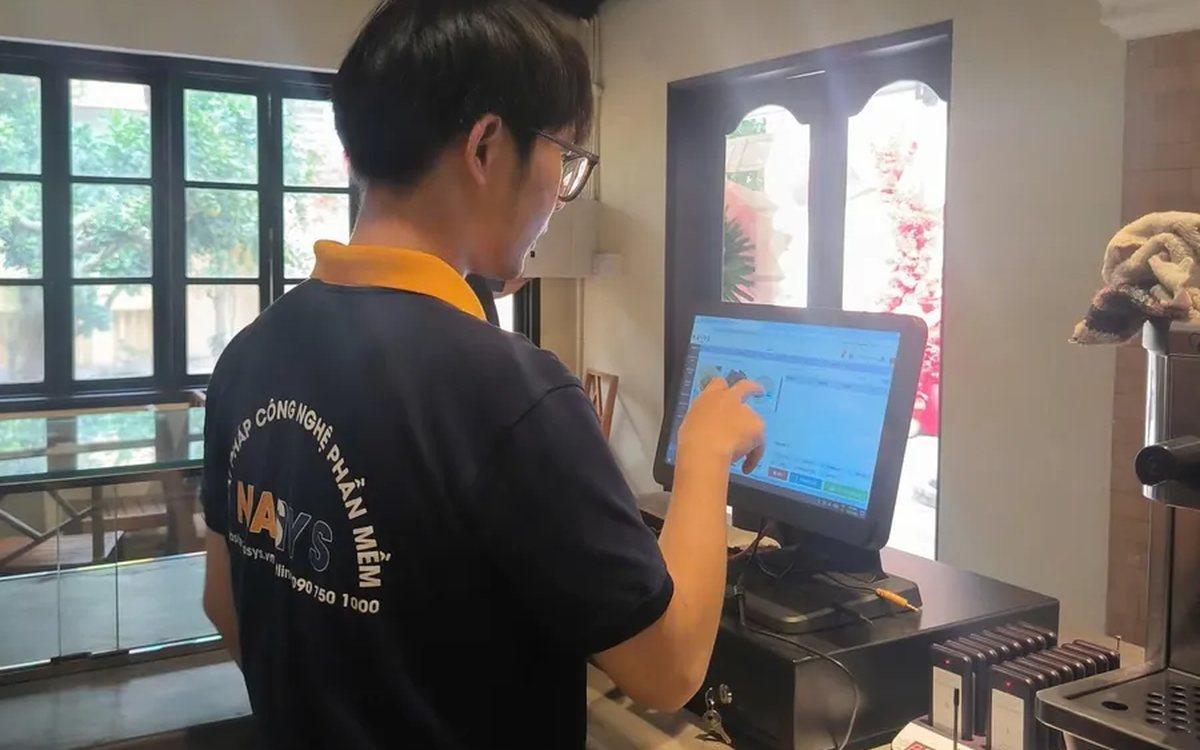
Scan a QR code to order at the table: guests order for themselves, the restaurant needs fewer staff
When guests scan a QR code to order at the table, handing out menus, taking orders, running tickets to the kitchen and answering "where is our food?" move to the guest. This guide separates what guests do themselves, what staff still have to do, how to rearrange shifts by table zone, and where things slip when the restaurant runs with fewer people.
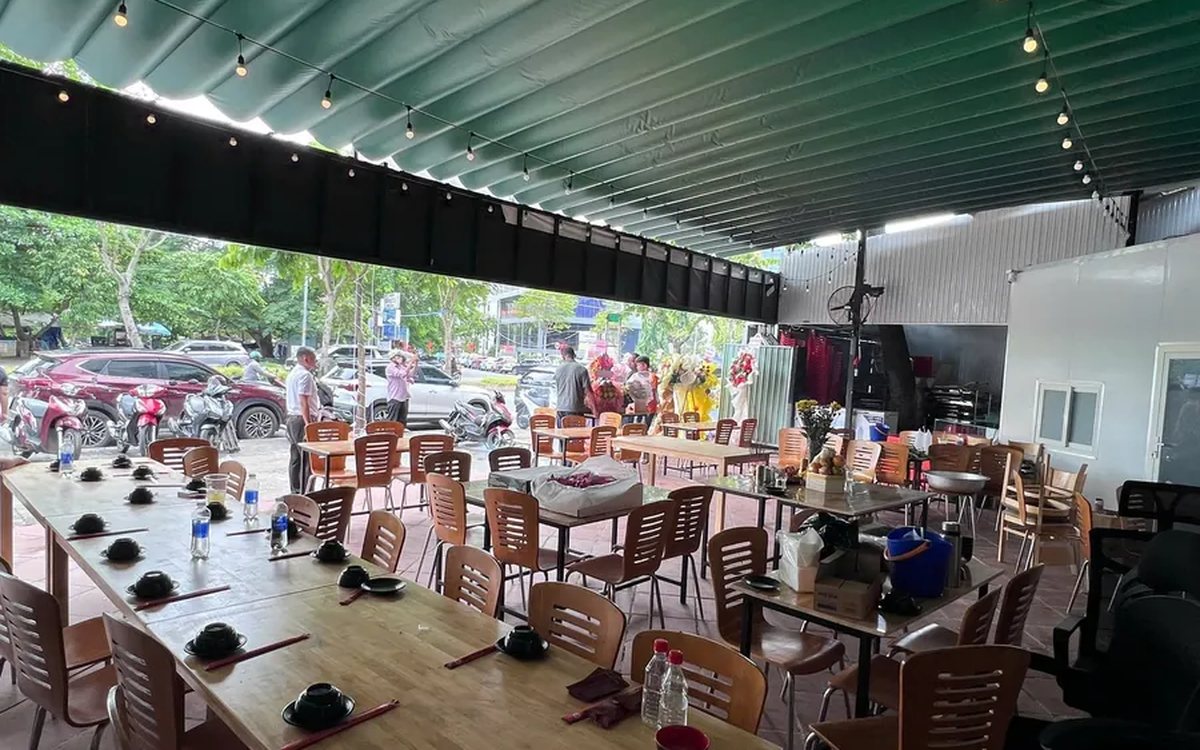
Ordering software for wedding banquet restaurants: serving many tables at once without the bill going wrong
A thirty-table wedding banquet usually goes wrong on the extras: drinks added mid-party, tables set up at the last minute, dishes sent to the kitchen twice, deposits remembered by word of mouth. This guide puts the whole banquet into one order from a multi-table booking or by merging tables, takes extra orders by phone, sends only new items to the kitchen, and settles with the host using a provisional bill, surcharges and automatic deposit deduction.
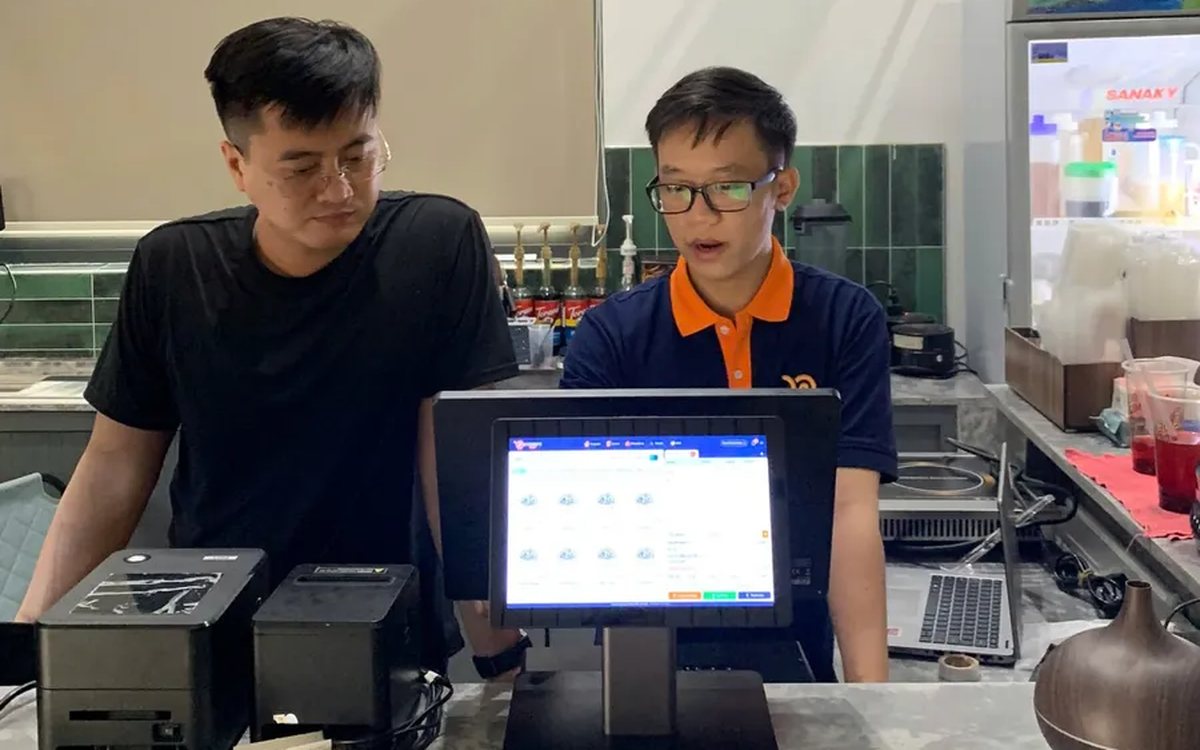
Complete coffee shop management software: how ordering, checkout, inventory and reports connect
Complete coffee shop management software is not a long feature list but ordering, checkout, inventory and reports working together: ring up one cup and the money goes into the right shift, ingredients are deducted by recipe and the end-of-day report updates itself. The article follows one cup through four stages, shows four common break points and the order to switch things on.

Billiards management software for a small new club: what to set up before opening day
For a new billiards club with five to ten tables, where the owner works the counter and starts the clocks, the software needs to do a few things right: set up tables, hourly rates, the menu and QR codes before opening; let players order drinks themselves and have table lights follow playing time; use camera highlights to get the club known; and after the first month read reports by table, debts and shift close.
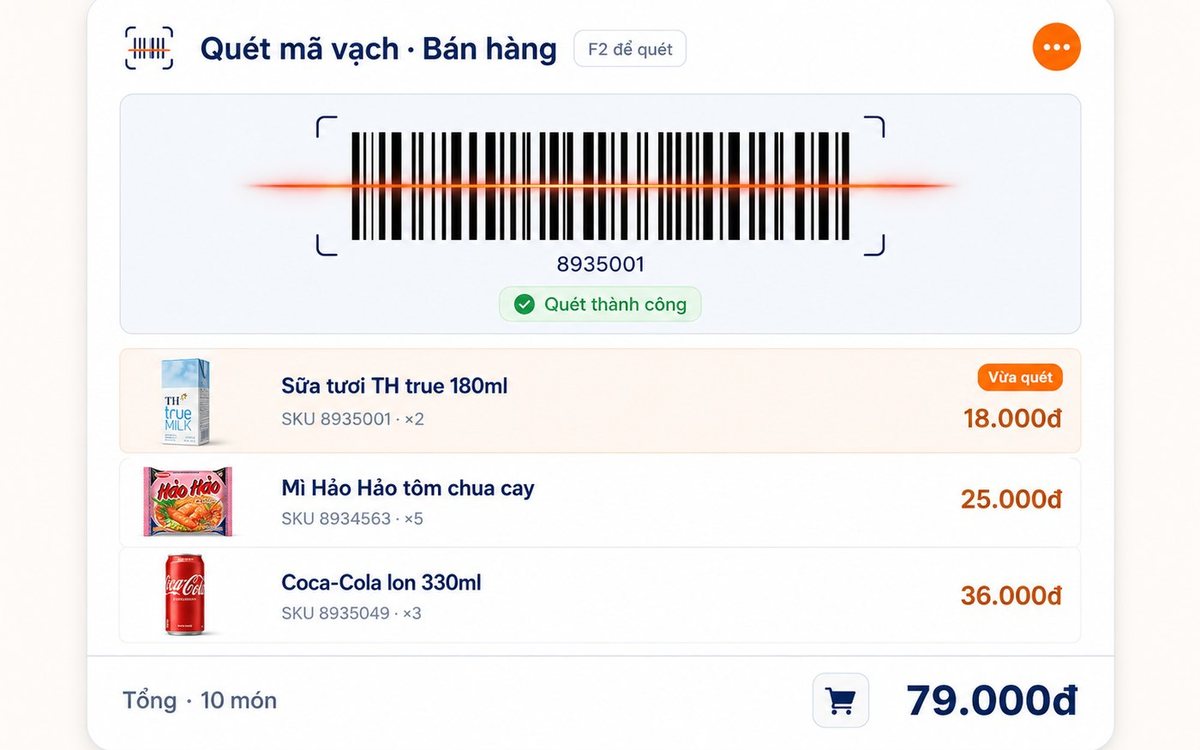
Retail order management software: counter sales and online orders in one place
Counter orders, phone and Zalo orders, and orders from the store's web shop all go into one order book in Ordersys. Each online order moves through five clear statuses, delivery requires the address, delivery time and delivery person, customers track their own order, and there is no adding up two places at the end of the day.

Spa and hair removal appointment software with no double bookings
Hair removal sessions are short, tightly packed and crowded into one machine room, so they clash easily. Each Ordersys appointment records the time, duration, room/bed and therapist; on save the software checks for room clashes, therapist clashes and therapists busy in the spa, adds bed turnover time, and shows exactly which booking is holding the slot.
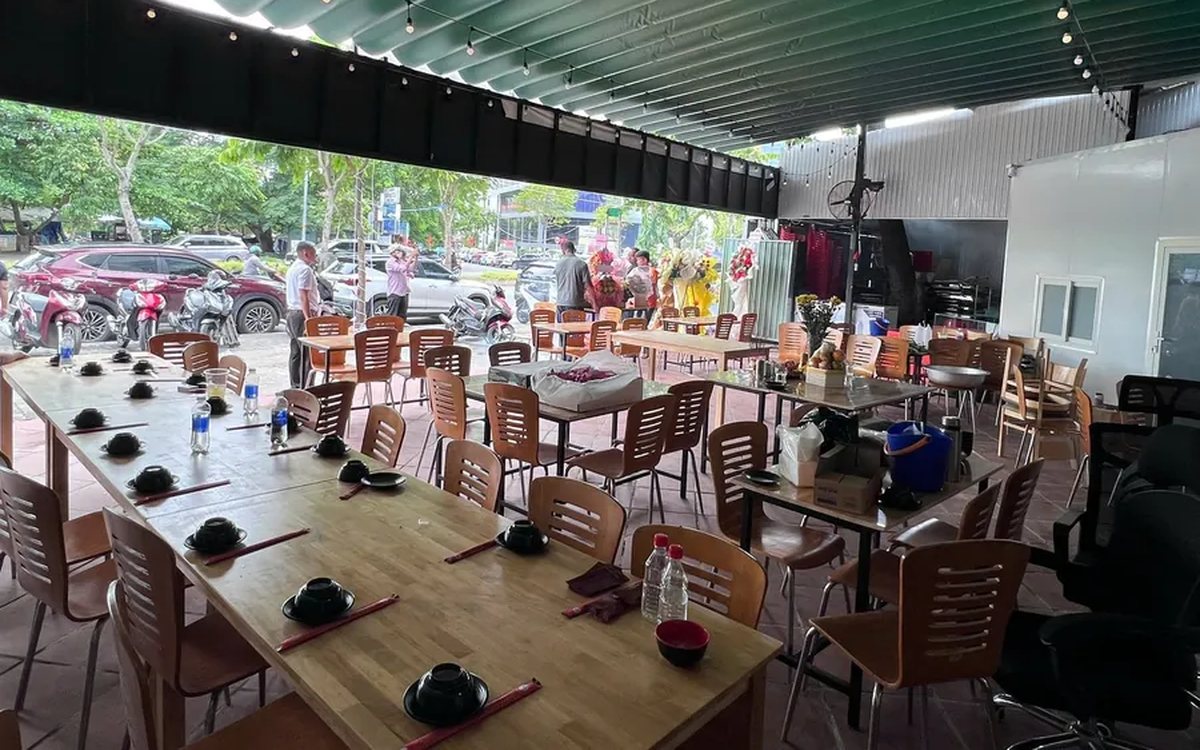
QR table ordering software for restaurants and eateries
One round of QR ordering in Ordersys goes through five steps: the guest scans the code on the table, picks dishes with options and notes, sends the order (with or without a confirmation step), the kitchen and bar receive it, and the guest reopens the page to check the order and order more. Plus a list of what to set up before putting codes on tables.
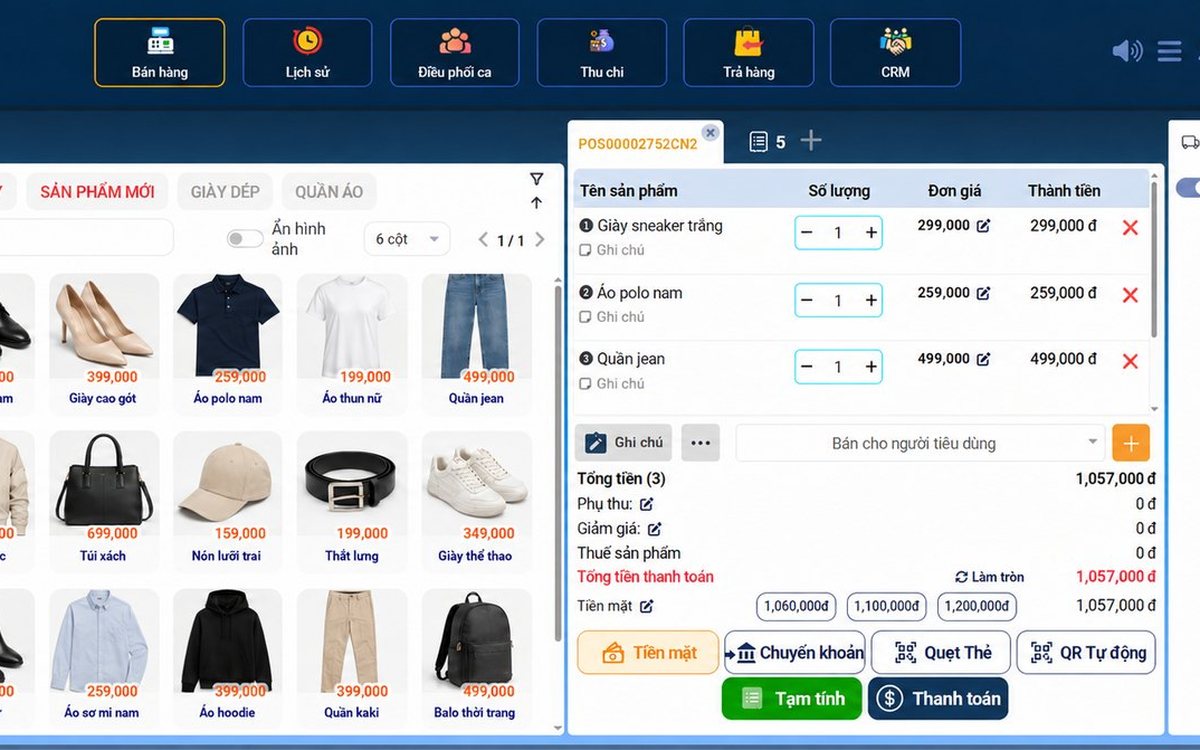
Ordersys or KiotViet? A Straight Comparison to Choose Right
An honest Ordersys vs KiotViet comparison by real needs: retail, services, billiards, QR ordering, automatic payment — choose right, not the wrong fit.