
Nine o'clock on a Friday night, three groups are waiting at the front desk. The receptionist is not sure which rooms are free, so they run up to the second floor to check, and by the time they come back one group has already left. Every karaoke venue has seen this at peak hours. The cause is usually not a lack of rooms, but that nobody can see all the rooms at once. This article covers what a room map should show, how to lay the map out to match your real venue, and how to read it to seat guests quickly without clashing with rooms that are already booked.
A room map needs to answer three questions
The person at the desk only needs to know three things: which rooms are free, which rooms have guests singing, and which rooms are booked in advance. Each status leads to a different task:
| Status on the map | What it means | What the desk does |
|---|---|---|
| Free room | No bill is open | Seat new guests, but check the room has been cleaned |
| Room in use | The clock is running and orders are being added to the room | Tap the room to add orders or settle the bill when guests leave |
| Booked room | Guests are due at a set time | Check the booking time before letting walk-in guests in |
The three statuses appear in different colours, so a quick glance is enough. When a venue has twenty or thirty rooms, being able to filter only the free rooms matters even more than the colours: one tap leaves only the rooms you can seat guests in, with a count for each group.
Lay out the map like your real venue
The map only helps when staff can look at it and know where each room is. Three things to do right at setup:
- Name rooms the way staff already call them. If everyone is used to calling it "room 201" by floor, do not set it up as "Room 1, Room 2" in the system. Names that do not match how people talk are when rooms get opened by mistake.
- Group rooms by floor or by room type. A multi-floor venue should group by floor so servers know where to go. A single-floor venue can group by room type: small, large, VIP. Filtering by area is faster than scrolling the whole list.
- Link each room to the correct price list for its type. VIP rooms and standard rooms have different hourly rates. Link one wrongly and a group singing all night gets charged the wrong rate, only discovered when the room is settled.
Read the map to seat guests at peak hours
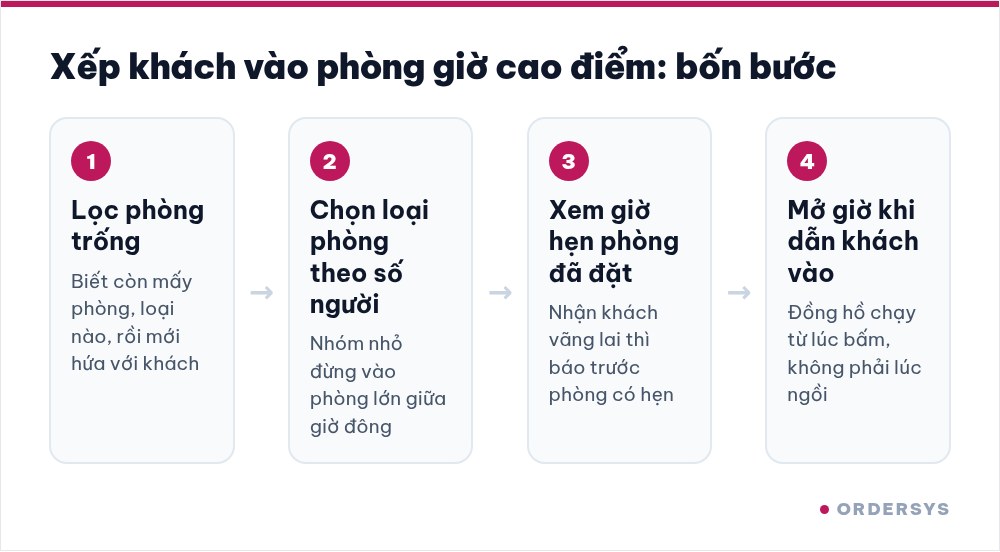
When several groups arrive at once, the desk should follow a fixed order instead of keeping it all in their head:
- Filter free rooms first. Know how many rooms are left and of which type before promising anything to guests.
- Ask the group size, then choose the room type. Put a group of four in a large room at peak time and there will be no space for the group of ten that comes later.
- Look carefully at booked rooms. A room booked for ten o'clock can still take guests at eight if they only sing for an hour, but tell them up front that the room is booked. If you do not, you will have to ask them to leave when the time comes, which is very awkward.
- Start the clock as soon as you show guests in. The room clock runs from the moment you tap, not from when guests sit down.
Servers see the same map on their phones, so when guests in a room ask for more beer, the server taps that exact room instead of running back to the desk to ask again.
What the map cannot know on its own
The room map is only accurate when actions in the system match what is really happening in the rooms. Two places where they often drift apart:
- A room shows as free right after it is settled. The guests have just left and the system says the room is free, but the previous group's glasses and towels are still there. Set a rule: once a room is settled, the desk calls someone to clean it, and only seats new guests after it is clean.
- A room has guests but the system says it is free. This means the clock was not started, or worse, was deliberately not started. At peak hours, the manager should walk around and compare the rooms with lights on against the map in the system. If a room does not match, ask right then instead of waiting until the end of the shift.
How Ordersys helps
Ordersys karaoke management software shows every room on one map: free rooms, rooms in use and rooms booked in advance, each status in its own colour. The desk can filter by status or by area, search rooms by name, and tap a room to start the clock, add orders or settle the bill; servers see the same map on their phones. You can try it free for 7 days. To hold rooms properly for guests who book ahead, read taking karaoke room bookings in advance: how long to hold and whether to take a deposit; when guests who are already singing want a different room, read moving rooms while keeping the singing time and drinks already ordered.
Staff take orders on their phones, the kitchen gets them instantly, guests order and pay by QR, owners see revenue remotely.
Other news
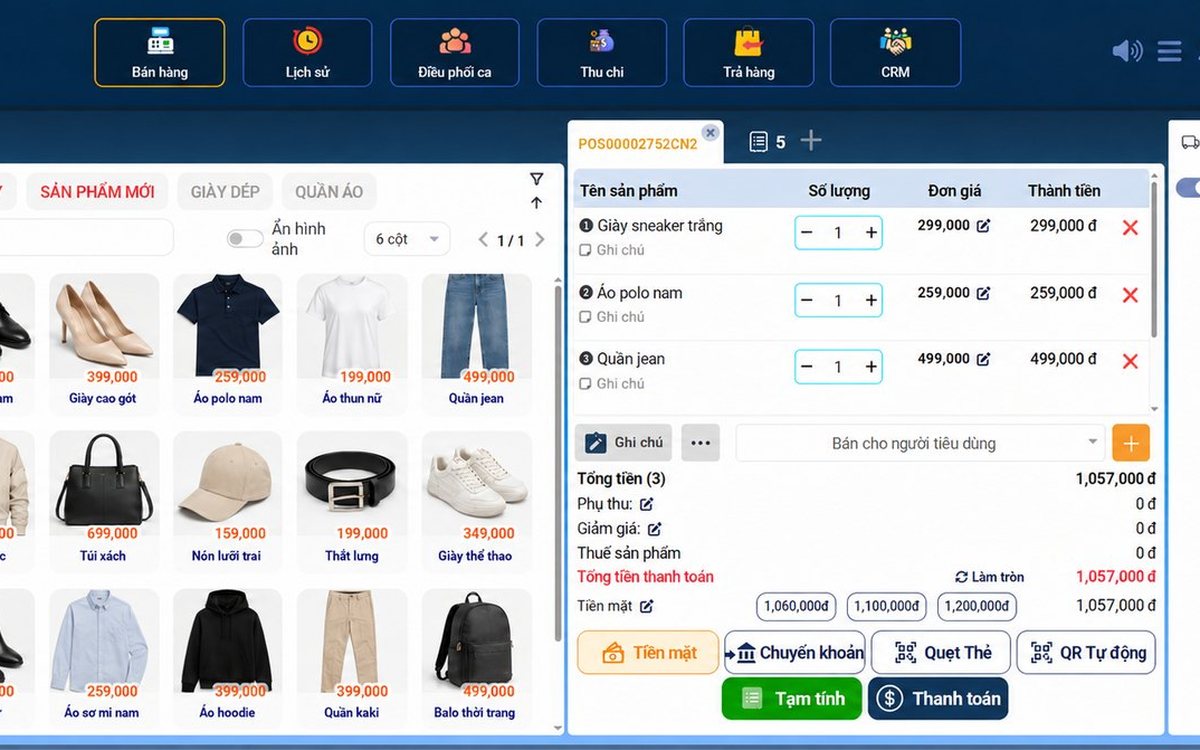
Sales software for household businesses that fits the new rules
From 2026 household businesses no longer pay presumptive tax and declare based on actual revenue; stores with revenue of 1 billion VND/year or more selling directly to consumers must use e-invoices generated from cash registers. This guide summarises the regulatory milestones that affect retail stores and what sales software must do: record every order, issue e-invoices, report by period, keep purchase records and track debts.
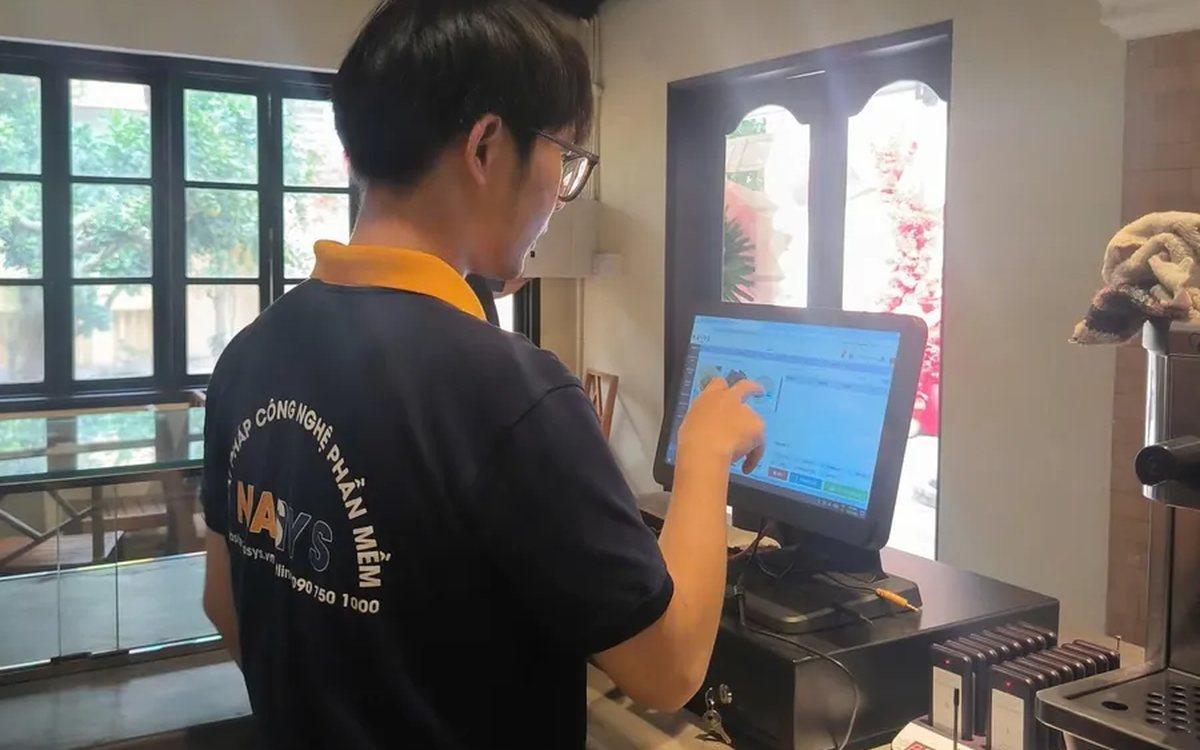
Scan a QR code to order at the table: guests order for themselves, the restaurant needs fewer staff
When guests scan a QR code to order at the table, handing out menus, taking orders, running tickets to the kitchen and answering "where is our food?" move to the guest. This guide separates what guests do themselves, what staff still have to do, how to rearrange shifts by table zone, and where things slip when the restaurant runs with fewer people.
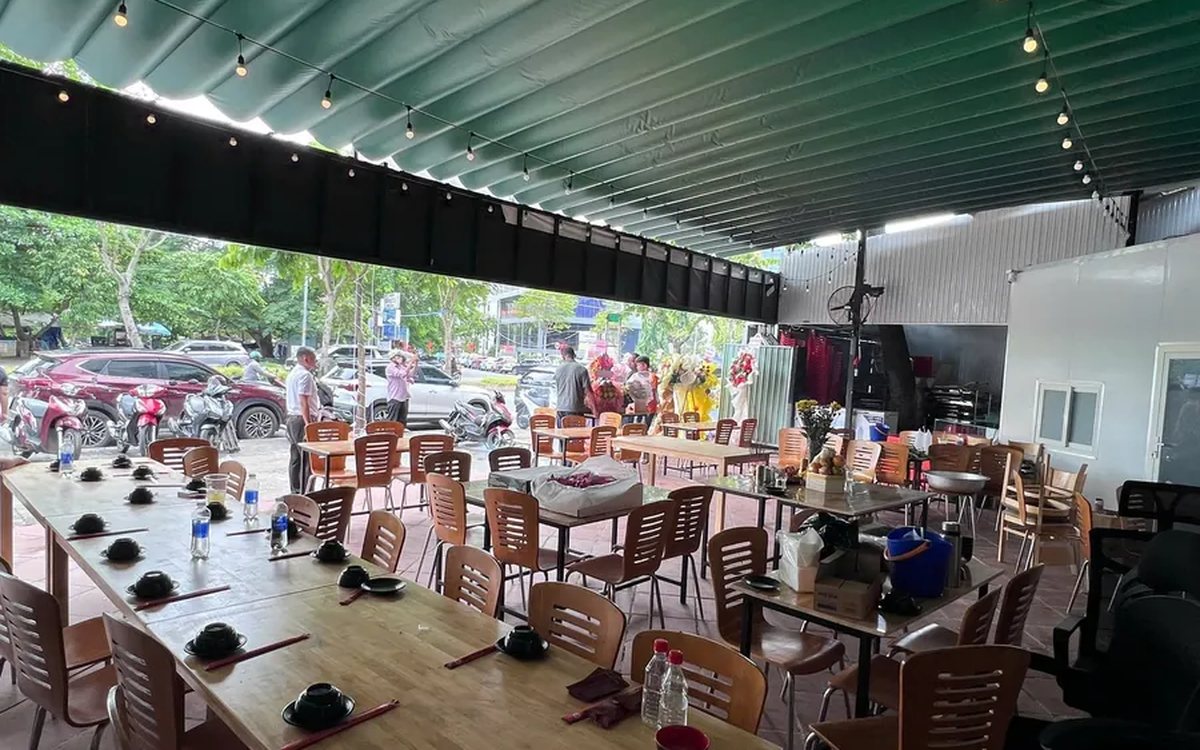
Ordering software for wedding banquet restaurants: serving many tables at once without the bill going wrong
A thirty-table wedding banquet usually goes wrong on the extras: drinks added mid-party, tables set up at the last minute, dishes sent to the kitchen twice, deposits remembered by word of mouth. This guide puts the whole banquet into one order from a multi-table booking or by merging tables, takes extra orders by phone, sends only new items to the kitchen, and settles with the host using a provisional bill, surcharges and automatic deposit deduction.
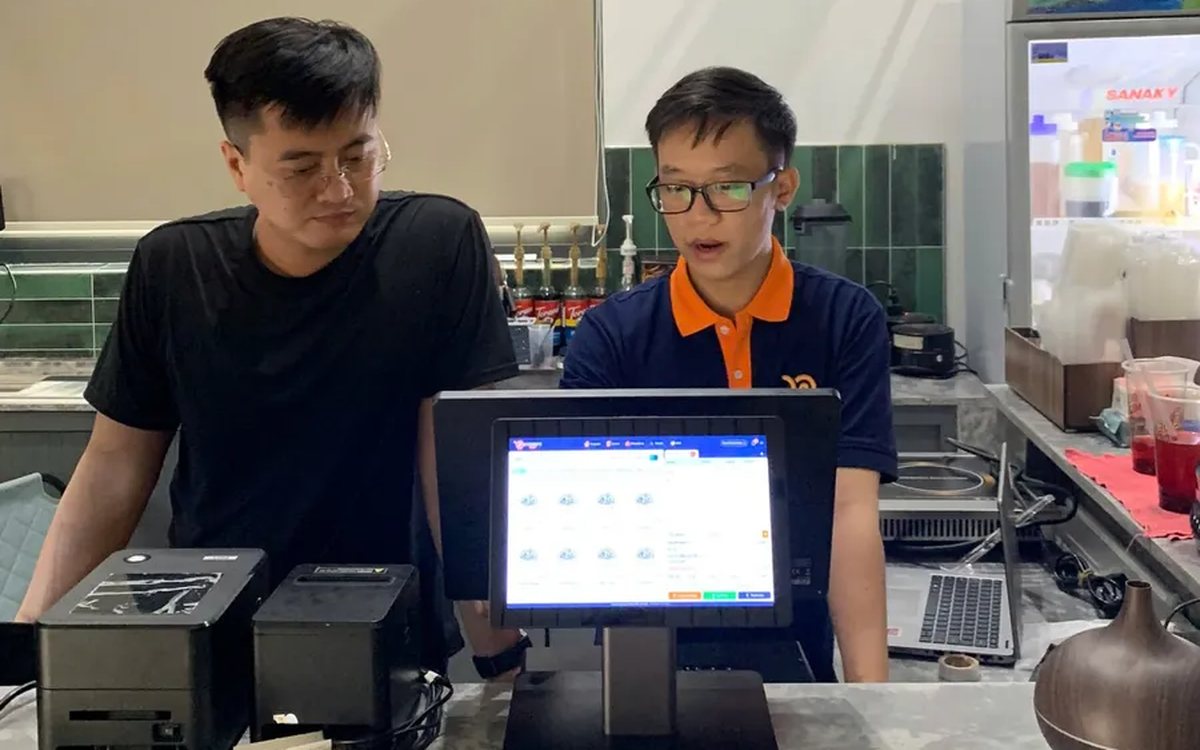
Complete coffee shop management software: how ordering, checkout, inventory and reports connect
Complete coffee shop management software is not a long feature list but ordering, checkout, inventory and reports working together: ring up one cup and the money goes into the right shift, ingredients are deducted by recipe and the end-of-day report updates itself. The article follows one cup through four stages, shows four common break points and the order to switch things on.
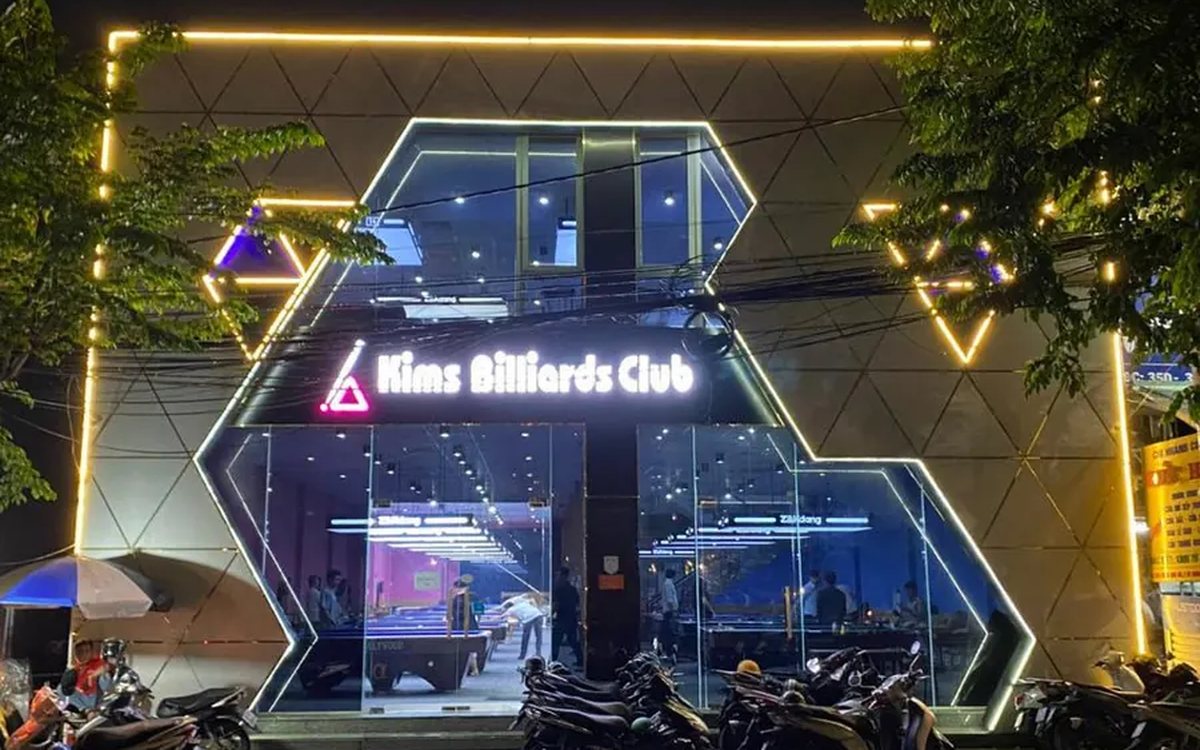
Billiards management software for a small new club: what to set up before opening day
For a new billiards club with five to ten tables, where the owner works the counter and starts the clocks, the software needs to do a few things right: set up tables, hourly rates, the menu and QR codes before opening; let players order drinks themselves and have table lights follow playing time; use camera highlights to get the club known; and after the first month read reports by table, debts and shift close.
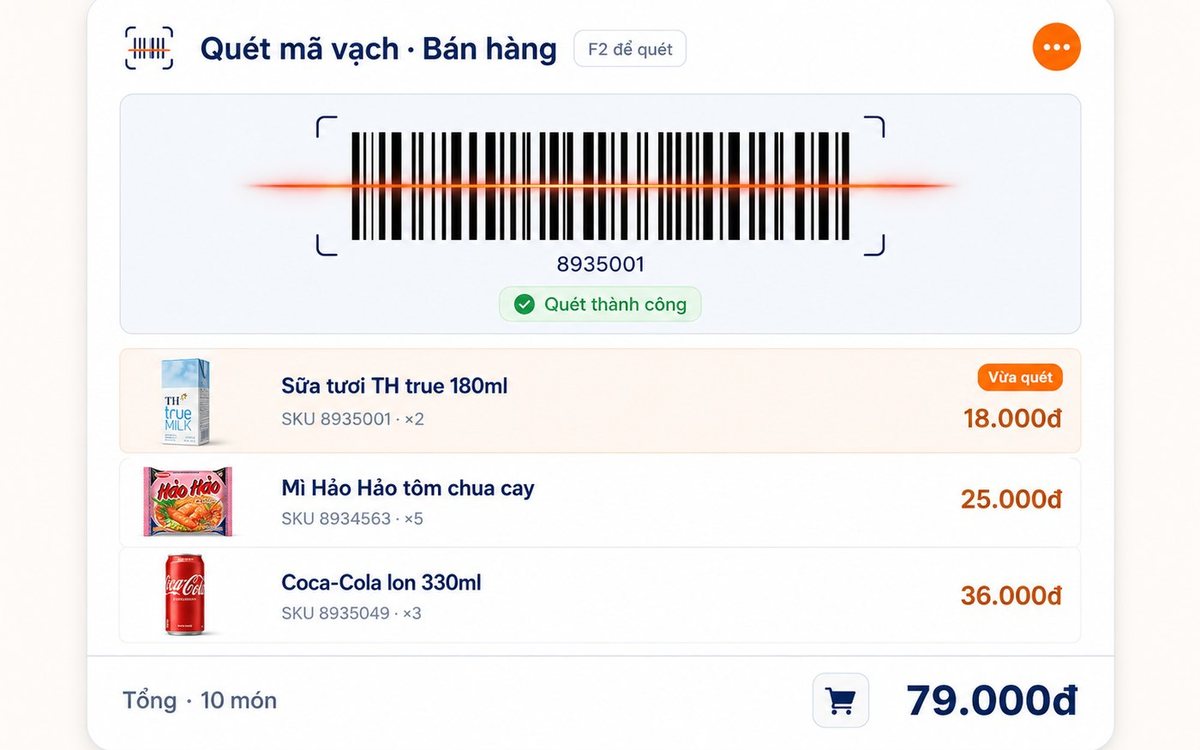
Retail order management software: counter sales and online orders in one place
Counter orders, phone and Zalo orders, and orders from the store's web shop all go into one order book in Ordersys. Each online order moves through five clear statuses, delivery requires the address, delivery time and delivery person, customers track their own order, and there is no adding up two places at the end of the day.
Spa and hair removal appointment software with no double bookings
Hair removal sessions are short, tightly packed and crowded into one machine room, so they clash easily. Each Ordersys appointment records the time, duration, room/bed and therapist; on save the software checks for room clashes, therapist clashes and therapists busy in the spa, adds bed turnover time, and shows exactly which booking is holding the slot.
QR table ordering software for restaurants and eateries
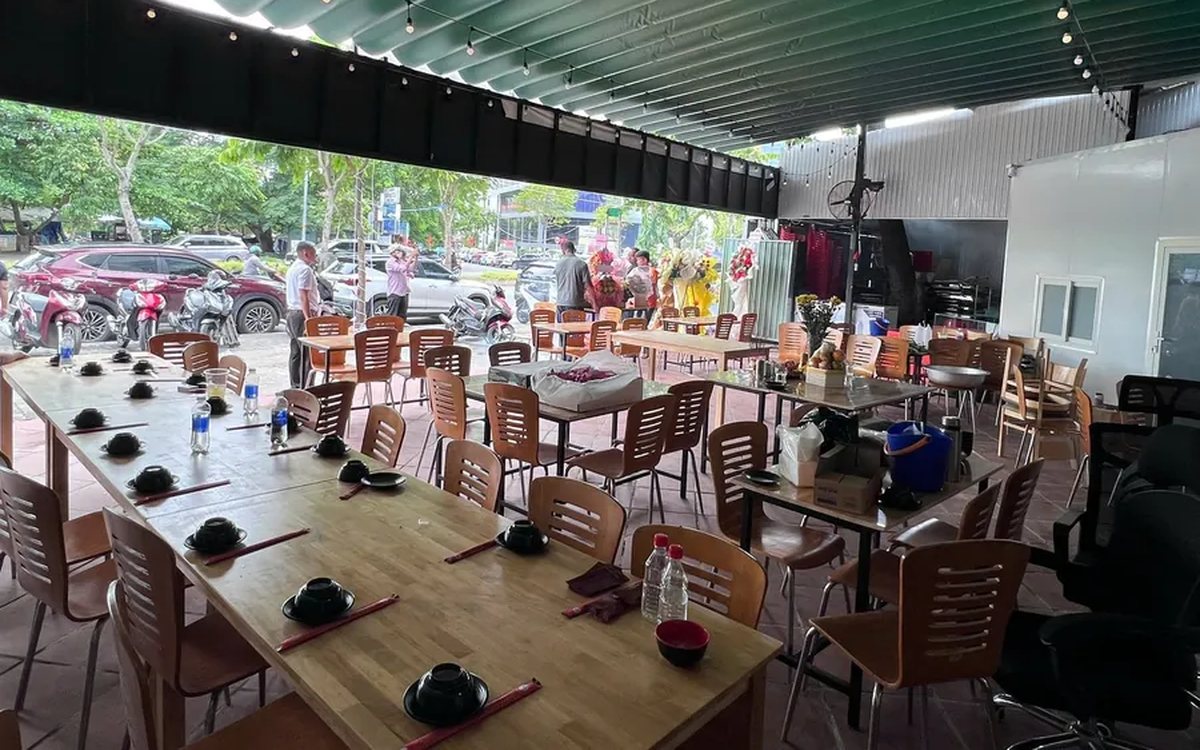
One round of QR ordering in Ordersys goes through five steps: the guest scans the code on the table, picks dishes with options and notes, sends the order (with or without a confirmation step), the kitchen and bar receive it, and the guest reopens the page to check the order and order more. Plus a list of what to set up before putting codes on tables.
Ordersys or KiotViet? A Straight Comparison to Choose Right
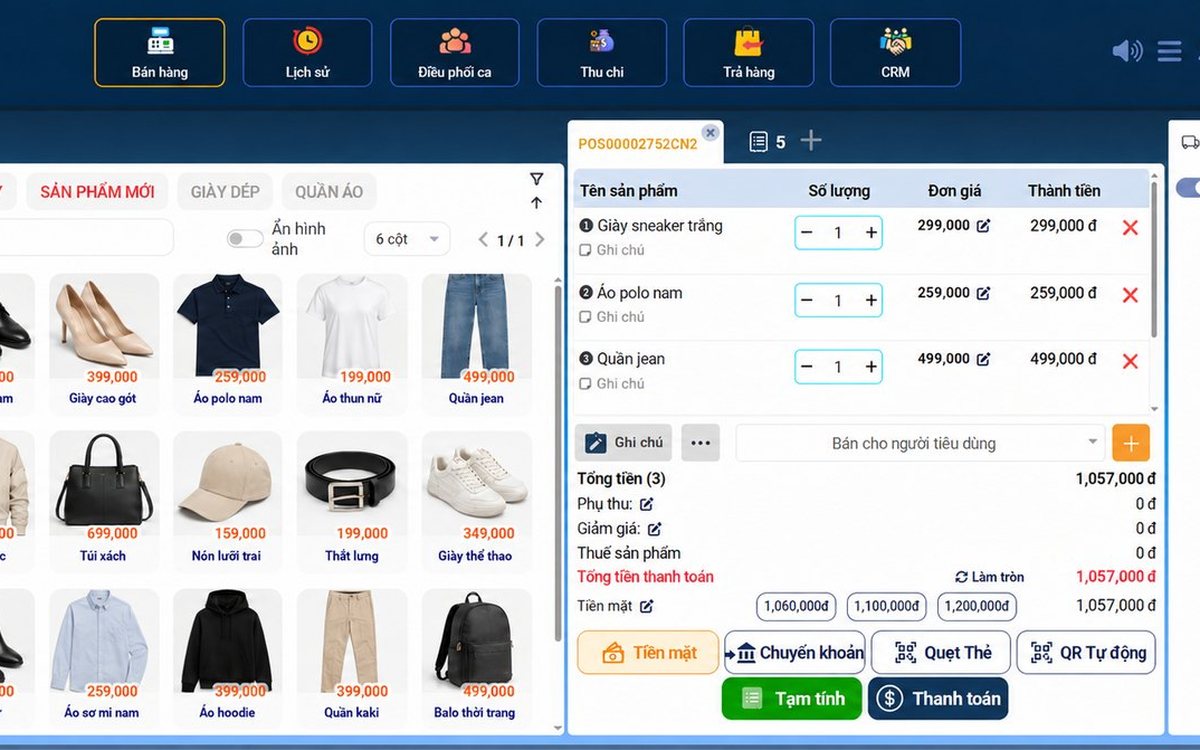
An honest Ordersys vs KiotViet comparison by real needs: retail, services, billiards, QR ordering, automatic payment — choose right, not the wrong fit.