Để khách tự gọi món qua QR thì sớm muộn cũng gặp: khách bấm nhầm số lượng, chọn sai size, con nhỏ cầm điện thoại bấm lung tung, hoặc gọi xong mới đổi ý. Quán nào lắp QR mà chưa trả lời được câu "nhầm thì xử lý thế nào" thì nhân viên sẽ tự xử mỗi người một kiểu, và cuối ngày tiền không khớp.
Chốt chặn quan trọng nhất: đơn QR có cần xác nhận không
Đây là thứ phải quyết trước khi dán mã, không phải để sau. Có hai cách chạy:
| Gửi thẳng xuống bếp | Chờ người xác nhận | |
|---|---|---|
| Khách bấm xong | Bếp nhận ngay, bắt đầu làm | Đơn nằm chờ, có người duyệt rồi bếp mới nhận |
| Nhanh | Nhanh nhất | Chậm hơn vài chục giây |
| Gọi nhầm | Món đã làm rồi — khó xử | Bắt được trước khi bếp làm |
| Hợp với | Quán đồ uống, món làm nhanh, giá thấp | Quán món đắt, món nấu lâu, quán mới lắp QR |
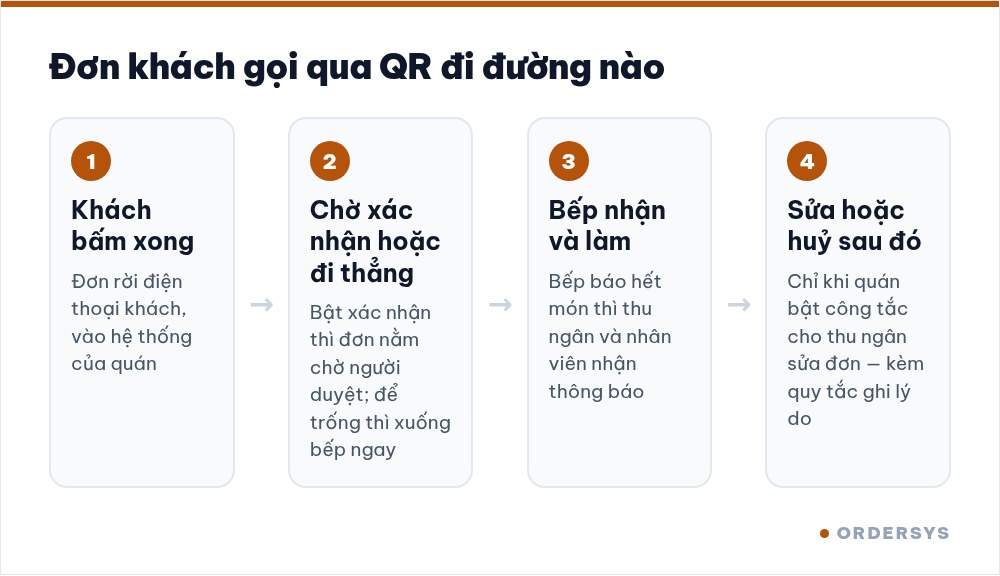
Ordersys có công tắc này: bật xác nhận thì đơn khách gọi qua QR nằm ở trạng thái chờ cho tới khi có người duyệt; để trống thì đơn đi thẳng xuống bếp. Và chọn được ai là người duyệt — thu ngân, nhân viên, hay bếp.
Huỷ món sau khi bếp đã nhận
Trường hợp khó hơn: bếp đã xác nhận, có khi đã làm xong. Ordersys có thêm một công tắc riêng cho việc này — cho phép thu ngân sửa đơn sau khi bếp đã xác nhận: sửa số lượng, sửa đơn giá, xoá món, huỷ đơn. Bật hay tắt là quyết định của quán, và nên quyết dứt khoát:
- Tắt — bếp đã làm thì không ai sửa được. Chặt về tiền, nhưng khách nhầm thật thì phải xử lý ngoài hệ thống, dễ sinh tranh cãi tại quầy.
- Bật — xử được cho khách ngay, nhưng phải kèm quy tắc: ai được huỷ, huỷ phải ghi lý do, và chủ xem lại danh sách món huỷ mỗi tuần. Không có bước xem lại thì đây là lỗ hổng thất thoát.
Món hết giữa lúc khách đang gọi
Tình huống hay gặp không kém: khách gọi món vừa hết. Ordersys cho bếp báo hết món, và khi bếp báo thì hệ thống gửi thông báo tới thu ngân và nhân viên. Hệ thống cũng chặn theo số lượng còn lại, báo rõ món còn mấy phần.
Việc của quán là dùng nó cho đúng: bếp phải báo hết ngay lúc hết, không để cuối buổi mới báo. Một món hết mà không báo thì cả buổi khách gọi vào đó, nhân viên xin lỗi từng bàn.
Bốn câu phải trả lời trước khi dán mã
- Đơn QR có chờ xác nhận hay đi thẳng bếp? — và nếu chờ thì ai duyệt.
- Huỷ món sau khi bếp nhận: ai được huỷ? Nên giới hạn ở thu ngân hoặc quản lý, không phải ai cũng được.
- Huỷ có phải ghi lý do không? Nên có — đó là thứ duy nhất giúp anh phân biệt khách nhầm với nhân viên gian.
- Bao lâu xem lại danh sách món huỷ? Mỗi tuần một lần, năm phút. Số huỷ tăng bất thường ở một ca là tín hiệu cần hỏi.
Viết bốn câu trả lời này lên giấy dán ở quầy. Nhân viên mới đọc là biết làm, không phải đoán.
Đo xem có vấn đề không
Mỗi tuần xem hai con số: số món bị huỷ và tỉ lệ huỷ trên tổng đơn QR. Tuần đầu cao là bình thường. Nếu sau một tháng vẫn cao thì nguyên nhân thường không phải khách nhầm, mà là menu trên trang QR chưa rõ — thiếu ảnh, thiếu mô tả, tuỳ chọn khó hiểu. Sửa menu, đừng mắng khách.
Xem thêm: cần chuẩn bị gì ở quán và QR gọi món có phải tải app không.
Công tắc xác nhận đơn QR (chờ duyệt hay gửi thẳng bếp, chọn người duyệt), công tắc cho thu ngân sửa và huỷ đơn sau khi bếp xác nhận, bếp báo hết món kèm thông báo tới thu ngân và nhân viên, và chặn theo số lượng còn lại.
Ordersys has editions for restaurants and for retail stores: checkout, stock, reports and e-invoices, with on-site setup and training.
Other news
Sales software for household businesses that fits the new rules
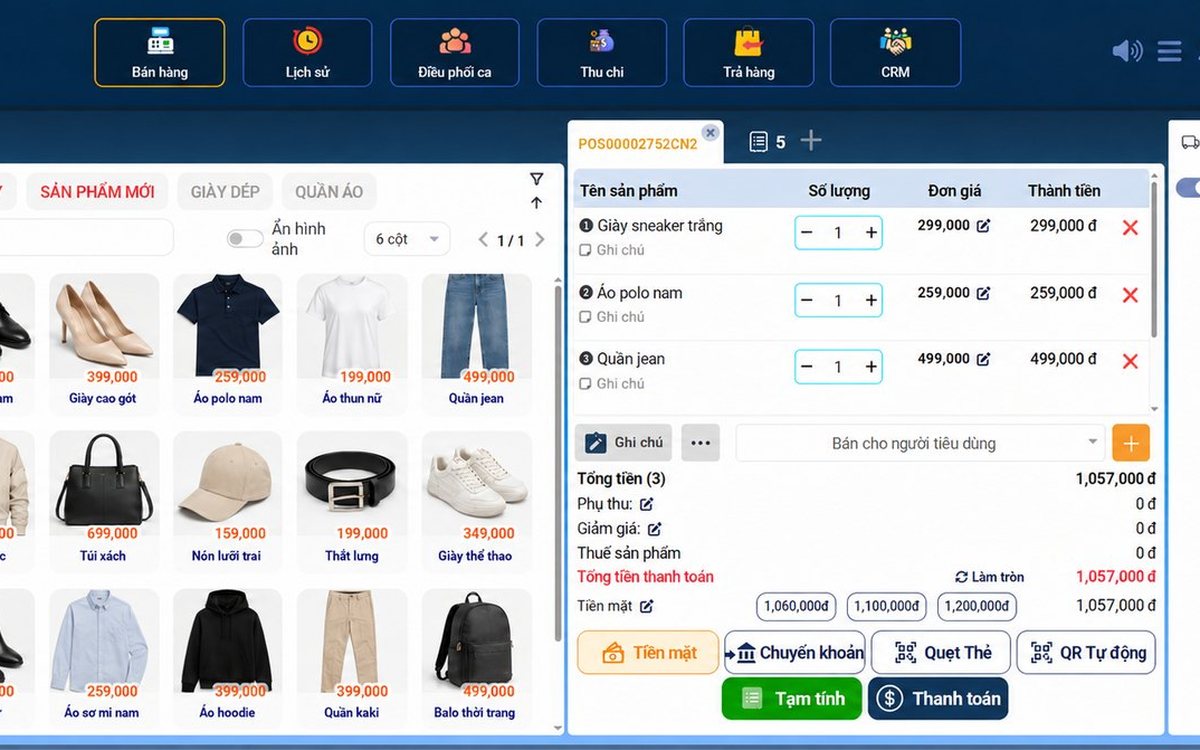
From 2026 household businesses no longer pay presumptive tax and declare based on actual revenue; stores with revenue of 1 billion VND/year or more selling directly to consumers must use e-invoices generated from cash registers. This guide summarises the regulatory milestones that affect retail stores and what sales software must do: record every order, issue e-invoices, report by period, keep purchase records and track debts.
Scan a QR code to order at the table: guests order for themselves, the restaurant needs fewer staff
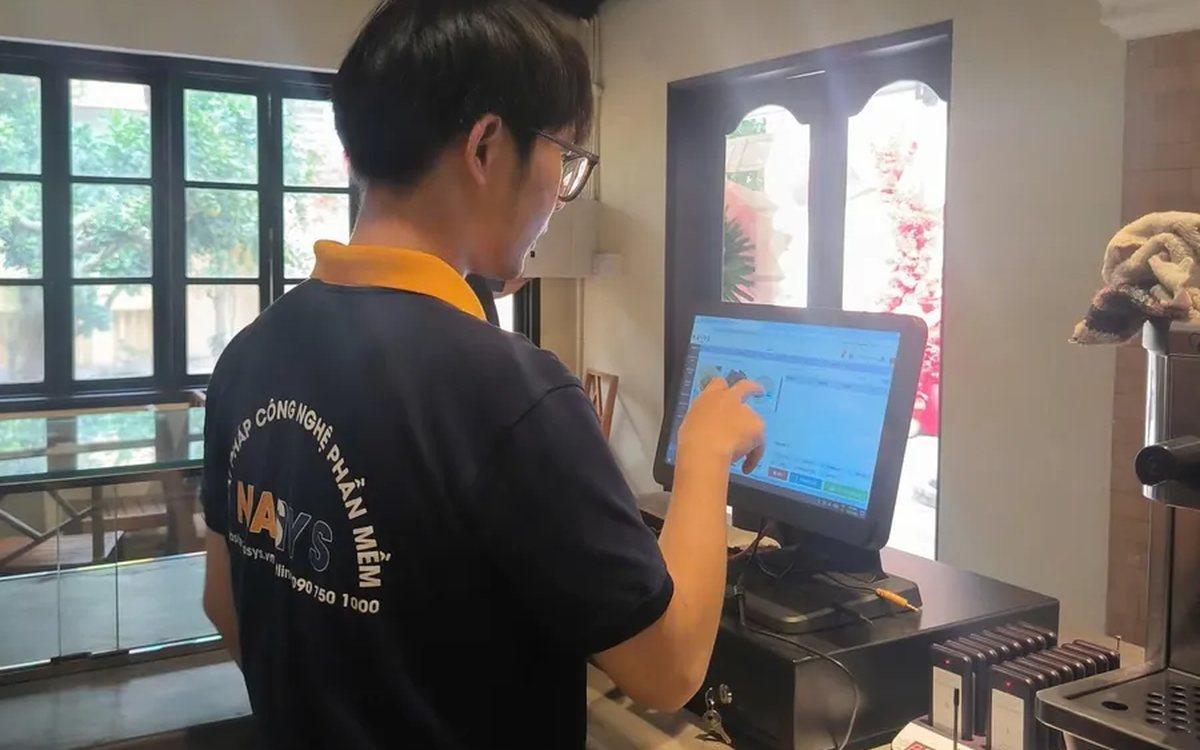
When guests scan a QR code to order at the table, handing out menus, taking orders, running tickets to the kitchen and answering "where is our food?" move to the guest. This guide separates what guests do themselves, what staff still have to do, how to rearrange shifts by table zone, and where things slip when the restaurant runs with fewer people.
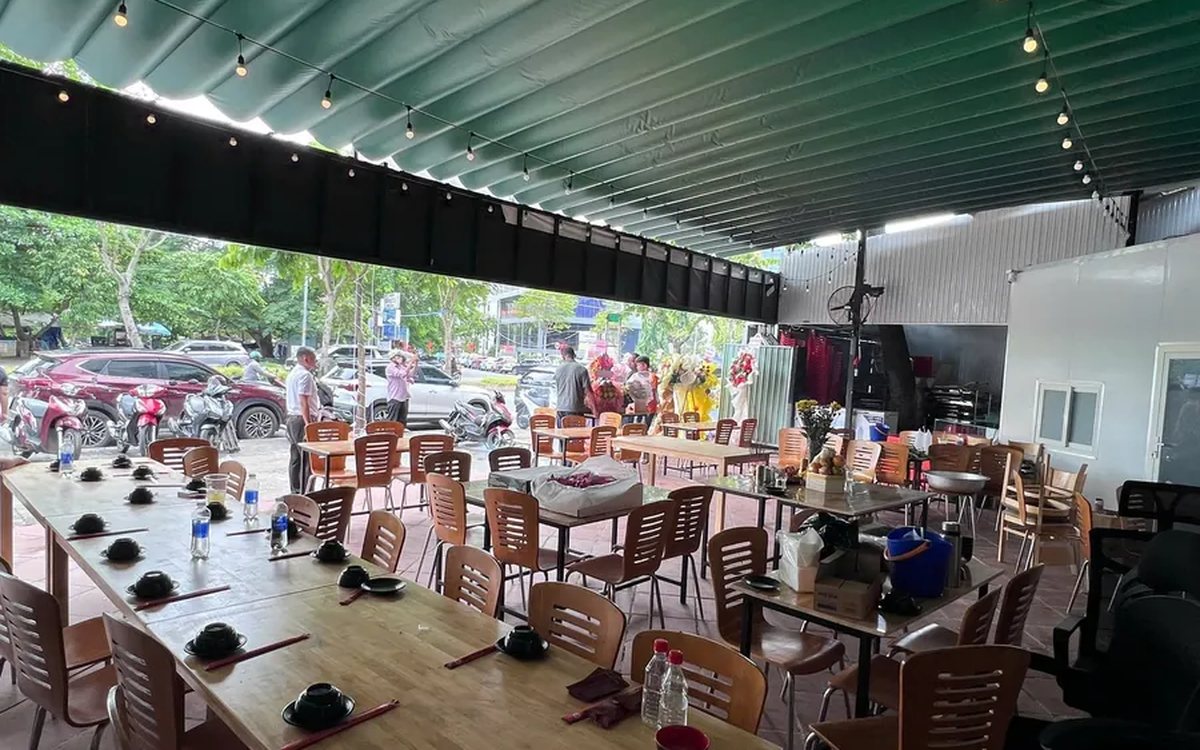
Ordering software for wedding banquet restaurants: serving many tables at once without the bill going wrong
A thirty-table wedding banquet usually goes wrong on the extras: drinks added mid-party, tables set up at the last minute, dishes sent to the kitchen twice, deposits remembered by word of mouth. This guide puts the whole banquet into one order from a multi-table booking or by merging tables, takes extra orders by phone, sends only new items to the kitchen, and settles with the host using a provisional bill, surcharges and automatic deposit deduction.
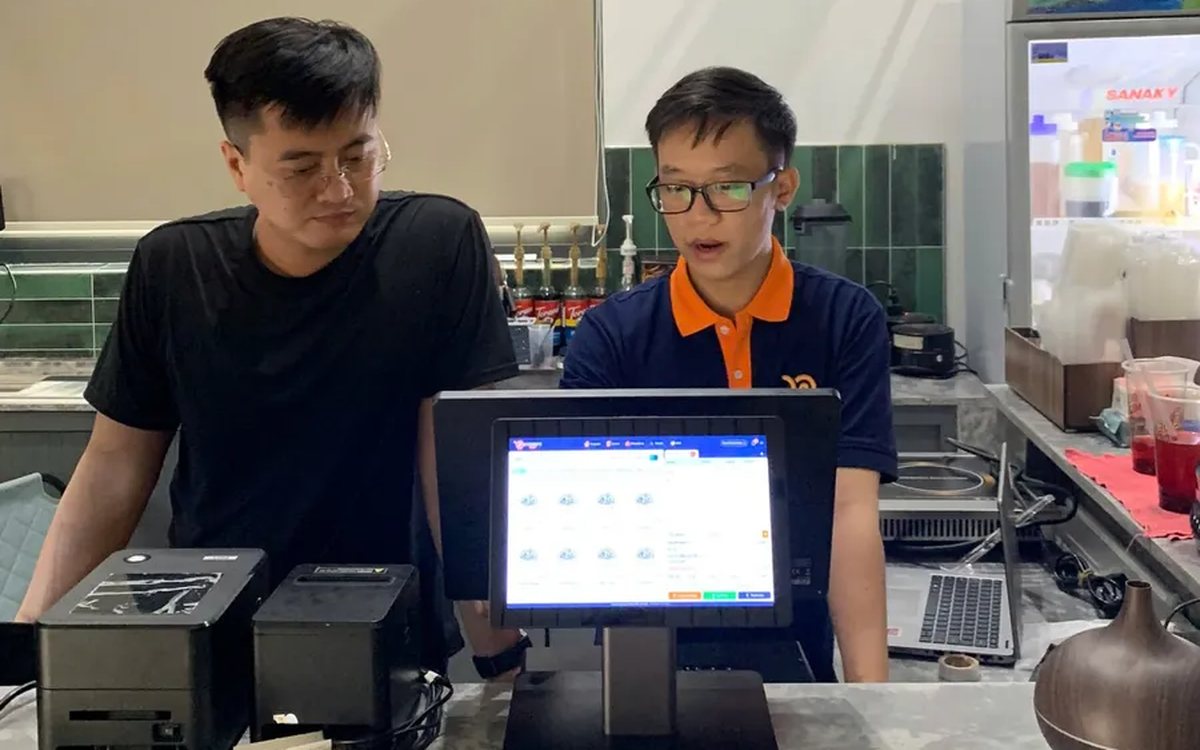
Complete coffee shop management software: how ordering, checkout, inventory and reports connect
Complete coffee shop management software is not a long feature list but ordering, checkout, inventory and reports working together: ring up one cup and the money goes into the right shift, ingredients are deducted by recipe and the end-of-day report updates itself. The article follows one cup through four stages, shows four common break points and the order to switch things on.
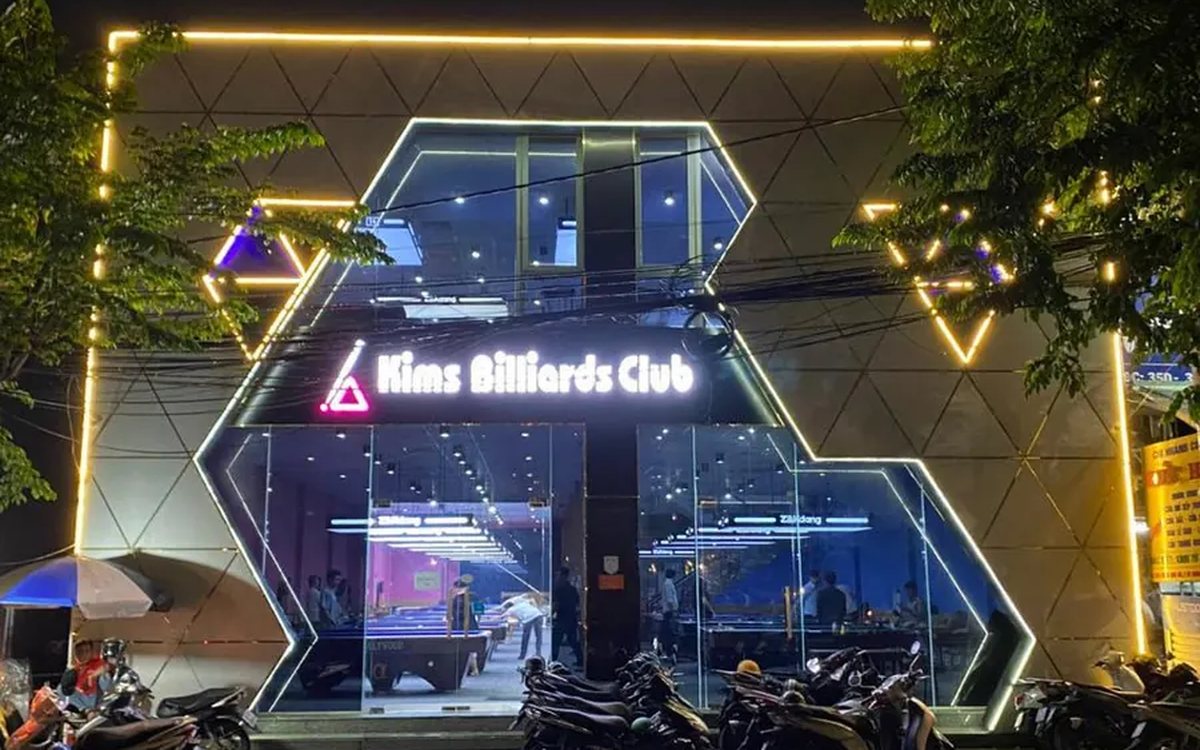
Billiards management software for a small new club: what to set up before opening day
For a new billiards club with five to ten tables, where the owner works the counter and starts the clocks, the software needs to do a few things right: set up tables, hourly rates, the menu and QR codes before opening; let players order drinks themselves and have table lights follow playing time; use camera highlights to get the club known; and after the first month read reports by table, debts and shift close.
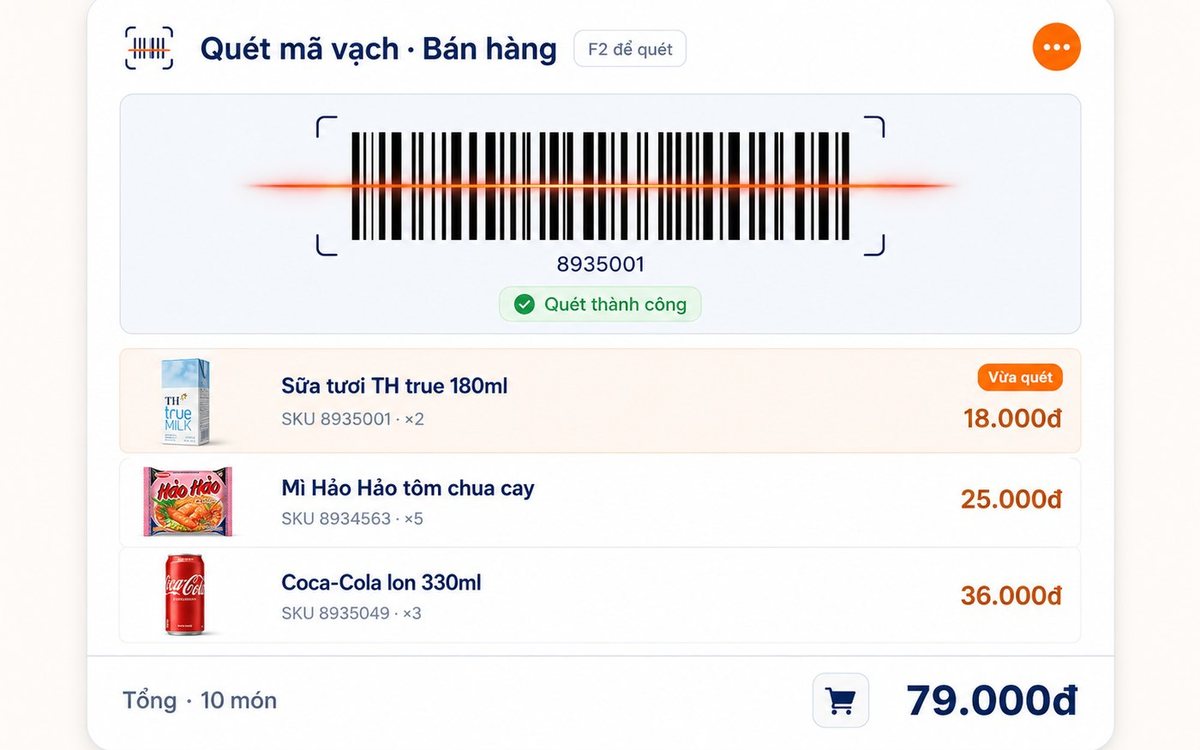
Retail order management software: counter sales and online orders in one place
Counter orders, phone and Zalo orders, and orders from the store's web shop all go into one order book in Ordersys. Each online order moves through five clear statuses, delivery requires the address, delivery time and delivery person, customers track their own order, and there is no adding up two places at the end of the day.

Spa and hair removal appointment software with no double bookings
Hair removal sessions are short, tightly packed and crowded into one machine room, so they clash easily. Each Ordersys appointment records the time, duration, room/bed and therapist; on save the software checks for room clashes, therapist clashes and therapists busy in the spa, adds bed turnover time, and shows exactly which booking is holding the slot.
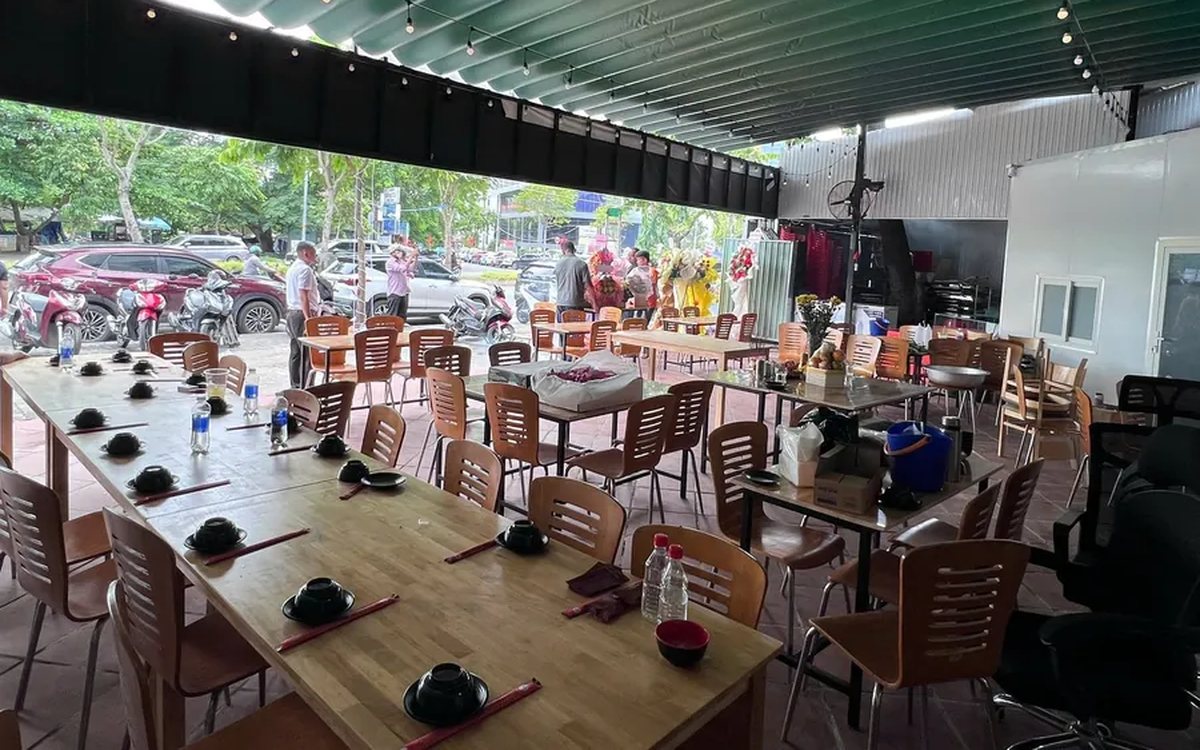
QR table ordering software for restaurants and eateries
One round of QR ordering in Ordersys goes through five steps: the guest scans the code on the table, picks dishes with options and notes, sends the order (with or without a confirmation step), the kitchen and bar receive it, and the guest reopens the page to check the order and order more. Plus a list of what to set up before putting codes on tables.
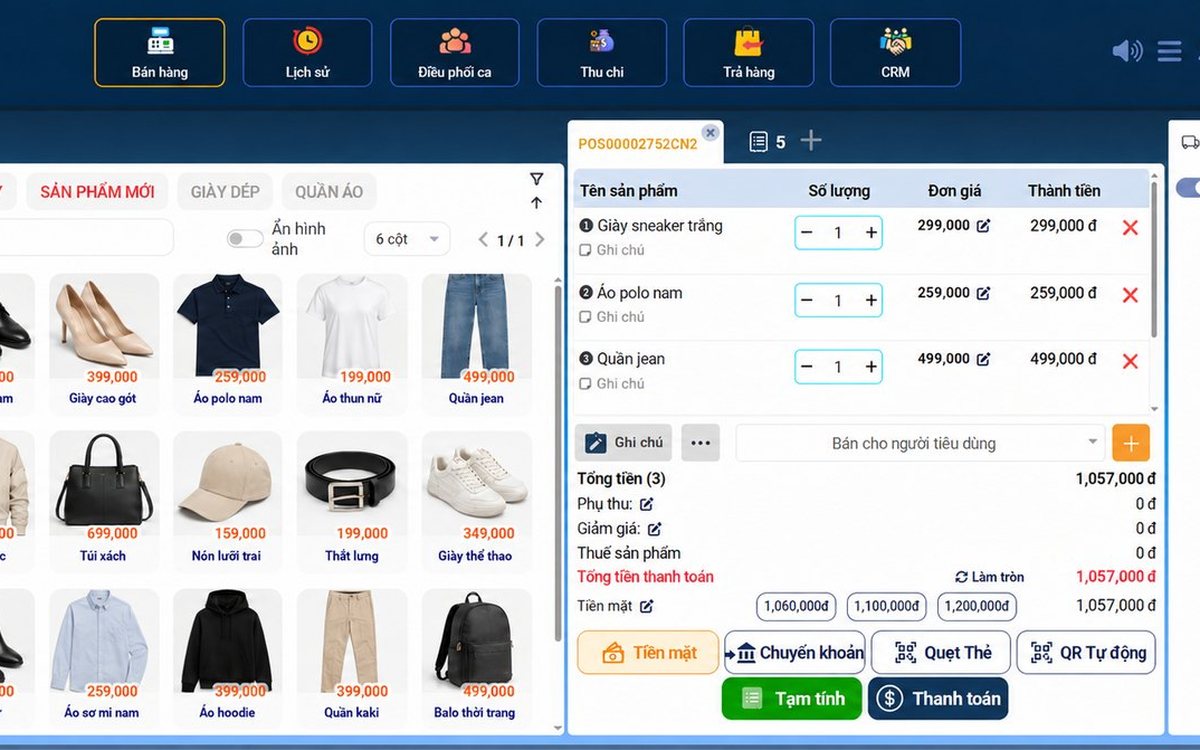
Ordersys or KiotViet? A Straight Comparison to Choose Right
An honest Ordersys vs KiotViet comparison by real needs: retail, services, billiards, QR ordering, automatic payment — choose right, not the wrong fit.