
It is a Saturday evening at the end of the lunar year, and all three nail technicians are fully booked from six to ten. The customer booked for a seven o'clock acrylic set with painted flowers never shows up and never messages. Two hours of the salon's most skilled technician go by and cannot be sold to anyone else, because walk-in customers see a busy salon at that hour and turn away. In peak season, every missed booking is a real loss. A deposit is not about earning extra money; it is about making customers treat the appointment as a promise.
Which bookings need a deposit and which do not
Asking every customer for a deposit annoys regulars, while asking no one leaves long bookings easy to abandon. Deciding by booking type is simpler:
| Booking type | Ask for a deposit? | Why |
|---|---|---|
| Long services (acrylic, extensions, detailed art) on evenings and weekends | Yes | One booking holds a technician for the whole session; a no-show loses the best time slot entirely |
| New customers booking by message for the first time | Yes | The salon does not yet know whether they keep appointments |
| Groups (brides, bridesmaids, groups of friends) | Yes | They hold several technicians at once; a cancelled group empties several chairs |
| Regulars who come often, short services | Not needed | Low risk; asking for a deposit only makes them feel distrusted |
| Weekdays, quiet hours | Not needed | If a customer misses the booking, walk-ins can still fill the gap |
Where the deposit goes after you take it
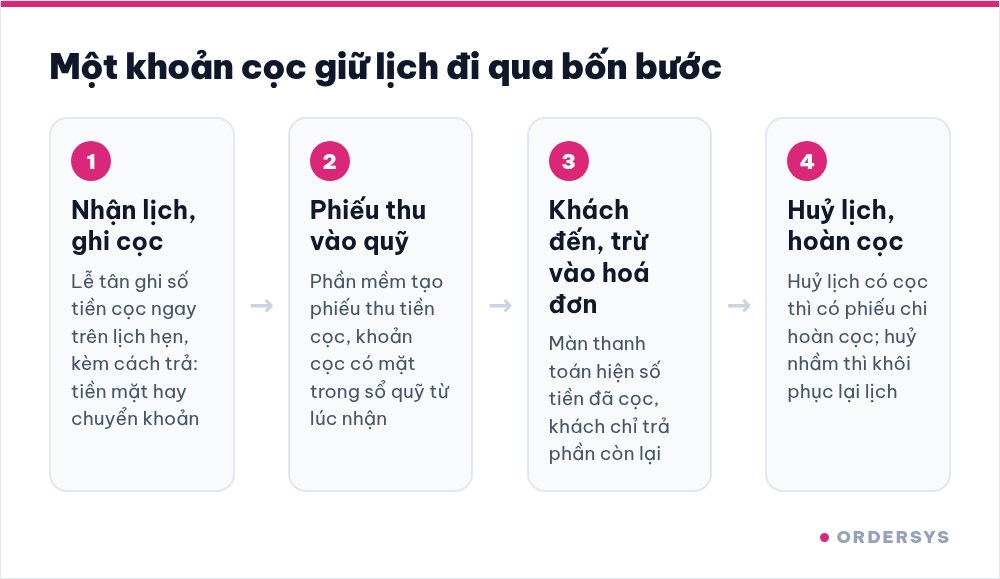
In peak season, deposits tend to go missing in one familiar place: the customer transfers money to the owner's account, the receptionist does not know, and when the customer arrives they are charged in full and have to open their phone to prove they paid. In Ordersys the deposit is recorded right on the booking, so it does not get lost like that:
- Taking a booking means recording the deposit. The booking has a deposit field, along with whether it was paid in cash or by bank transfer. The booking list has a deposit column, so you can see at a glance which bookings are secured.
- The deposit enters the cash book immediately. When a deposit is recorded, the software creates a deposit receipt, so the money appears in the fund without waiting for the customer to pay.
- When the customer arrives, the deposit follows the order. The payment screen shows a "Deposit paid" line, this amount counts toward the total payment, and the customer only pays the remainder.
- Cancel a booking with a deposit and the fund balances itself. The software creates a deposit refund voucher. If a booking was cancelled by mistake, restore it and the refund voucher is removed as well.
One thing to know: bookings that customers make themselves online via QR currently do not collect a deposit. To secure a slot with a deposit, the customer transfers money to the salon, and the receptionist records that amount on the booking.
How much to take and what to say when you take it
The deposit should be a small part of the service price, enough to make the customer remember the appointment but not so much that they hesitate to book. For large groups, charge per person instead of lumping it into one big amount. More important than the amount are three things to state clearly when you take the deposit:
- How long the slot is held if the customer is late. After that many minutes, the salon may seat another customer.
- How far in advance a cancellation must be made to get the deposit back. In peak season, set this earlier than usual, because last-minute cancellations are very hard to fill.
- If the time changes, the deposit moves with it. When a customer asks to move to another slot, edit the existing booking instead of creating a new one, and the deposit stays on that booking.
Repeat these three points in the confirmation message on Zalo, along with the appointment time and the technician's name. If a dispute comes up, both sides have the message to look back at.
A deposit holds a specific technician's time
Nail salon customers usually book a technician, not just a time. In peak season the best nail artist is fully booked first, so a deposit really holds a time slot of that particular person. Agree on two situations in advance within the salon:
- A technician is suddenly off: tell the customer as early as possible and let them choose a different technician, a new time or their deposit back. Do not quietly assign someone else and let the customer find out on arrival.
- The customer asks for a different technician: treat it as a booking change; the deposit moves with it, as long as the new slot is free.
After the season, count two numbers
When peak season is over, open the booking list and count two numbers: how many bookings with a deposit were missed, and how many bookings without a deposit were missed. If many bookings without a deposit were missed and they were mostly new customers, ask new customers for deposits earlier next year. If bookings with a deposit were still often missed, review the deposit amount or the cancellation deadline.
Bookings by technician and chair, deposits recorded on bookings, deposits deducted at payment and appointment reminders via Zalo are all part of the Ordersys nail salon management software. Salons can try it free for 7 days: enter next week's bookings, record deposits for a few long ones and see whether the fund matches at the end of the day.
Read more: Nail salons at year end: managing busy schedules and seasonal technicians · Tracking appointment status: arrived, late or cancelled.
Manage appointments, session-based treatments, client records and technician commissions in one app.
Other news
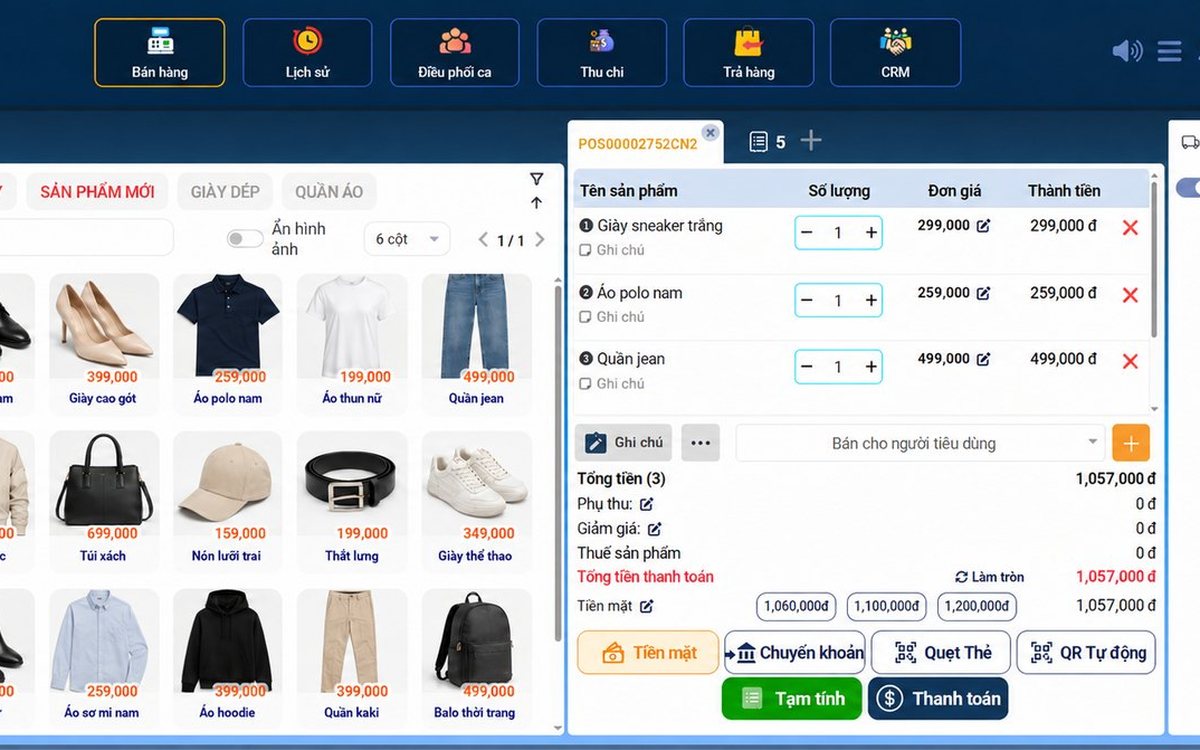
Sales software for household businesses that fits the new rules
From 2026 household businesses no longer pay presumptive tax and declare based on actual revenue; stores with revenue of 1 billion VND/year or more selling directly to consumers must use e-invoices generated from cash registers. This guide summarises the regulatory milestones that affect retail stores and what sales software must do: record every order, issue e-invoices, report by period, keep purchase records and track debts.
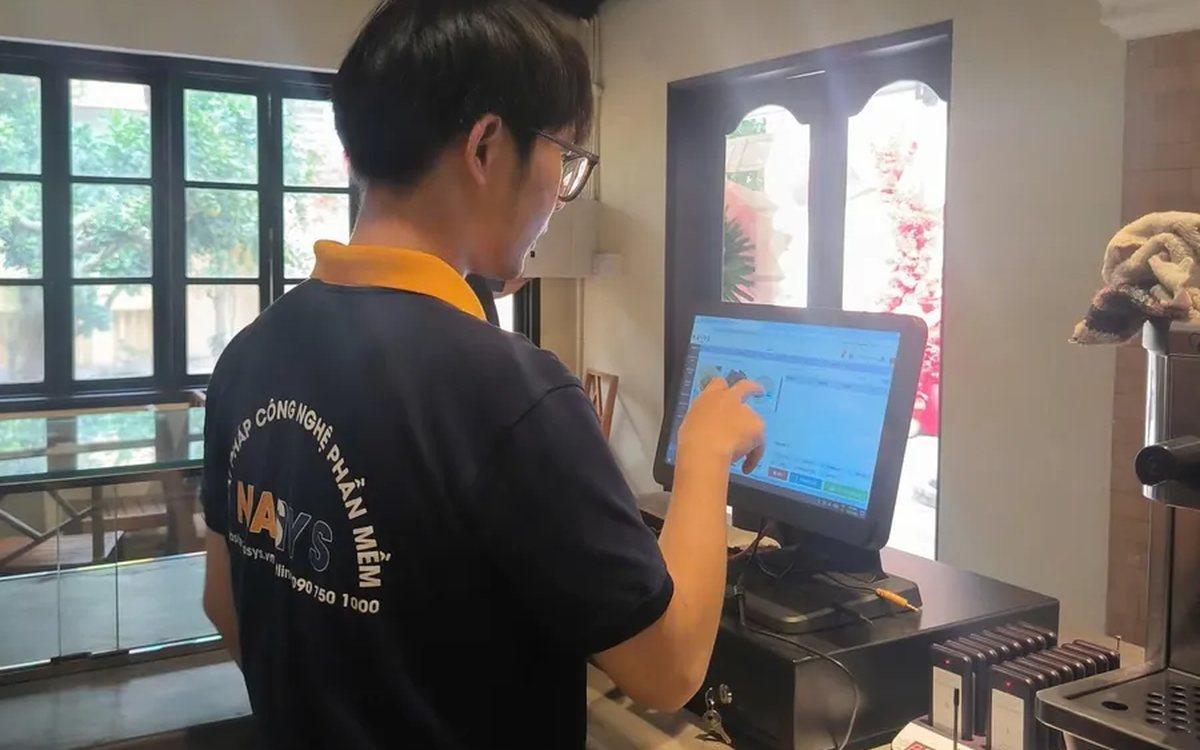
Scan a QR code to order at the table: guests order for themselves, the restaurant needs fewer staff
When guests scan a QR code to order at the table, handing out menus, taking orders, running tickets to the kitchen and answering "where is our food?" move to the guest. This guide separates what guests do themselves, what staff still have to do, how to rearrange shifts by table zone, and where things slip when the restaurant runs with fewer people.
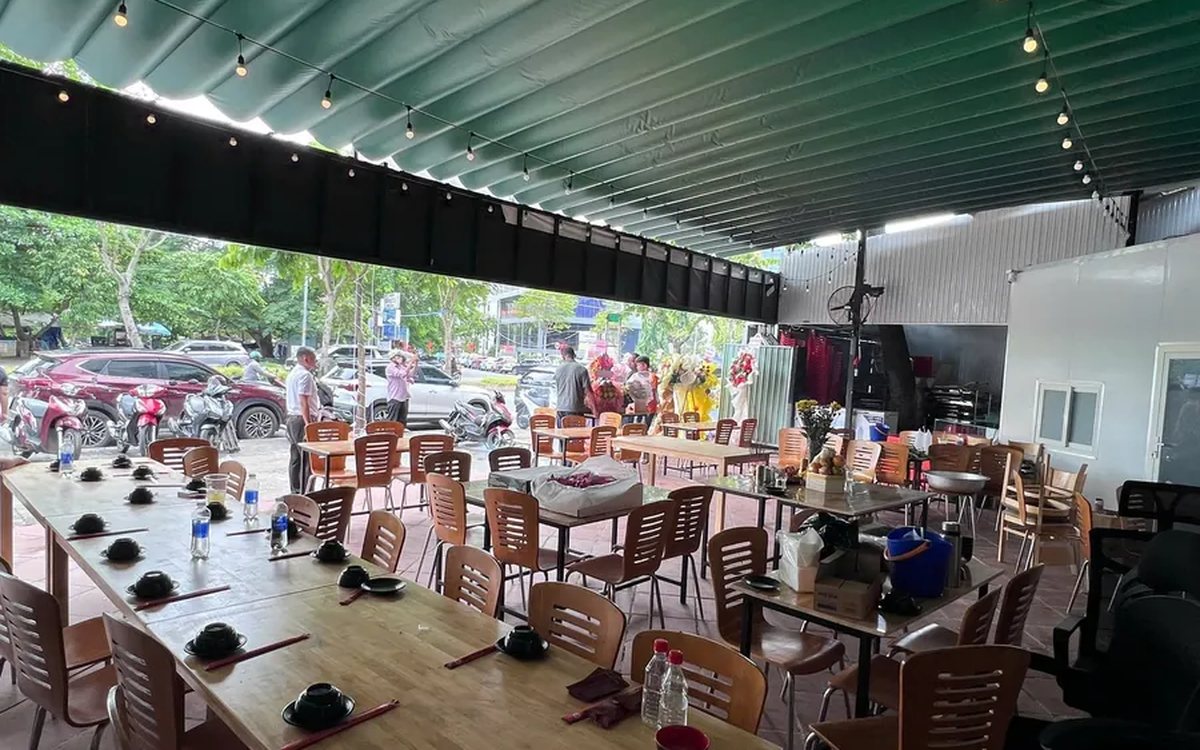
Ordering software for wedding banquet restaurants: serving many tables at once without the bill going wrong
A thirty-table wedding banquet usually goes wrong on the extras: drinks added mid-party, tables set up at the last minute, dishes sent to the kitchen twice, deposits remembered by word of mouth. This guide puts the whole banquet into one order from a multi-table booking or by merging tables, takes extra orders by phone, sends only new items to the kitchen, and settles with the host using a provisional bill, surcharges and automatic deposit deduction.
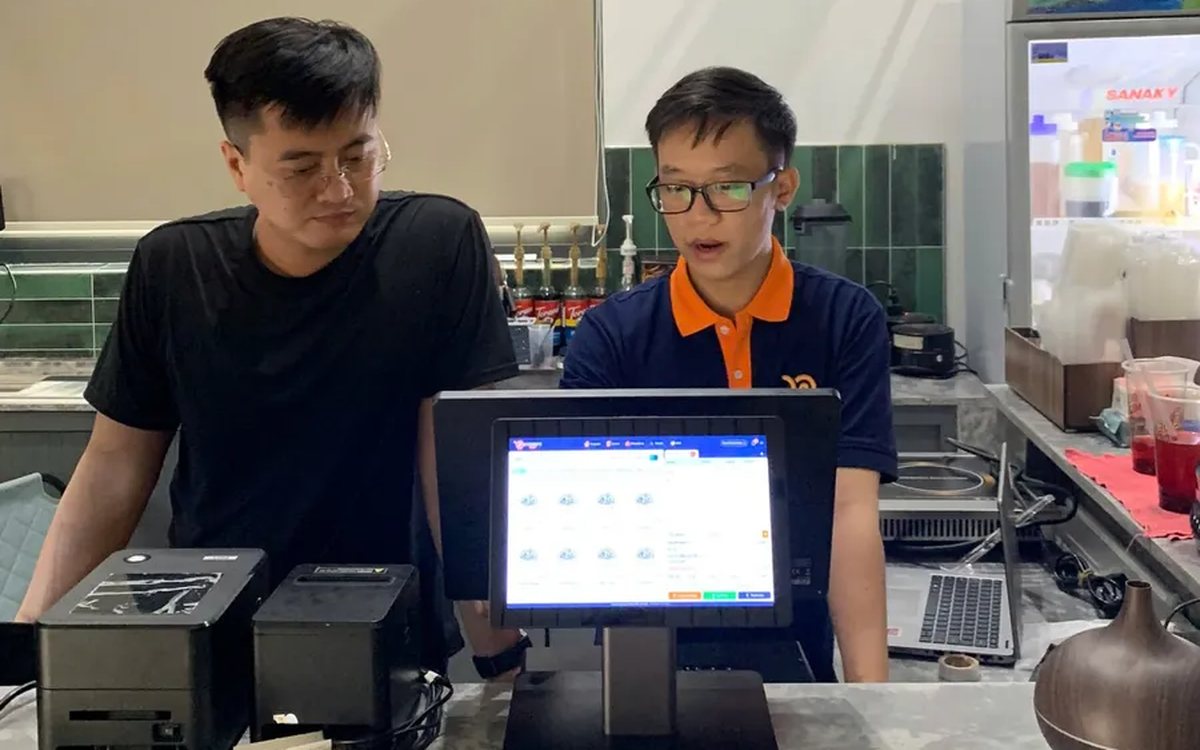
Complete coffee shop management software: how ordering, checkout, inventory and reports connect
Complete coffee shop management software is not a long feature list but ordering, checkout, inventory and reports working together: ring up one cup and the money goes into the right shift, ingredients are deducted by recipe and the end-of-day report updates itself. The article follows one cup through four stages, shows four common break points and the order to switch things on.
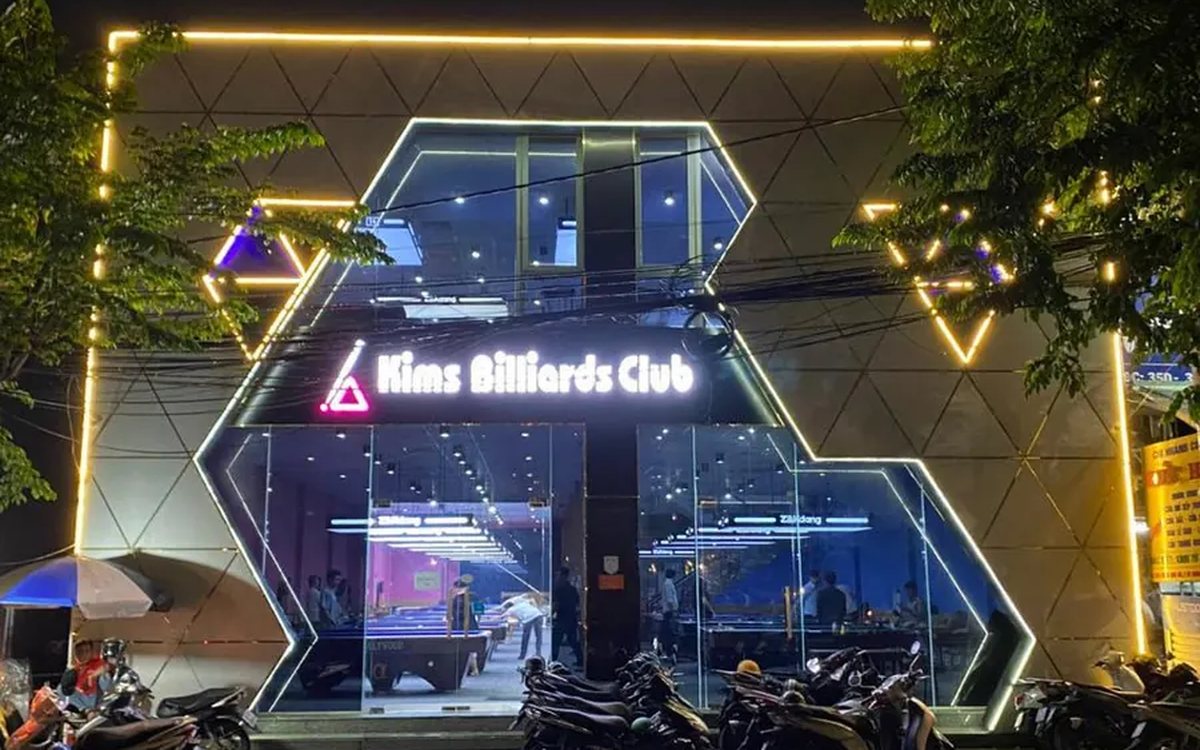
Billiards management software for a small new club: what to set up before opening day
For a new billiards club with five to ten tables, where the owner works the counter and starts the clocks, the software needs to do a few things right: set up tables, hourly rates, the menu and QR codes before opening; let players order drinks themselves and have table lights follow playing time; use camera highlights to get the club known; and after the first month read reports by table, debts and shift close.
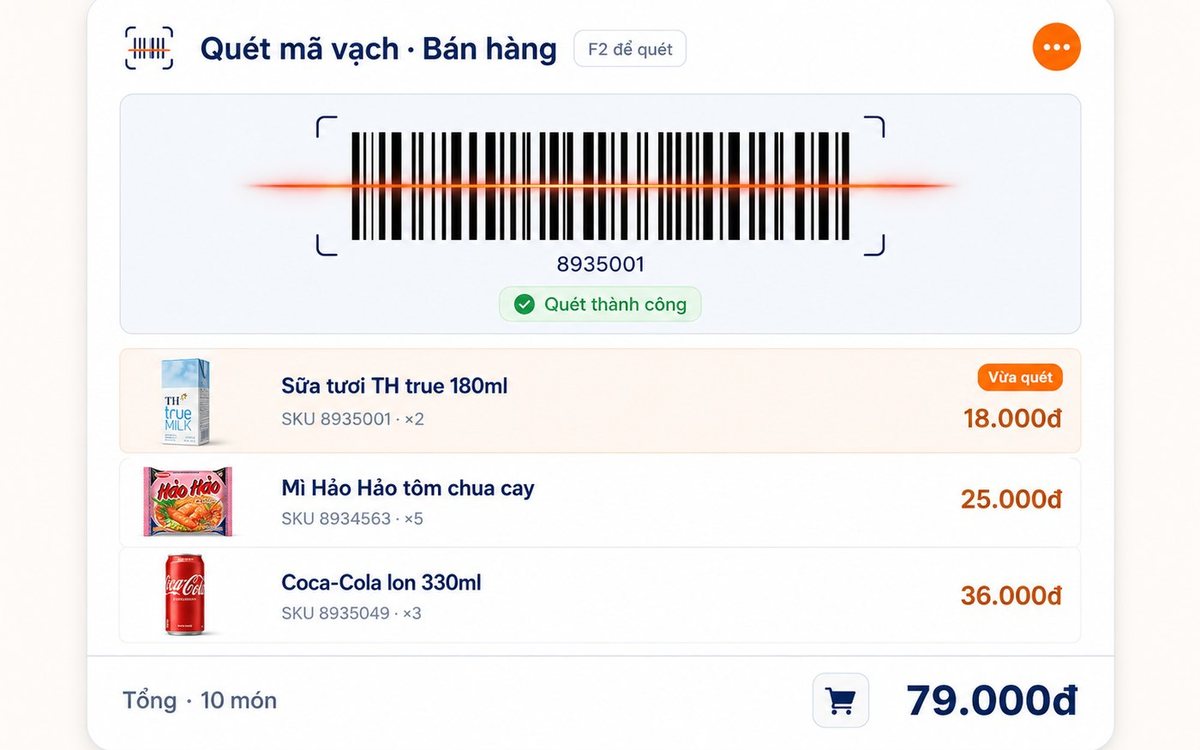
Retail order management software: counter sales and online orders in one place
Counter orders, phone and Zalo orders, and orders from the store's web shop all go into one order book in Ordersys. Each online order moves through five clear statuses, delivery requires the address, delivery time and delivery person, customers track their own order, and there is no adding up two places at the end of the day.

Spa and hair removal appointment software with no double bookings
Hair removal sessions are short, tightly packed and crowded into one machine room, so they clash easily. Each Ordersys appointment records the time, duration, room/bed and therapist; on save the software checks for room clashes, therapist clashes and therapists busy in the spa, adds bed turnover time, and shows exactly which booking is holding the slot.
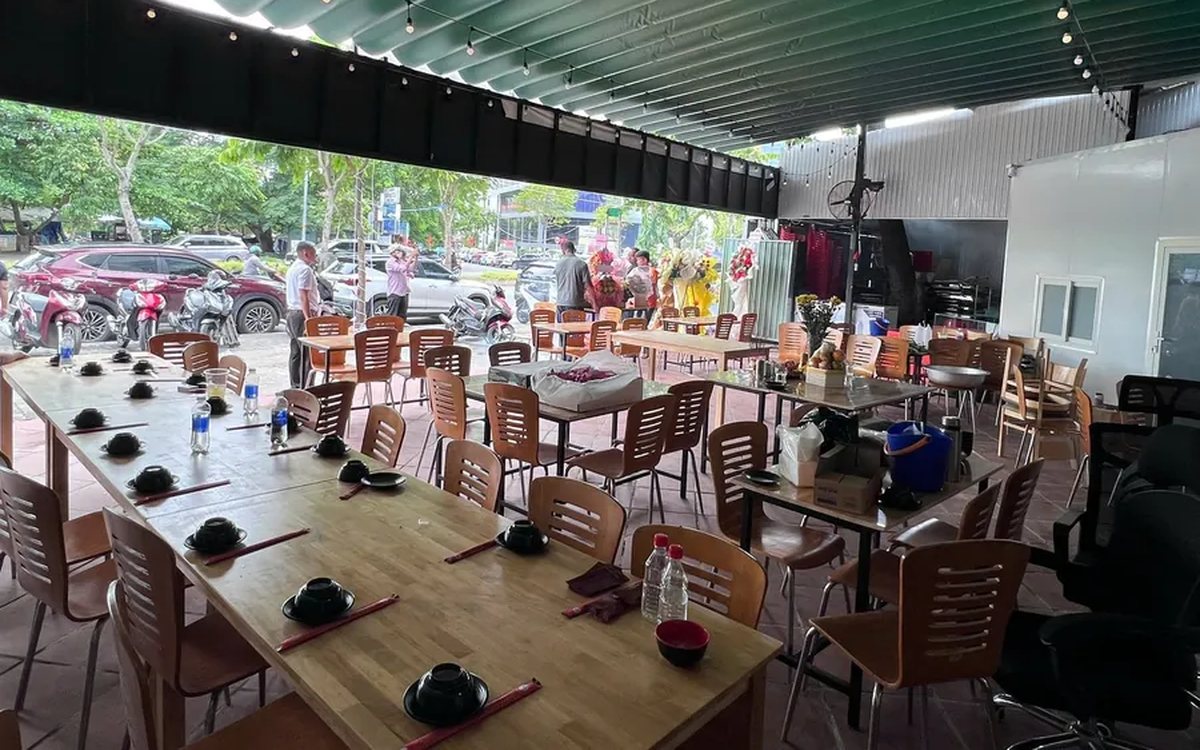
QR table ordering software for restaurants and eateries
One round of QR ordering in Ordersys goes through five steps: the guest scans the code on the table, picks dishes with options and notes, sends the order (with or without a confirmation step), the kitchen and bar receive it, and the guest reopens the page to check the order and order more. Plus a list of what to set up before putting codes on tables.
Ordersys or KiotViet? A Straight Comparison to Choose Right
An honest Ordersys vs KiotViet comparison by real needs: retail, services, billiards, QR ordering, automatic payment — choose right, not the wrong fit.