
If a club has only one table type and one price all day, any timer app will bill correctly. The trouble starts when the club has pool tables, three-cushion tables and carom tables, evening rates higher than afternoon rates, and weekends priced differently from weekdays. At that point the hourly rate is no longer a single number but a table, and billing mistakes usually sit where the cells of that table meet. This article is not a step-by-step setup guide. It collects six billing cases worth test-running when choosing billiards billing software that charges by the hour, along with what the correct result should look like.
A club with several table types has a price table, not a single price
Try writing the club's price list on paper: rows are table types, columns are time slots, then split weekdays and weekends. Three table types, three time slots and two kinds of day already make eighteen price cells. Evening staff cannot remember that many numbers, so three things tend to happen: one price is charged for everything to save time, the rate is not changed when peak hours begin, or each person bills a different way.
Billing software only helps if it holds the whole table and picks the right cell by itself when a table is opened, when a session crosses a time boundary and when the table is closed. The quickest way to check is to test-run the hard cases, rather than just seeing whether tables open and close.
Six cases to test-run
During the trial, enter the club's real price list and run the cases below one by one. Each case has a clear result to compare against, with no guesswork.
| Test case | How to run it | Correct result |
|---|---|---|
| 1. Two table types at the same time | Open a pool table and a carom table at the same moment | Each table takes the rate of its table type automatically; staff do not pick it by hand |
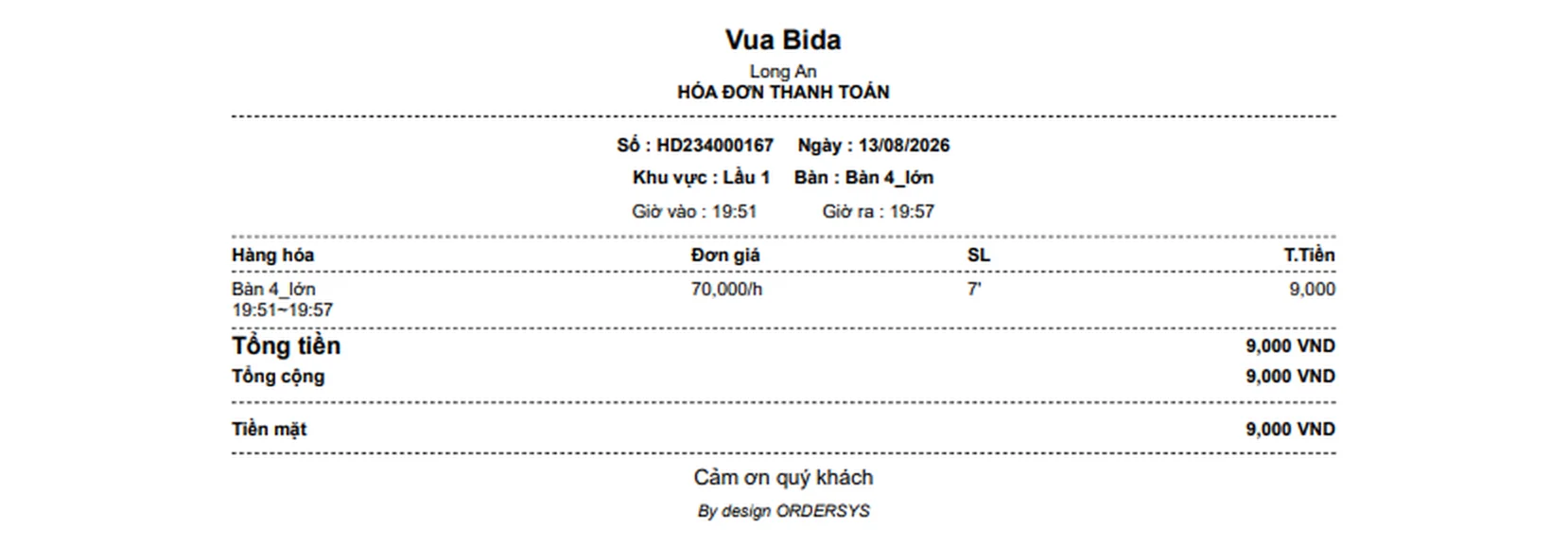
| 2. Play crossing a price change | Open a table before peak hours and close it after the boundary | The receipt splits into time lines, each showing from what time to what time and the rate for that segment |
| 3. Weekends priced differently from weekdays | Enter a surcharge for Saturday evening and compare with the same slot on a weekday | The rate changes correctly by day of the week, and only for the table type that was configured |
| 4. A customer sits a few minutes and leaves | Open a table and close it after five minutes | If the club sets a minimum charge per table opening, the receipt charges that full minimum |
| 5. Odd minutes | Turn on 15-minute block billing and close the table at 1 hour 2 minutes | Play time is charged as 1 hour 15 minutes; the amount is rounded to the multiple the club chose |
| 6. Moving to a different table type mid-session | Move the customer from a pool table to a carom table | The earlier segment is charged at the old table's rate, the later segment at the new table's rate, and items already ordered move to the new table |
Cases 2 and 6 are where paper notebooks go wrong most often, because the person billing has to split the time and multiply by two different rates. If the printed receipt shows only one line of total time with one rate, the customer cannot check it and staff struggle to explain it. Table transfers have their own article: moving a billiards table while keeping the time played and the items ordered.
Three more questions to ask the software vendor
- Are time-slot prices attached to each table type or applied to the whole club? If applied club-wide, you cannot do things like "carom tables cost more on Friday nights while pool tables keep their price to draw afternoon customers".
- Are play-time offers deducted automatically at checkout? Discounts for playing a set number of hours, discounts by day of the week, play-time combos: if staff have to remember and deduct them by hand, the counter will get it wrong no matter how good the price list is.
- Can reports split revenue by table and by hour? Multiple price slots exist to bring customers in during quiet hours. Without seeing which slots grow and which stay flat, you cannot tell which rates to keep or drop.
How Ordersys handles this
In the Ordersys billiards management software, table type is a separate category with its own rate; on top of it the club enters a surcharge table by hour of the day and day of the week for each table type. A session that crosses a price change is cut by the hour, each segment gets the correct rate, and adjacent segments with the same rate are merged. Minute blocks, the rounding multiple for play time (500 VND by default), the minimum charge per table opening, discounts by hours played, discounts by day of the week and play-time combos are all set up once, and the software calculates them at checkout. When a table is moved mid-session, the time line on the old table is closed and the new table starts a time line at its own rate. Revenue reports can be viewed by day, by hour, by day of the week and by individual table.
The quickest way to find out whether the software fits your price list is to sign up for the 7-day free trial, enter your real prices and run the six cases above in one evening. To get the arithmetic first, read how to calculate billiards play-time charges and 4 common mistakes; how to set up each table type and time slot is covered in timing several billiards table types: pool, three-cushion and carom at different prices. For advice, message us on Zalo or call 090 750 1000.
Ordersys times every table automatically, switches table lights, takes drink orders at the table and reports revenue per shift.
Other news
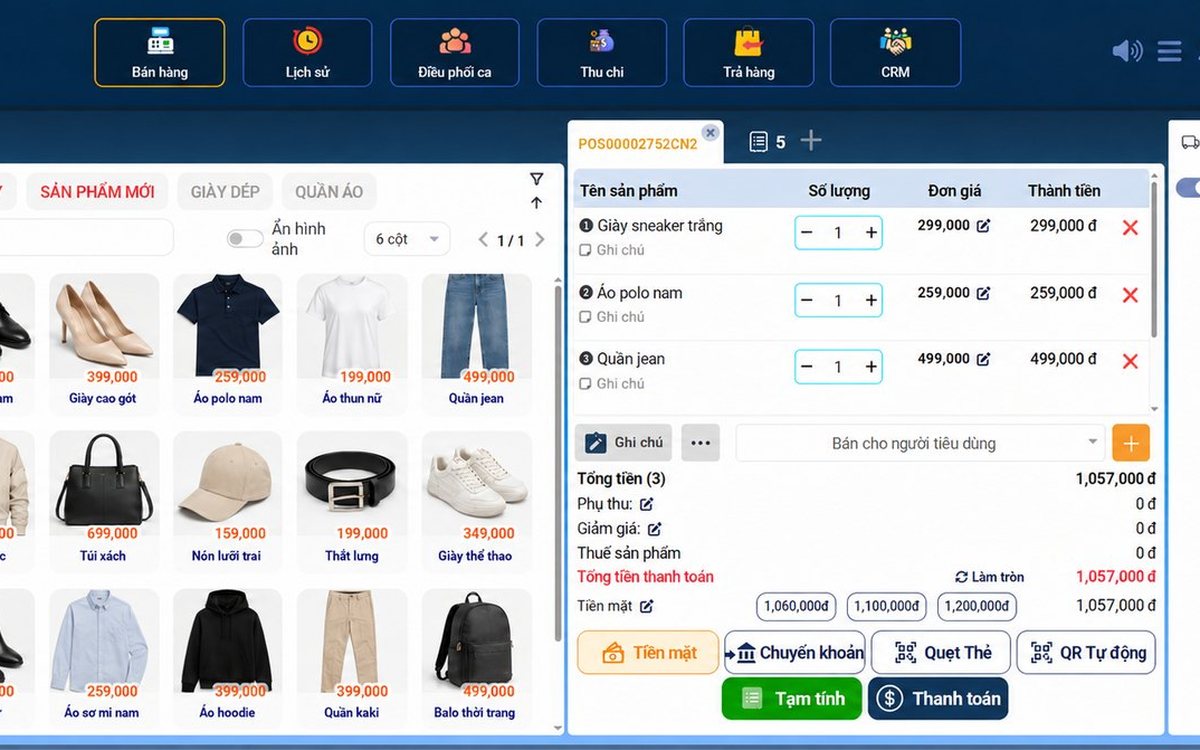
Sales software for household businesses that fits the new rules
From 2026 household businesses no longer pay presumptive tax and declare based on actual revenue; stores with revenue of 1 billion VND/year or more selling directly to consumers must use e-invoices generated from cash registers. This guide summarises the regulatory milestones that affect retail stores and what sales software must do: record every order, issue e-invoices, report by period, keep purchase records and track debts.
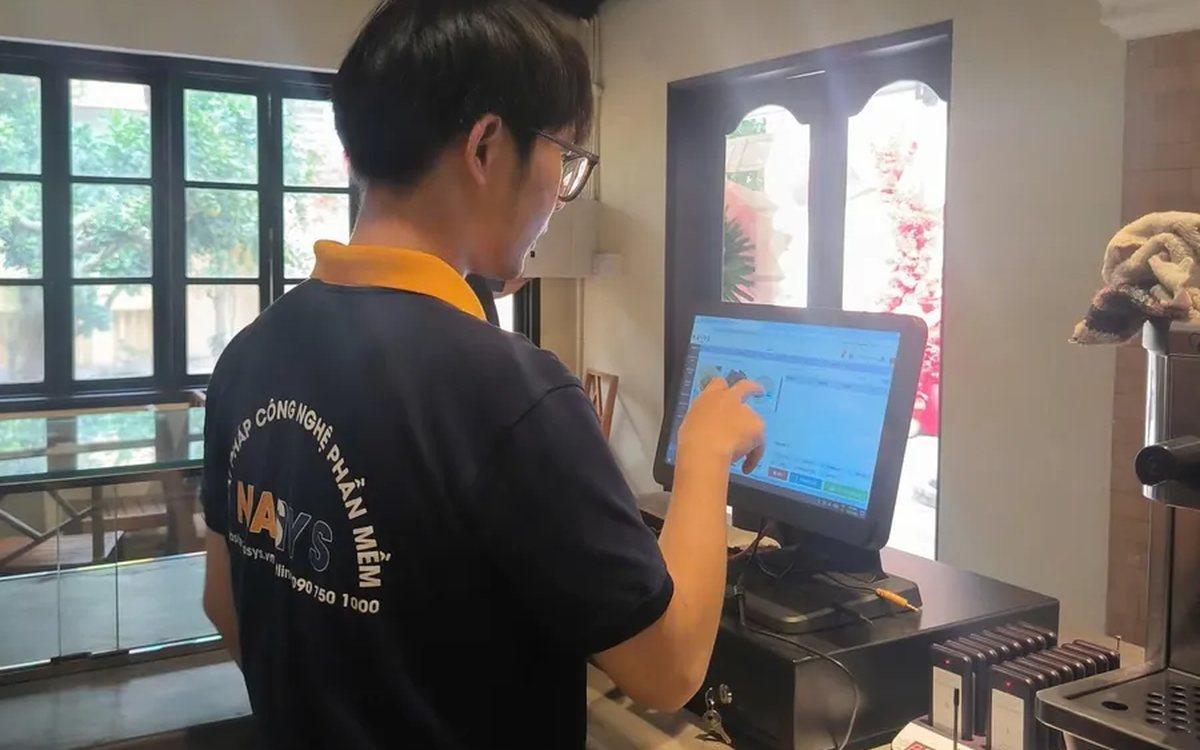
Scan a QR code to order at the table: guests order for themselves, the restaurant needs fewer staff
When guests scan a QR code to order at the table, handing out menus, taking orders, running tickets to the kitchen and answering "where is our food?" move to the guest. This guide separates what guests do themselves, what staff still have to do, how to rearrange shifts by table zone, and where things slip when the restaurant runs with fewer people.
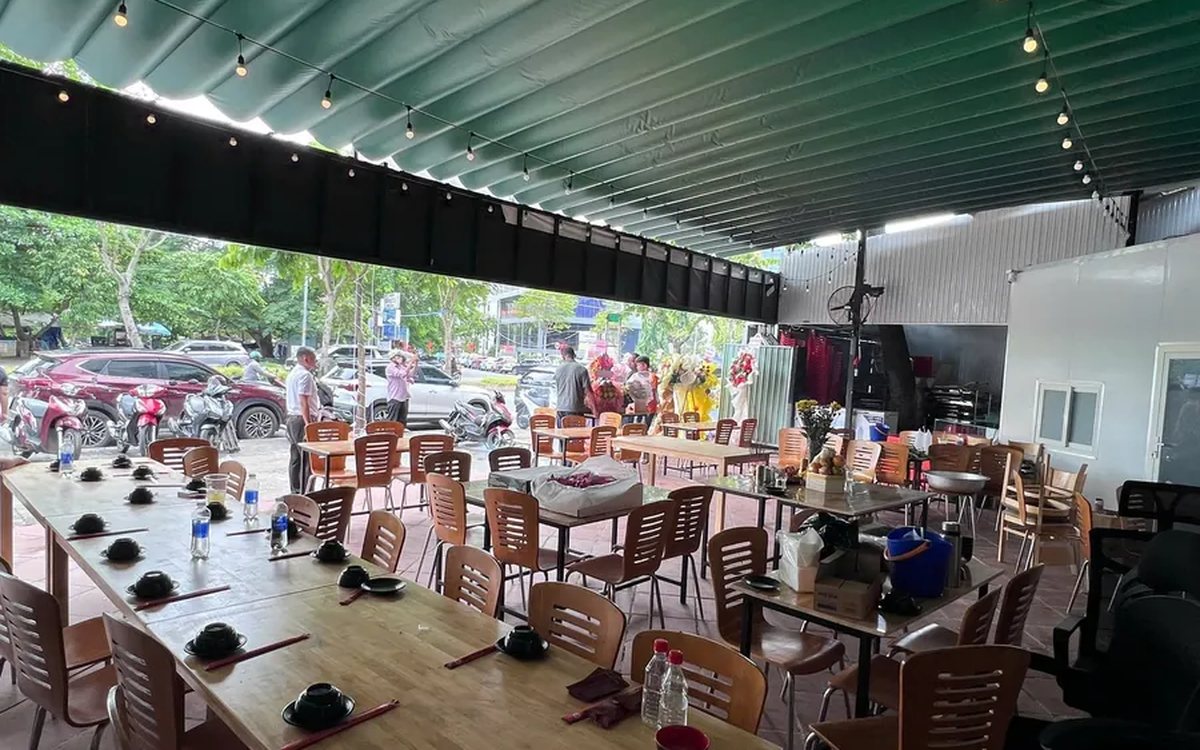
Ordering software for wedding banquet restaurants: serving many tables at once without the bill going wrong
A thirty-table wedding banquet usually goes wrong on the extras: drinks added mid-party, tables set up at the last minute, dishes sent to the kitchen twice, deposits remembered by word of mouth. This guide puts the whole banquet into one order from a multi-table booking or by merging tables, takes extra orders by phone, sends only new items to the kitchen, and settles with the host using a provisional bill, surcharges and automatic deposit deduction.
Complete coffee shop management software: how ordering, checkout, inventory and reports connect
Complete coffee shop management software is not a long feature list but ordering, checkout, inventory and reports working together: ring up one cup and the money goes into the right shift, ingredients are deducted by recipe and the end-of-day report updates itself. The article follows one cup through four stages, shows four common break points and the order to switch things on.

Billiards management software for a small new club: what to set up before opening day
For a new billiards club with five to ten tables, where the owner works the counter and starts the clocks, the software needs to do a few things right: set up tables, hourly rates, the menu and QR codes before opening; let players order drinks themselves and have table lights follow playing time; use camera highlights to get the club known; and after the first month read reports by table, debts and shift close.
Retail order management software: counter sales and online orders in one place
Counter orders, phone and Zalo orders, and orders from the store's web shop all go into one order book in Ordersys. Each online order moves through five clear statuses, delivery requires the address, delivery time and delivery person, customers track their own order, and there is no adding up two places at the end of the day.

Spa and hair removal appointment software with no double bookings
Hair removal sessions are short, tightly packed and crowded into one machine room, so they clash easily. Each Ordersys appointment records the time, duration, room/bed and therapist; on save the software checks for room clashes, therapist clashes and therapists busy in the spa, adds bed turnover time, and shows exactly which booking is holding the slot.
QR table ordering software for restaurants and eateries
One round of QR ordering in Ordersys goes through five steps: the guest scans the code on the table, picks dishes with options and notes, sends the order (with or without a confirmation step), the kitchen and bar receive it, and the guest reopens the page to check the order and order more. Plus a list of what to set up before putting codes on tables.
Ordersys or KiotViet? A Straight Comparison to Choose Right
An honest Ordersys vs KiotViet comparison by real needs: retail, services, billiards, QR ordering, automatic payment — choose right, not the wrong fit.