
The same tin of milk or pack of diapers costs almost the same from one shop to the next, so customers go where they feel at home and get a little more. Loyalty points and membership tiers bring customers back without discounting for everyone. But retail margins are thin, and one wrong number can make the programme eat your whole profit. This article explains how to set up the programme and how it runs at the counter.
Loyalty points and membership tiers: two different things
Lump them together and you will be stuck when a customer asks "if I redeem my points, do I drop a tier?". Keep them apart:
| Loyalty points | Membership tier | |
|---|---|---|
| What the customer gets | Points, redeemed as a discount on a later purchase | A fixed perk on every purchase once they reach the tier |
| Based on | The amount of each order | Total points earned to date |
| When the customer uses it | Remaining points go down | The tier stays the same |
| Good for | Bringing customers back next time | Keeping customers who buy a lot and buy regularly |
The key is that every customer has two numbers: total points only go up and decide the tier; remaining points are what the customer can still redeem. When a customer redeems, remaining points drop but the tier does not. Ordersys calculates it exactly this way.
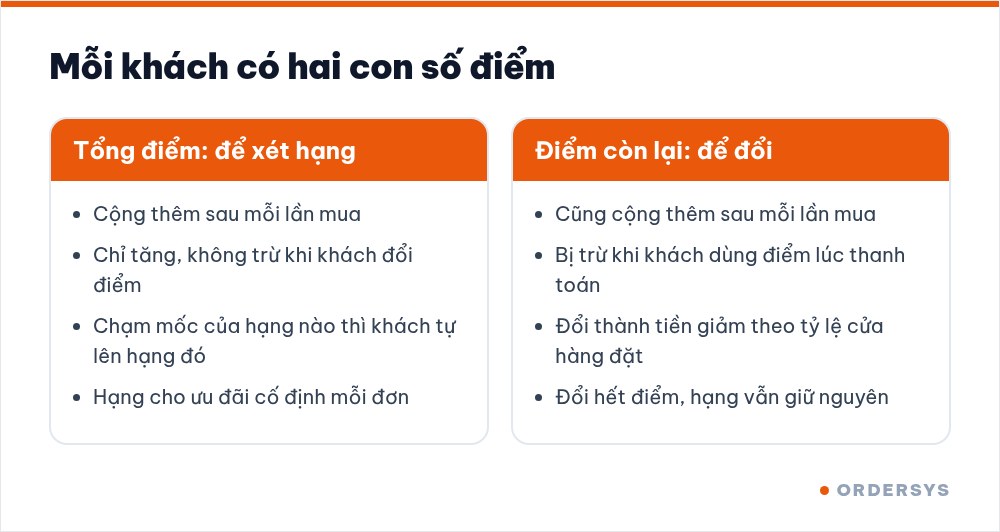
Three ways a retail shop must plan differently from a restaurant
- Margins vary widely between product groups. Milk, diapers and soft drinks usually have thin margins; cosmetics and accessories have fatter ones. The earning rate applies to the whole order, so set it for the thin-margin group customers buy most, not for the average margin. It is worth checking the profit of each item before you decide.
- Customers buy in cycles. Young parents buy milk and diapers every week; grocery customers drop by almost daily. Each order is small but adds up over a year, and membership tiers recognise exactly this group.
- Big and small orders mix. A pack of sweets and a full basket go through the same counter. If the tier discount applies to every order, even a purchase of a few thousand dong gets cut. Set the tier perk to apply only above a certain order value.
How to choose the earning rate, the redemption threshold and rewards is covered in loyalty cards: setting the numbers so they stay profitable.
Set up the programme in four steps
- Step 1: money-to-points rate. For example, 1 point for every 10,000 VND. Points are based on what the customer actually pays for the order.
- Step 2: allow redeeming points for money or not. If on, also set the points-to-money rate. If you are not ready, leave it off; customers still earn points and move up tiers as usual.
- Step 3: tiers and point thresholds. Each tier has a name and a point threshold. The software shows the matching spend for each threshold, for example 500 points at the rate above means the customer has spent 5 million VND. Have a starter tier with a low threshold so new customers see a tier after only a few purchases.
- Step 4: perks for each tier. A percentage or a fixed amount off; applied to every order or only to orders whose value falls within a from… to… range.
| Tier (example) | Point threshold | Equivalent spend | Perk per order |
|---|---|---|---|
| Member | 50 | 500,000 VND | 1% off orders from 200,000 VND |
| Silver | 500 | 5 million VND | 2% off orders from 200,000 VND |
| Gold | 1,500 | 15 million VND | 3% off every order |
The figures in the table are only an illustration; the real levels must be worked out from your shop's margins.
At the checkout: a few extra seconds per order
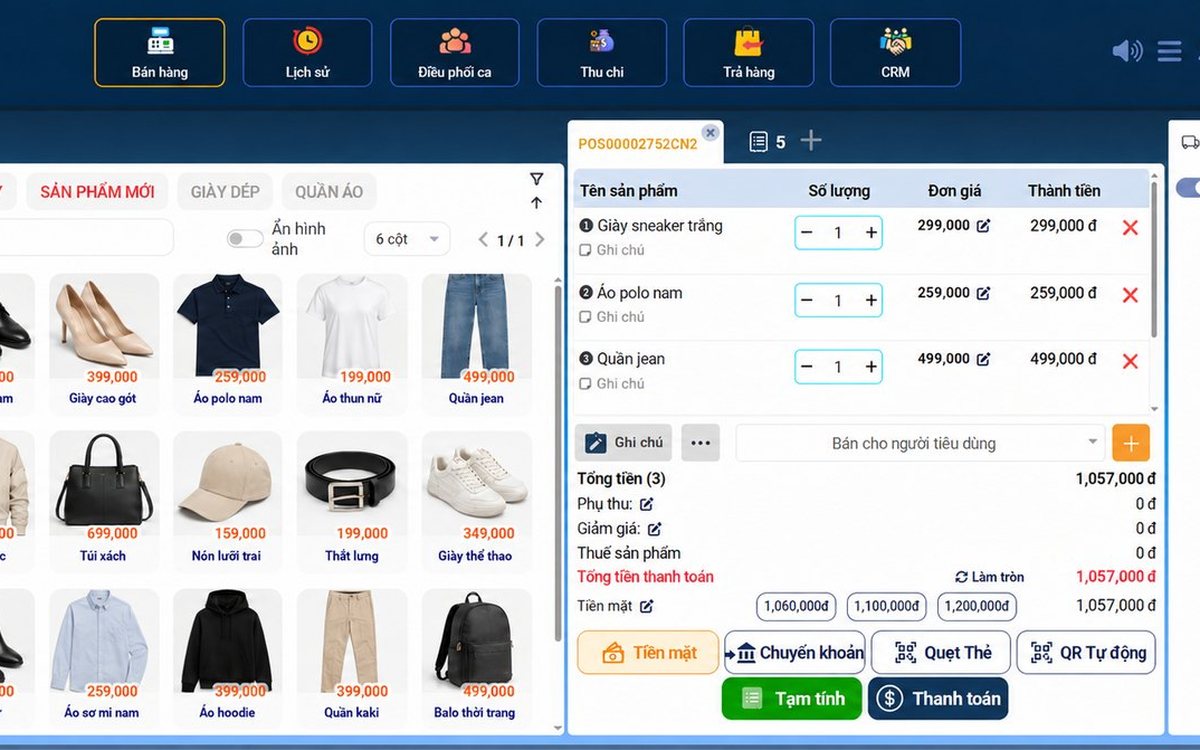
The cashier asks for the phone number and adds the customer to the order; a new customer can be added on the spot. The tier perk is calculated from the order value and shows on the member discount line. If the shop allows redemption, the payment screen has a points box: enter the points the customer wants to use or tick "Use all", next to the customer's current balance.
Once paid, the order's points are added; when total points reach a threshold the customer moves up a tier automatically, with no manual edits. The one thing to train staff on is always asking for the phone number.
Check whether the programme keeps customers
- The customer list filters by tier; for each tier you can see the member count and the list of customers.
- Each customer profile shows total purchases, accumulated points, points history and transaction history.
- After a few months, see whether the number of customers in the upper tiers is growing. High-tier customers with no recent transactions are the group to contact first.
Ordersys stores customers by phone number, adds points at payment, assigns tiers automatically from total points, and applies tier perks and point redemption right on the sales screen. See the retail management software and try it free for 7 days. Read more: loyalty cards for restaurants and cafés and checking the profit of each retail item.
Sell by barcode, track stock across units, manage debts and see profit every day.
Other news
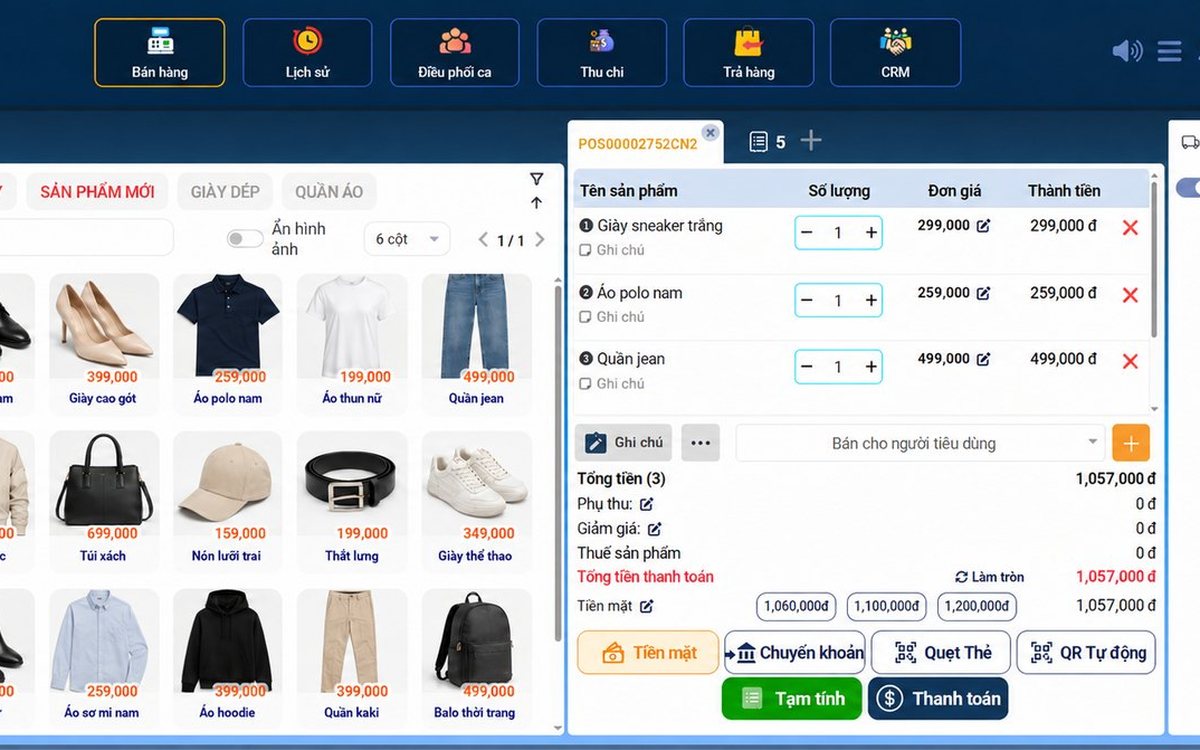
Sales software for household businesses that fits the new rules
From 2026 household businesses no longer pay presumptive tax and declare based on actual revenue; stores with revenue of 1 billion VND/year or more selling directly to consumers must use e-invoices generated from cash registers. This guide summarises the regulatory milestones that affect retail stores and what sales software must do: record every order, issue e-invoices, report by period, keep purchase records and track debts.
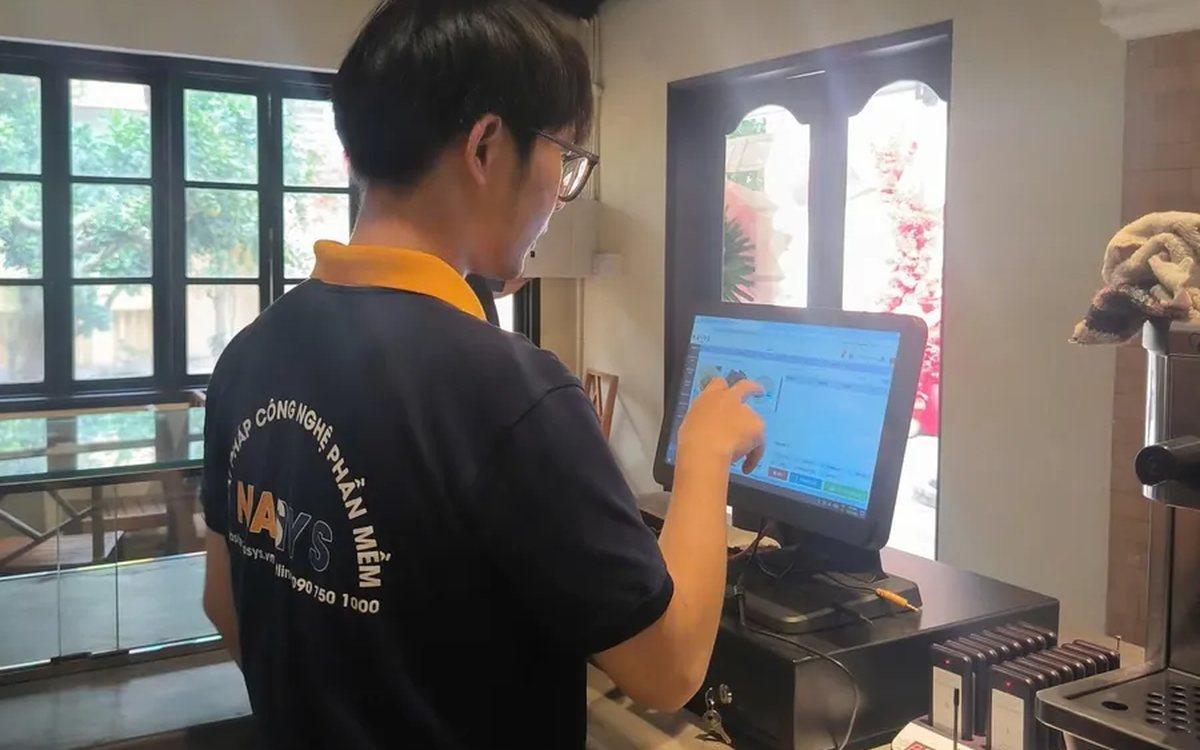
Scan a QR code to order at the table: guests order for themselves, the restaurant needs fewer staff
When guests scan a QR code to order at the table, handing out menus, taking orders, running tickets to the kitchen and answering "where is our food?" move to the guest. This guide separates what guests do themselves, what staff still have to do, how to rearrange shifts by table zone, and where things slip when the restaurant runs with fewer people.
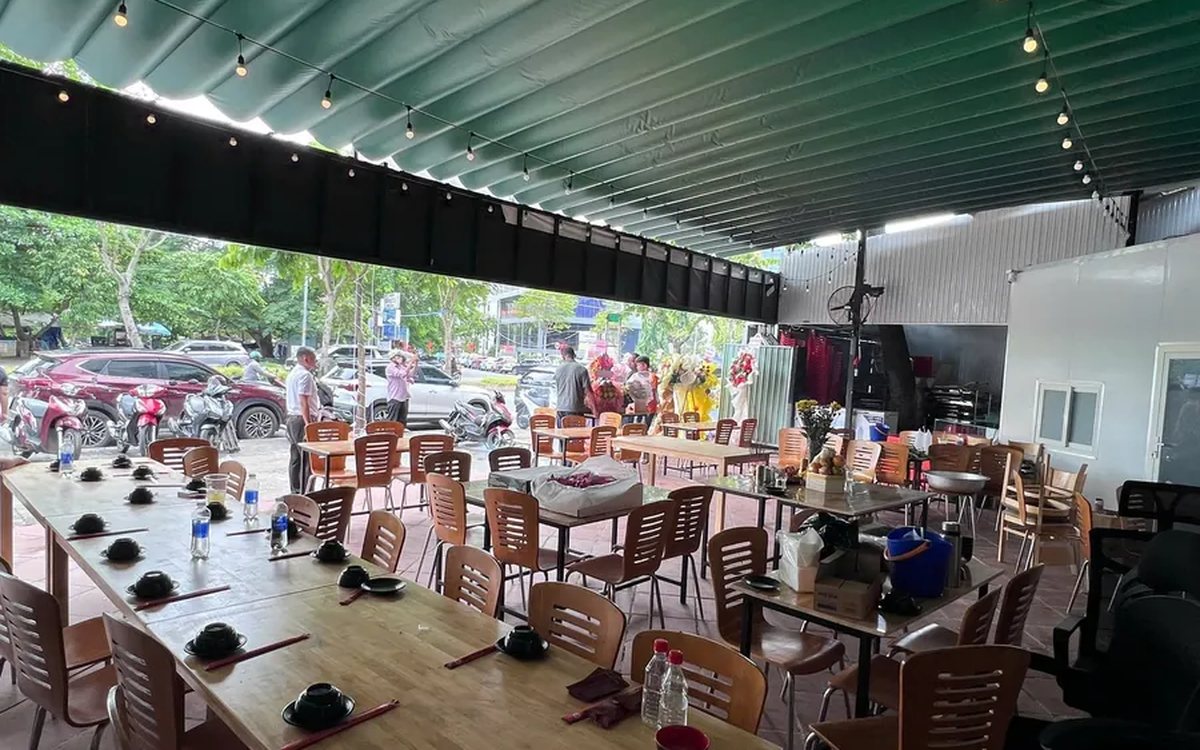
Ordering software for wedding banquet restaurants: serving many tables at once without the bill going wrong
A thirty-table wedding banquet usually goes wrong on the extras: drinks added mid-party, tables set up at the last minute, dishes sent to the kitchen twice, deposits remembered by word of mouth. This guide puts the whole banquet into one order from a multi-table booking or by merging tables, takes extra orders by phone, sends only new items to the kitchen, and settles with the host using a provisional bill, surcharges and automatic deposit deduction.
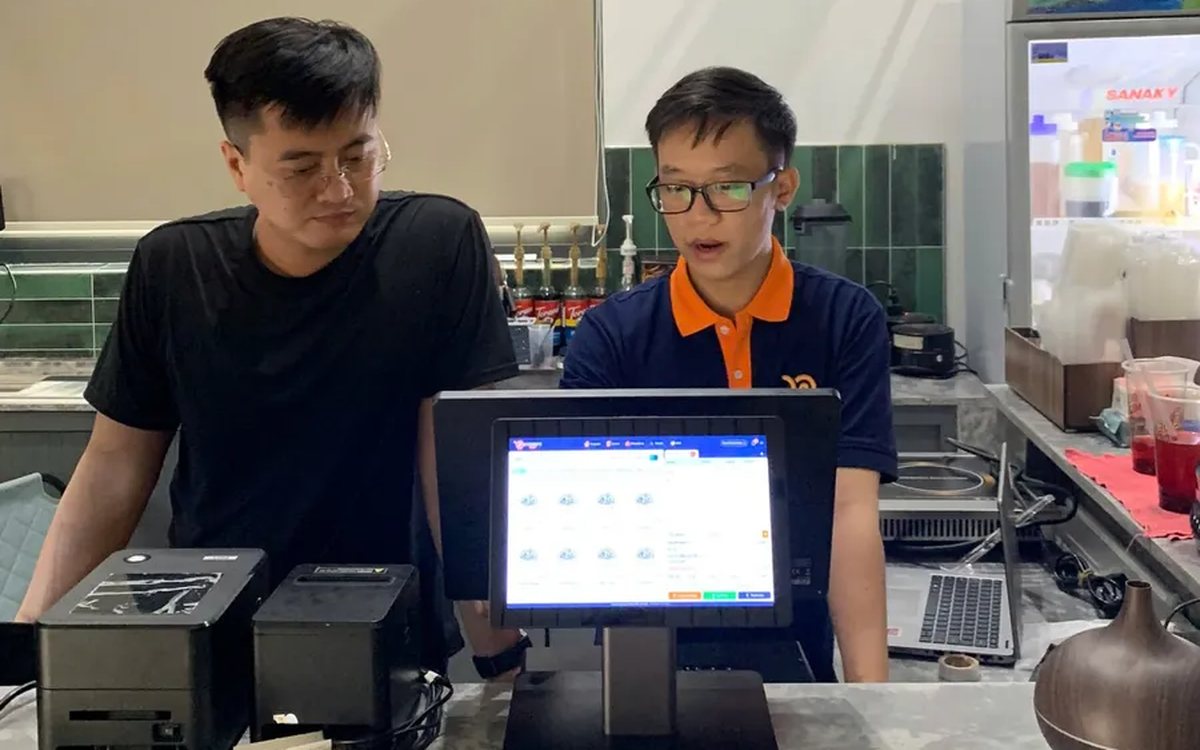
Complete coffee shop management software: how ordering, checkout, inventory and reports connect
Complete coffee shop management software is not a long feature list but ordering, checkout, inventory and reports working together: ring up one cup and the money goes into the right shift, ingredients are deducted by recipe and the end-of-day report updates itself. The article follows one cup through four stages, shows four common break points and the order to switch things on.
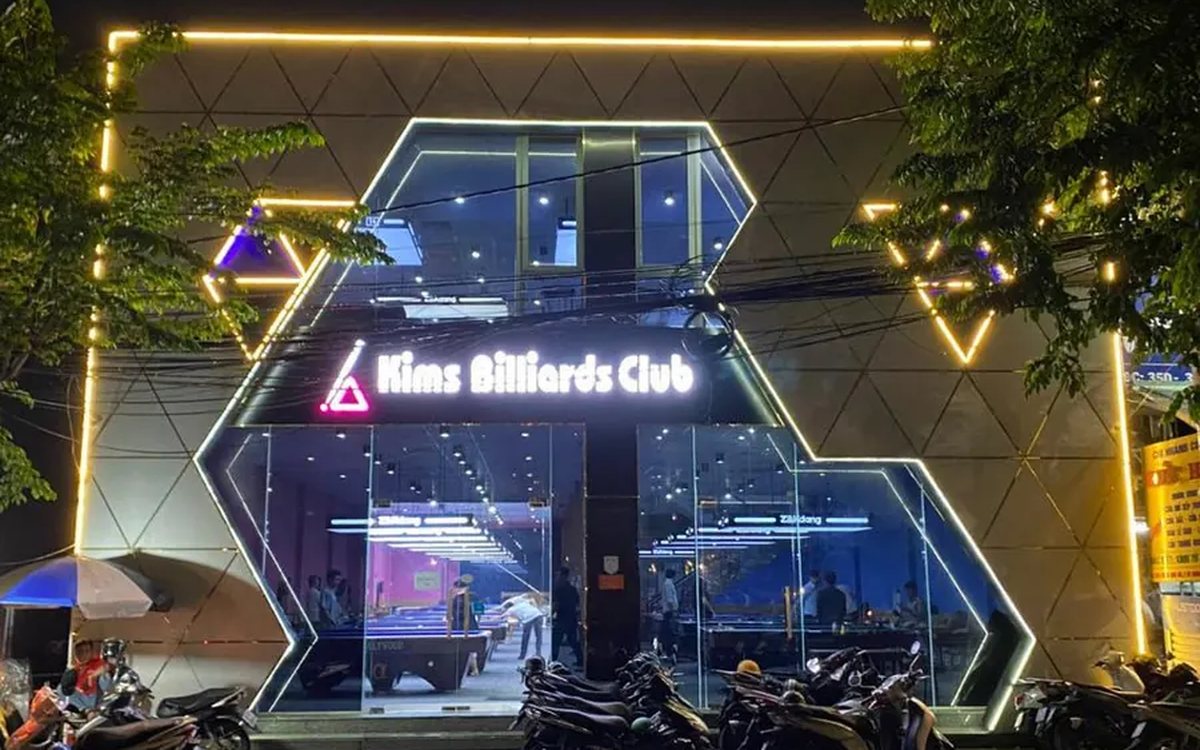
Billiards management software for a small new club: what to set up before opening day
For a new billiards club with five to ten tables, where the owner works the counter and starts the clocks, the software needs to do a few things right: set up tables, hourly rates, the menu and QR codes before opening; let players order drinks themselves and have table lights follow playing time; use camera highlights to get the club known; and after the first month read reports by table, debts and shift close.
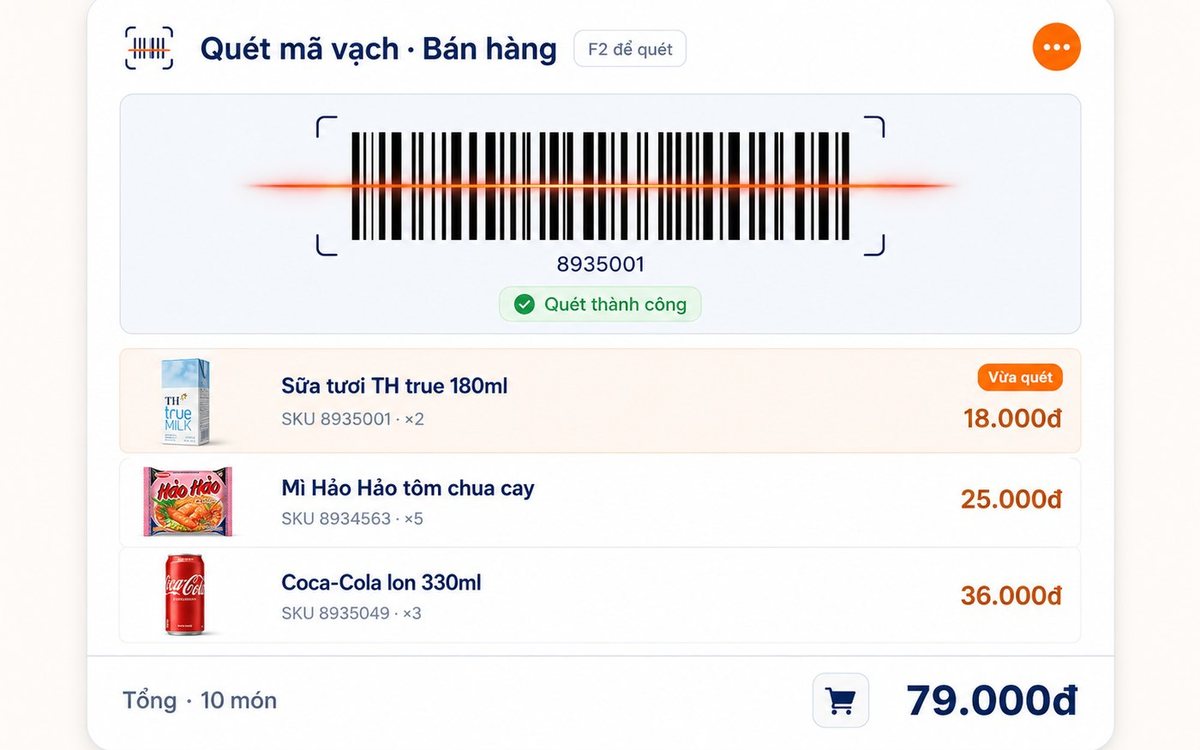
Retail order management software: counter sales and online orders in one place
Counter orders, phone and Zalo orders, and orders from the store's web shop all go into one order book in Ordersys. Each online order moves through five clear statuses, delivery requires the address, delivery time and delivery person, customers track their own order, and there is no adding up two places at the end of the day.

Spa and hair removal appointment software with no double bookings
Hair removal sessions are short, tightly packed and crowded into one machine room, so they clash easily. Each Ordersys appointment records the time, duration, room/bed and therapist; on save the software checks for room clashes, therapist clashes and therapists busy in the spa, adds bed turnover time, and shows exactly which booking is holding the slot.
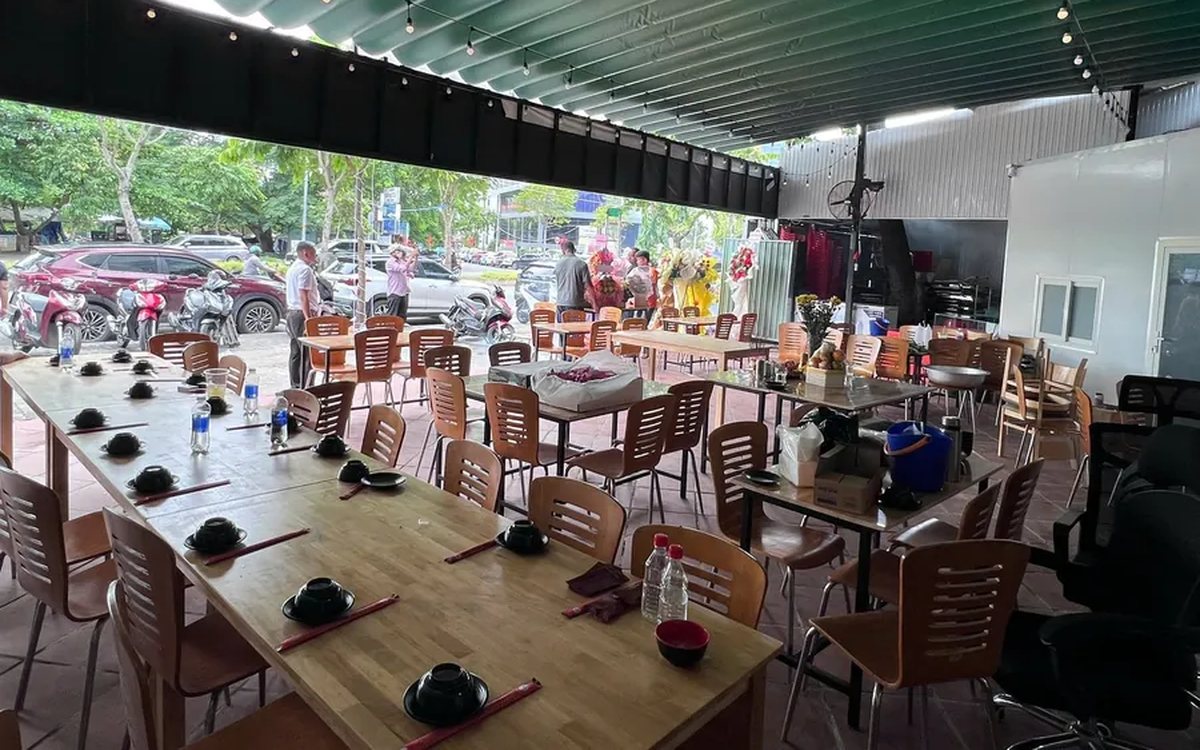
QR table ordering software for restaurants and eateries
One round of QR ordering in Ordersys goes through five steps: the guest scans the code on the table, picks dishes with options and notes, sends the order (with or without a confirmation step), the kitchen and bar receive it, and the guest reopens the page to check the order and order more. Plus a list of what to set up before putting codes on tables.
Ordersys or KiotViet? A Straight Comparison to Choose Right
An honest Ordersys vs KiotViet comparison by real needs: retail, services, billiards, QR ordering, automatic payment — choose right, not the wrong fit.