
Unhappy guests rarely say so inside the restaurant. They pay, smile, and never come back — or give one star online that same evening. The restaurant finds out too late, and still does not know which dish, which staff member or which meal the guest was unhappy about. The fix is to ask right when the guest has just paid: the experience is still fresh, the guest is still at the counter, and if something went wrong there is still time to handle it. This article covers how to collect reviews so that more guests actually answer, and what to do with the bad ones.
When to ask, and where
| Method | Upside | Downside |
|---|---|---|
| Staff ask verbally at the counter | Costs nothing | Guests hesitate to complain face to face; if nothing is written down, nobody can read it later |
| Paper cards on the table | Guests can write freely | Few fill them in; collecting and reading them takes a lot of effort |
| Message asking for a review after the meal | Can ask after the guest has left | Needs a phone number; guests easily ignore the message |
| A screen inviting a star rating right at payment | A few seconds of tapping and it is done; the review is tied to the exact bill | Needs a screen facing the guest at the counter |
You do not have to pick just one. The counter screen captures the majority; messages after the meal are for regulars or for a guest you need to follow up with.
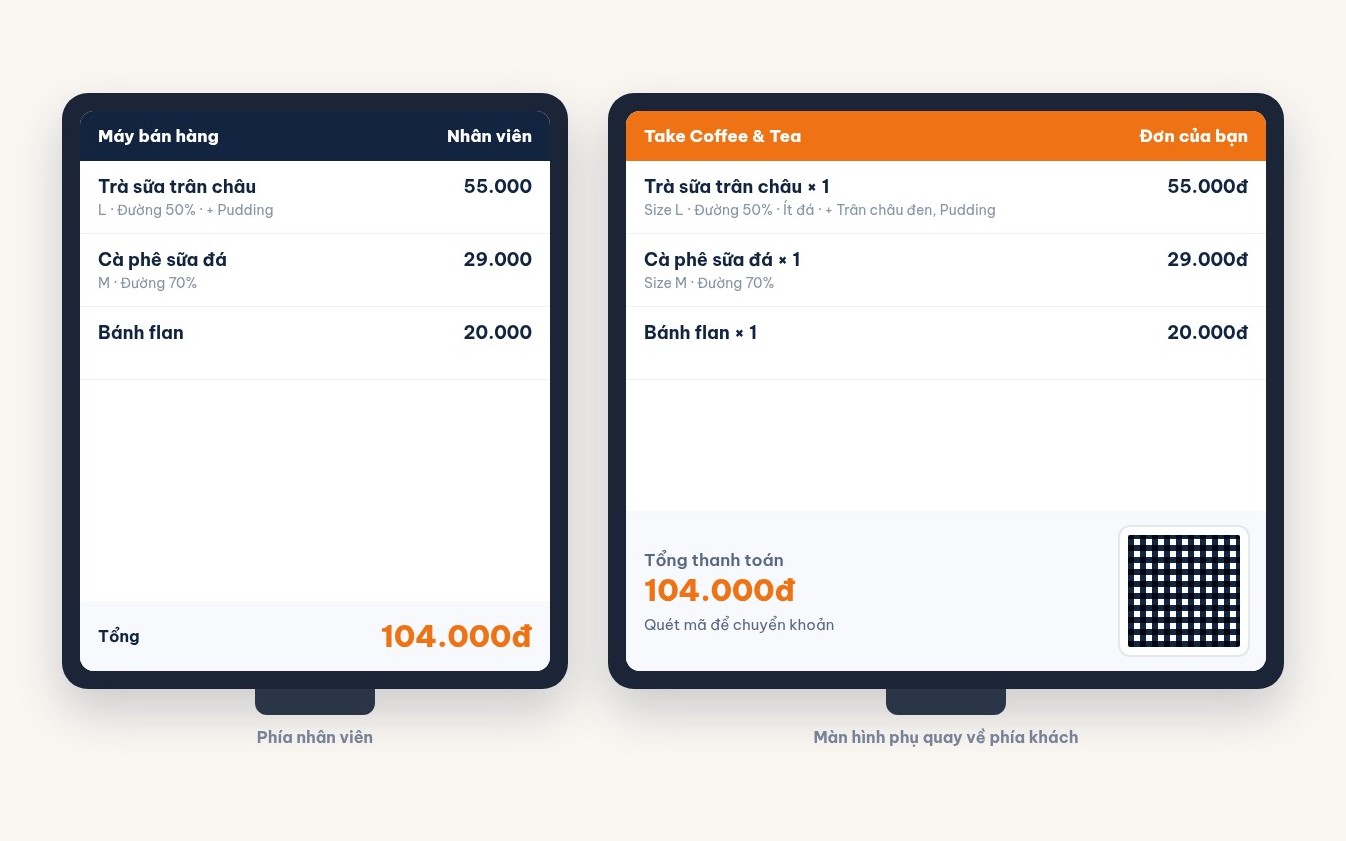
The shorter the question, the more people answer
Guests who have just paid are usually in a hurry. If you want many answers, let them finish in a few seconds:
- Stars first, words later. One tap and the restaurant already has a number to track. The comment box is only for those who want to say more.
- Prepare a few suggested phrases for guests to tap. Include both praise and complaints: "tasty food", "fast service", "long wait for food", "food not hot enough", "staff not attentive". Guests dislike typing, but tapping a ready-made phrase is easy.
- Do not force it. If the guest is in a hurry, staff let them skip. Forced reviews end up five stars just to get it over with, and lose all value.
- Do not trade gifts for high ratings. Giving offers to people who rate five stars makes the numbers pretty but useless — the restaurant no longer knows where it is going wrong.
Bad reviews: handle them the same day
A bad review handled quickly often keeps the guest. Leave it for a week and the guest has already forgotten the restaurant. Four steps:
- Read low ratings at the end of every shift. Give the job clearly to one person, usually the shift manager or the owner.
- Look up the bill. The review is tied to the bill, so you know what time the guest came, which table, what they ordered and who served them. Ask the staff on that shift while everyone still remembers.
- Contact the guest if you have a phone number. Apologise specifically for what the guest complained about, ask for more detail if it is unclear, and invite them back with a small offer. Do not argue, even if the guest misunderstood.
- Fix the root cause and write it down. Long waits mean reviewing how work is split at peak time; cold food means checking the serving step. Record what was changed so you can see next week whether the same complaint comes back.
Read weekly to spot repeated problems
One complaint can be bad luck. The same complaint repeated many times is the restaurant's fault. Each week, gather the reviews and ask three questions: which complaint was picked most often, which time slot or shift it falls in, and whether it is linked to a specific dish or staff member. Tap-to-select phrases make this far easier than reading free-text lines one by one.
Do not look only at the bad reviews. Repeated praise tells you what the restaurant does well — that is what to keep when staff or the menu change.
Collecting reviews with Ordersys
With Ordersys sales software and a customer display at the counter, once payment is done the display moves on to inviting the guest to give a star rating: the guest picks a number of stars, taps one of the ready-made suggested phrases or writes a comment, and after sending the screen shows a thank-you message. The restaurant turns this step on or off and sets how long it is shown; if the guest is in a hurry, the cashier skips it. Each review is tied to the bill that was just paid. Combined with the Ordersys CRM software — which keeps each guest's purchase history, groups guests, and sends vouchers and personal offers — the restaurant has everything it needs to invite back the very guest who was just disappointed. Free trial for 7 days. To contact guests again you need their phone number: see asking for the guest's phone number at payment. How to message guests after a meal without being annoying: see customer care messages on Zalo.
Ordersys has editions for restaurants and for retail stores: checkout, stock, reports and e-invoices, with on-site setup and training.
Other news
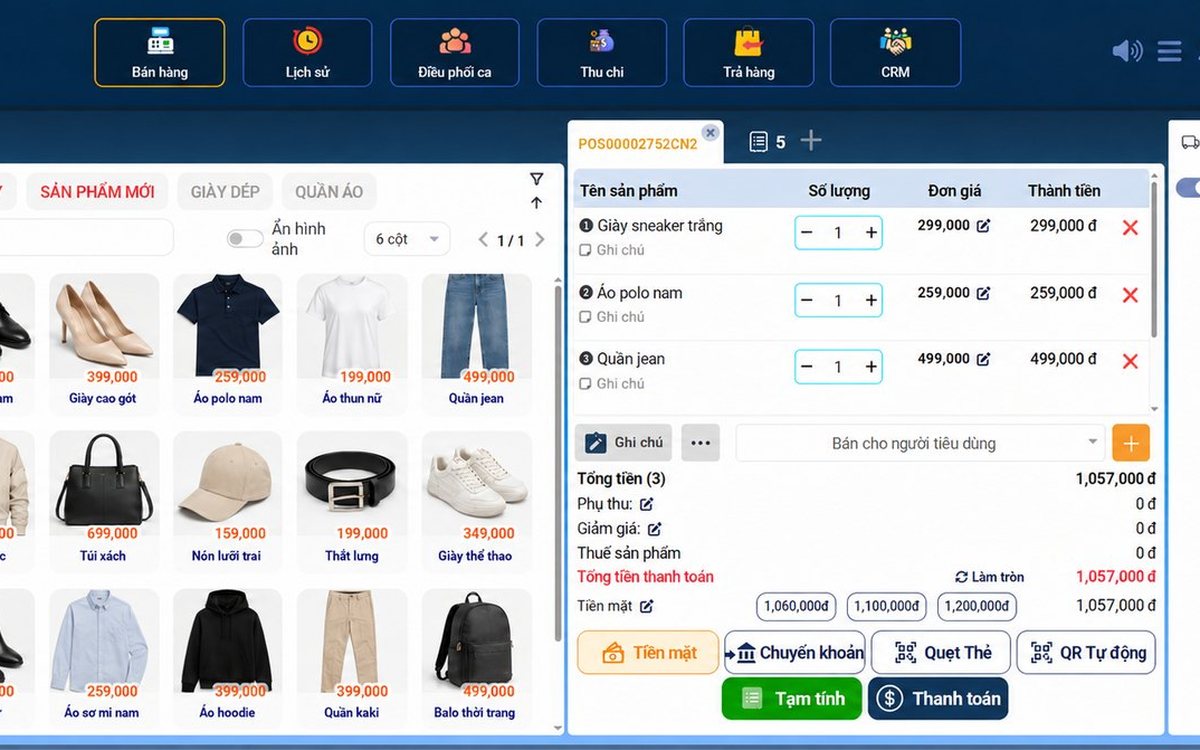
Sales software for household businesses that fits the new rules
From 2026 household businesses no longer pay presumptive tax and declare based on actual revenue; stores with revenue of 1 billion VND/year or more selling directly to consumers must use e-invoices generated from cash registers. This guide summarises the regulatory milestones that affect retail stores and what sales software must do: record every order, issue e-invoices, report by period, keep purchase records and track debts.
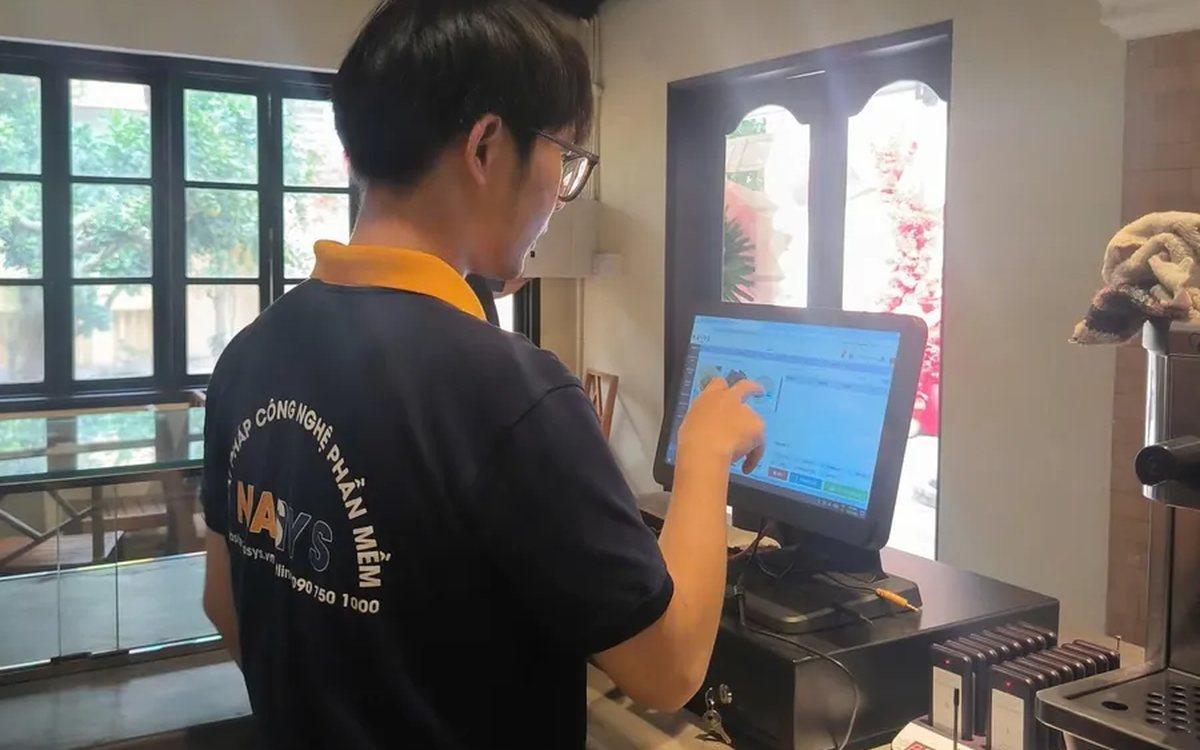
Scan a QR code to order at the table: guests order for themselves, the restaurant needs fewer staff
When guests scan a QR code to order at the table, handing out menus, taking orders, running tickets to the kitchen and answering "where is our food?" move to the guest. This guide separates what guests do themselves, what staff still have to do, how to rearrange shifts by table zone, and where things slip when the restaurant runs with fewer people.
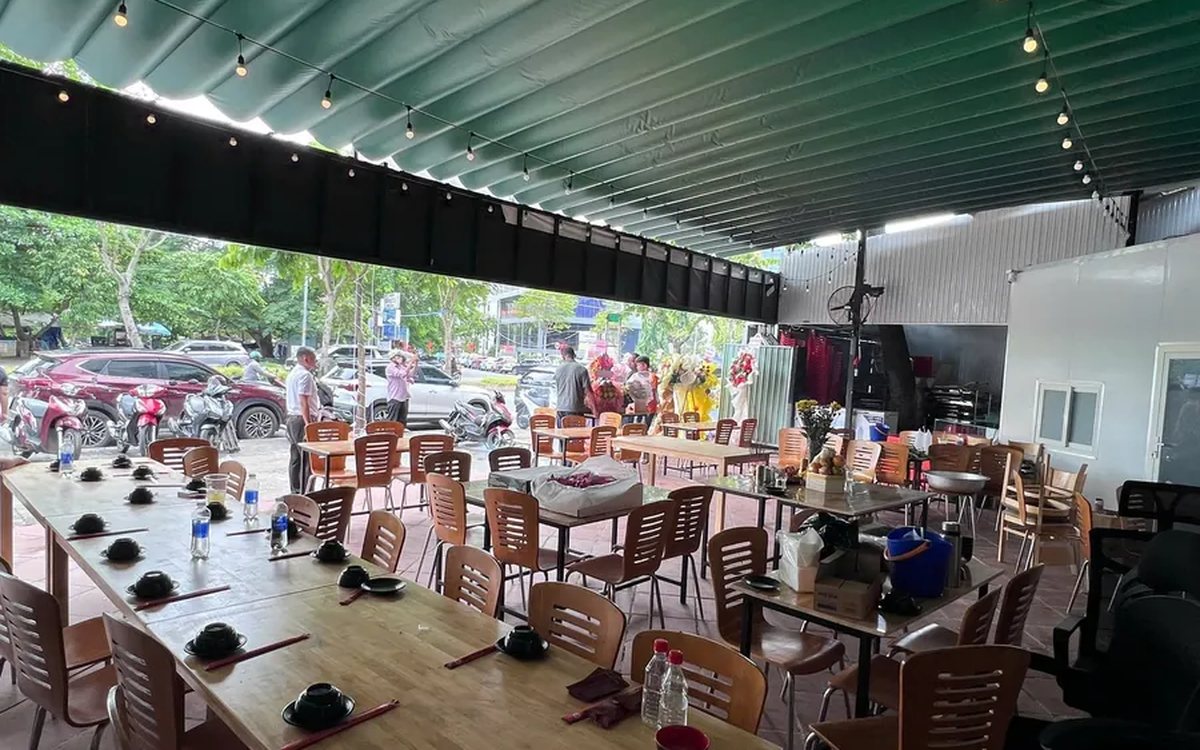
Ordering software for wedding banquet restaurants: serving many tables at once without the bill going wrong
A thirty-table wedding banquet usually goes wrong on the extras: drinks added mid-party, tables set up at the last minute, dishes sent to the kitchen twice, deposits remembered by word of mouth. This guide puts the whole banquet into one order from a multi-table booking or by merging tables, takes extra orders by phone, sends only new items to the kitchen, and settles with the host using a provisional bill, surcharges and automatic deposit deduction.
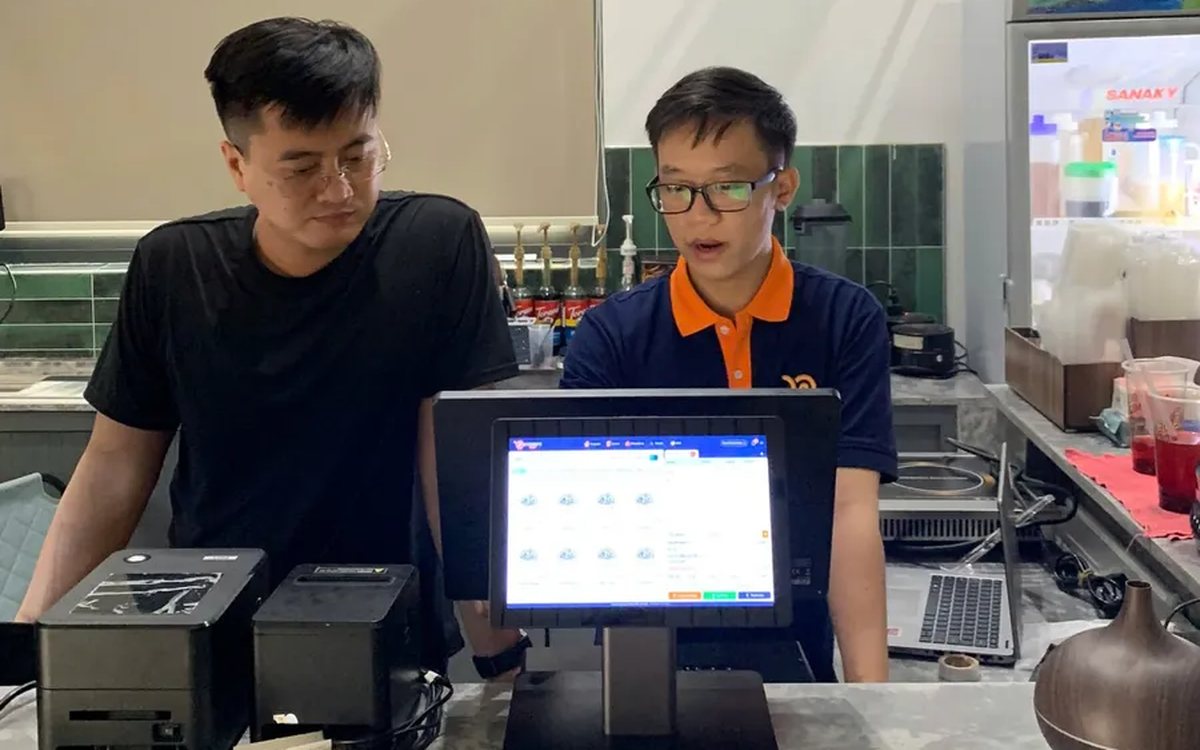
Complete coffee shop management software: how ordering, checkout, inventory and reports connect
Complete coffee shop management software is not a long feature list but ordering, checkout, inventory and reports working together: ring up one cup and the money goes into the right shift, ingredients are deducted by recipe and the end-of-day report updates itself. The article follows one cup through four stages, shows four common break points and the order to switch things on.
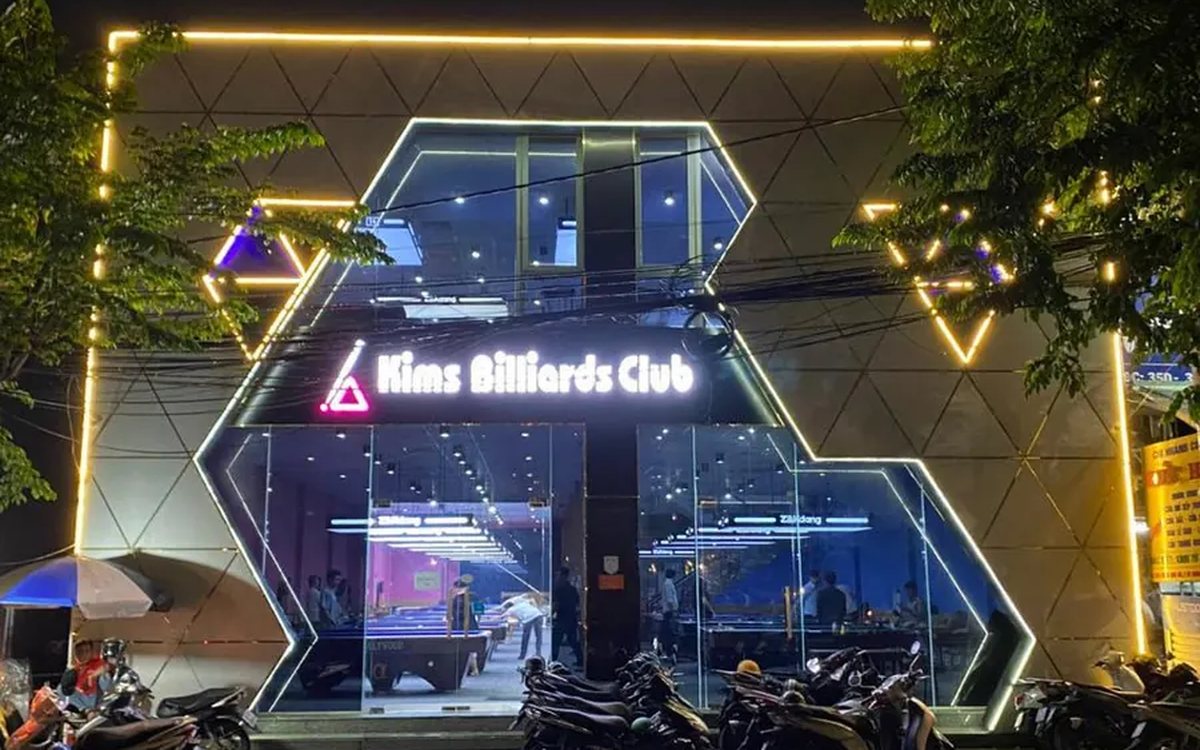
Billiards management software for a small new club: what to set up before opening day
For a new billiards club with five to ten tables, where the owner works the counter and starts the clocks, the software needs to do a few things right: set up tables, hourly rates, the menu and QR codes before opening; let players order drinks themselves and have table lights follow playing time; use camera highlights to get the club known; and after the first month read reports by table, debts and shift close.
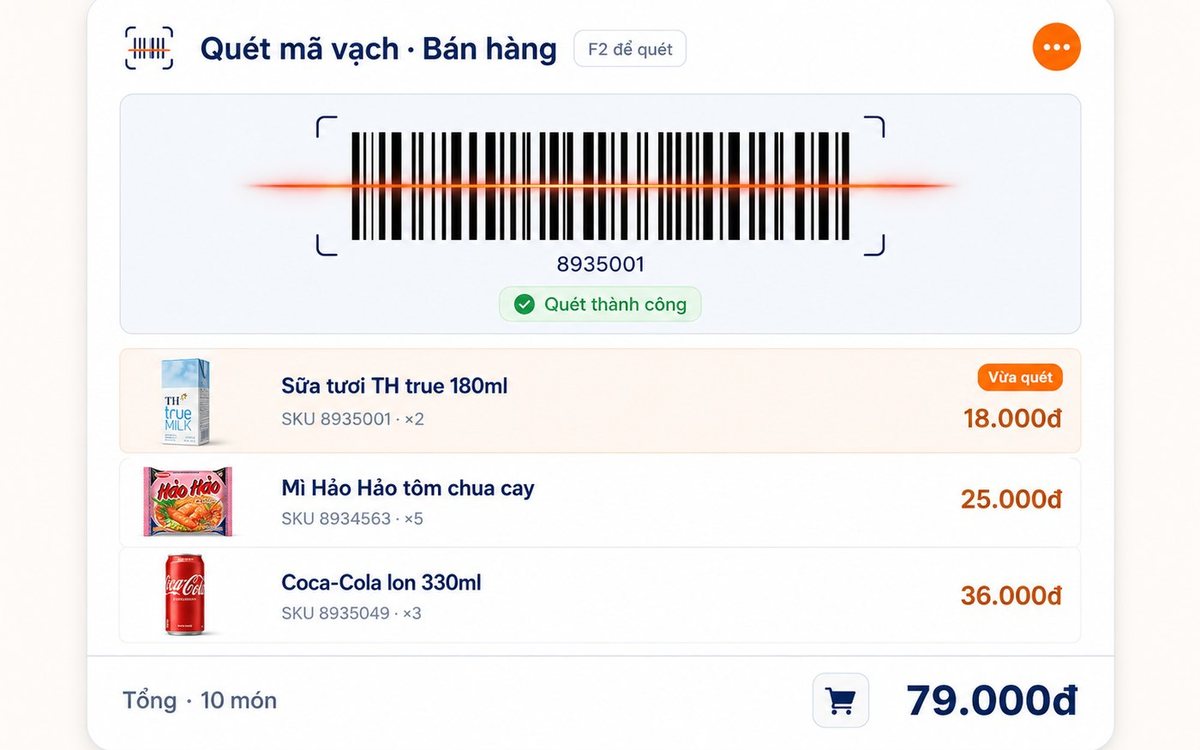
Retail order management software: counter sales and online orders in one place
Counter orders, phone and Zalo orders, and orders from the store's web shop all go into one order book in Ordersys. Each online order moves through five clear statuses, delivery requires the address, delivery time and delivery person, customers track their own order, and there is no adding up two places at the end of the day.

Spa and hair removal appointment software with no double bookings
Hair removal sessions are short, tightly packed and crowded into one machine room, so they clash easily. Each Ordersys appointment records the time, duration, room/bed and therapist; on save the software checks for room clashes, therapist clashes and therapists busy in the spa, adds bed turnover time, and shows exactly which booking is holding the slot.
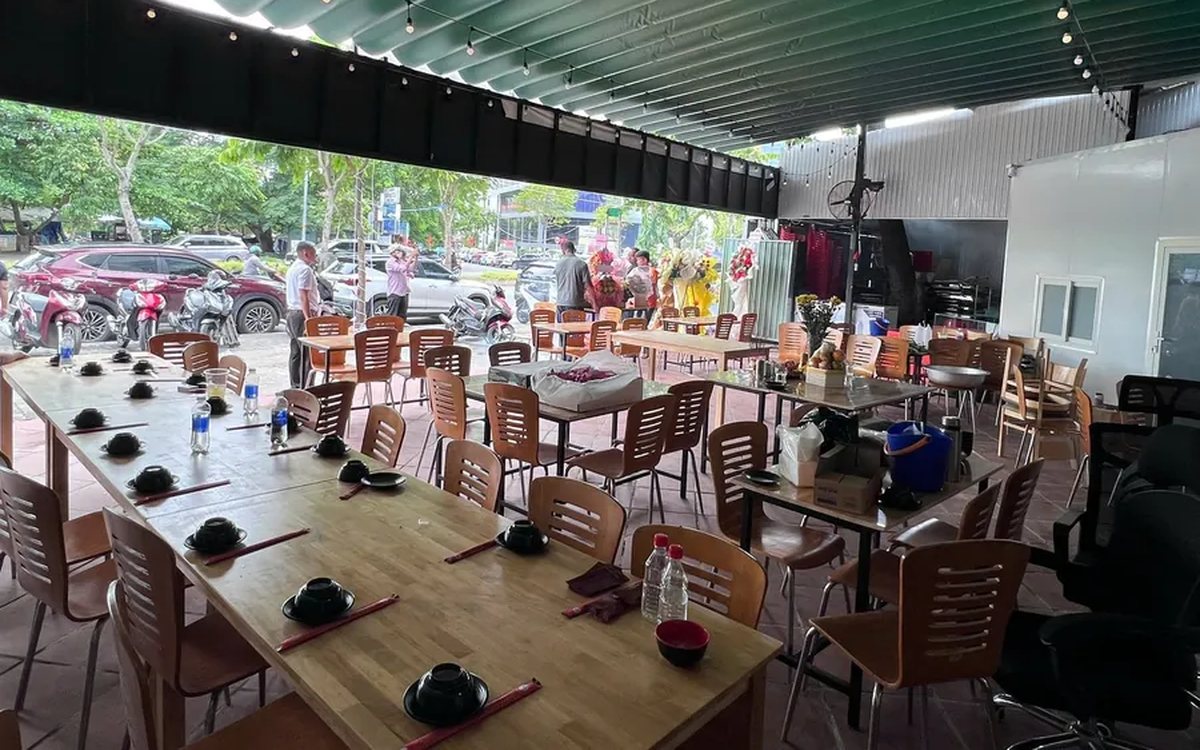
QR table ordering software for restaurants and eateries
One round of QR ordering in Ordersys goes through five steps: the guest scans the code on the table, picks dishes with options and notes, sends the order (with or without a confirmation step), the kitchen and bar receive it, and the guest reopens the page to check the order and order more. Plus a list of what to set up before putting codes on tables.
Ordersys or KiotViet? A Straight Comparison to Choose Right
An honest Ordersys vs KiotViet comparison by real needs: retail, services, billiards, QR ordering, automatic payment — choose right, not the wrong fit.