
Nail salon owners asking how much software costs usually want one number to compare. But software for nail salons is quoted by each salon's model and size, so a two-chair salon and an eight-technician salon get two different quotes. Owners can do three things themselves: know what the price is based on, know what a nail salon package must include so they do not buy a generic sales system by mistake, and estimate how much they are losing while still keeping a paper book.
What nail salon management software prices are based on
Ordersys nail management software is quoted by salon size, with no setup fee. Before asking for a price, have this information ready:
| Factor | Why it affects the price | What to prepare |
|---|---|---|
| Number of salons | Each salon has its own schedule, technicians and reports | Salons running now and planned |
| Number of technicians, chairs | Appointments are scheduled by technician and chair; commission is calculated per person | Number of main and assistant technicians, number of nail stations |
| How you sell | Selling single visits differs from selling multi-session combos | Whether you sell combos or multi-session cards |
| Equipment | The software price does not include hardware | Computers, tablets, receipt printers you already have |
| Term | Paying several years upfront locks in the price | Whether you plan to pay monthly or upfront |
On-site installation and training cost nothing extra, with a lifetime warranty. The team enters your initial price list so the salon can use it from day one.
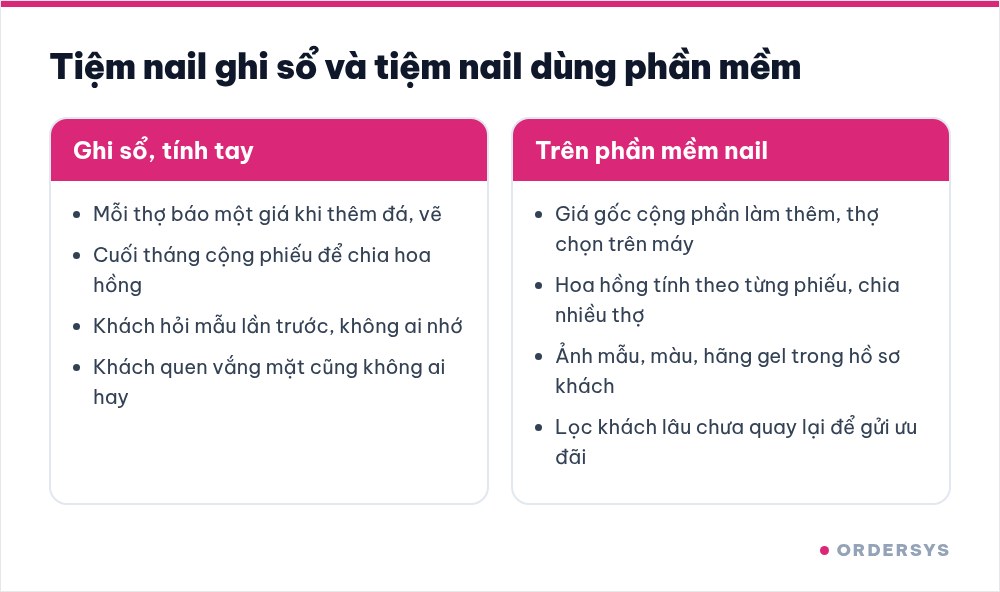
What a nail salon software package should include
A nail salon has two things generic sales software cannot handle: prices are not fixed per item, and each technician's income is tied to individual tickets. A package for nail salons should have:
- A price list that separates base services from add-ons: a gel set is the base price; rhinestones, nail art, ombre and extensions are separate add-ons; technicians pick them on screen, so the quote is the same no matter who gives it. Combos and time-slot pricing are available.
- Commission per ticket: rates by service or by sales; when two technicians work on one client, it is split on the same ticket, and technicians see their share every day.
- Nail design photos in the client profile: saved per visit, with polish colour, gel brand and preferred length.
- Booking by technician and free time slot, Zalo reminders before appointments, filtering clients who have not returned for a while to send offers; loyalty points and membership tiers.
- Payment and shift close: cash, card, bank transfer, printed bill or e-invoice; at the end of the day you see revenue, each technician's commission and best-selling designs, and the owner can check on a phone.
Hidden costs of running a nail salon with a paper book
Not paying for software does not mean the salon pays nothing; nobody just writes it in the expense book:
| Item | What usually happens | How to estimate |
|---|---|---|
| Different quotes from different technicians | Same design, each technician quotes a different price; clients compare visits and the salon gives a discount to keep the peace | Number of discounts given in a week |
| Add-ons not charged | Extra rhinestones or a few more painted nails, but the ticket shows only the base price | Check a few dozen tickets with add-ons |
| Commission calculated by hand | Adding up tickets at month end; when two technicians share a client, arguments start easily | Hours spent calculating and number of corrections |
| Redoing work because of the wrong design | The client wants "same as last time" but nobody remembers the colour or gel brand | Number of fixes and redos in a month |
| Regular clients drifting away | Regulars usually come back every 3–4 weeks; when they stop, nobody notices | Number of regulars who have not returned in two months |
How to separate base prices from add-ons is in the article nail salon price list: base services and add-ons; splitting money when one client goes through several technicians is in one client, several technicians: splitting payment and commission.
Is it worth it: check it yourself in 7 days
Even a small two-chair salon already has the three most time-consuming tasks: quoting, splitting commission, remembering clients. Use the 7-day free trial and do the salon's daily work: enter the real price list including add-ons, record the technician on every ticket, take design photos for a few regular clients. At the end of the week, compare each technician's commission with your manual calculation and with the items in the table above. If discounts and missed add-ons alone exceed one month of software fees, the answer is clear.
Get a quote for your salon's size
Ordersys nail management software is quoted by salon size, with no setup fee, and includes on-site installation and training. See Ordersys plans on the pricing page, sign up for the 7-day free trial, or message on Zalo or call 090 750 1000 for a quote for your salon. If you are comparing several systems, also read what nail salon management software needs.
Manage appointments, session-based treatments, client records and technician commissions in one app.
Other news
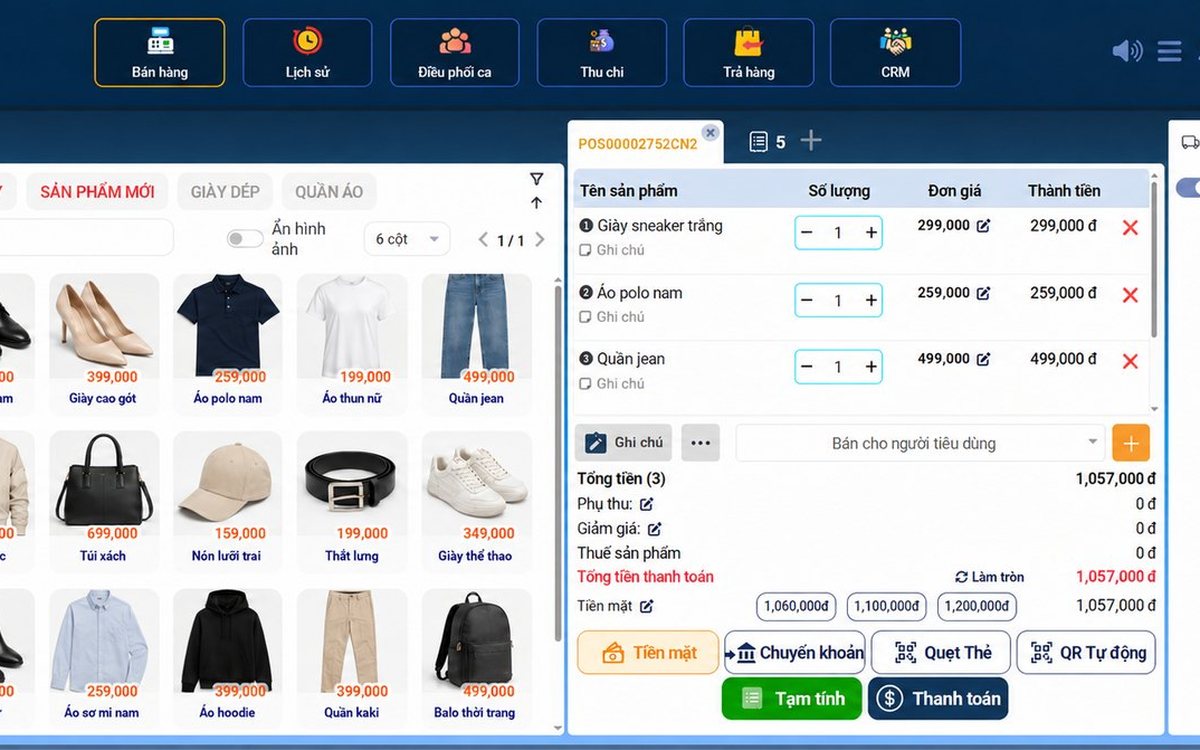
Sales software for household businesses that fits the new rules
From 2026 household businesses no longer pay presumptive tax and declare based on actual revenue; stores with revenue of 1 billion VND/year or more selling directly to consumers must use e-invoices generated from cash registers. This guide summarises the regulatory milestones that affect retail stores and what sales software must do: record every order, issue e-invoices, report by period, keep purchase records and track debts.
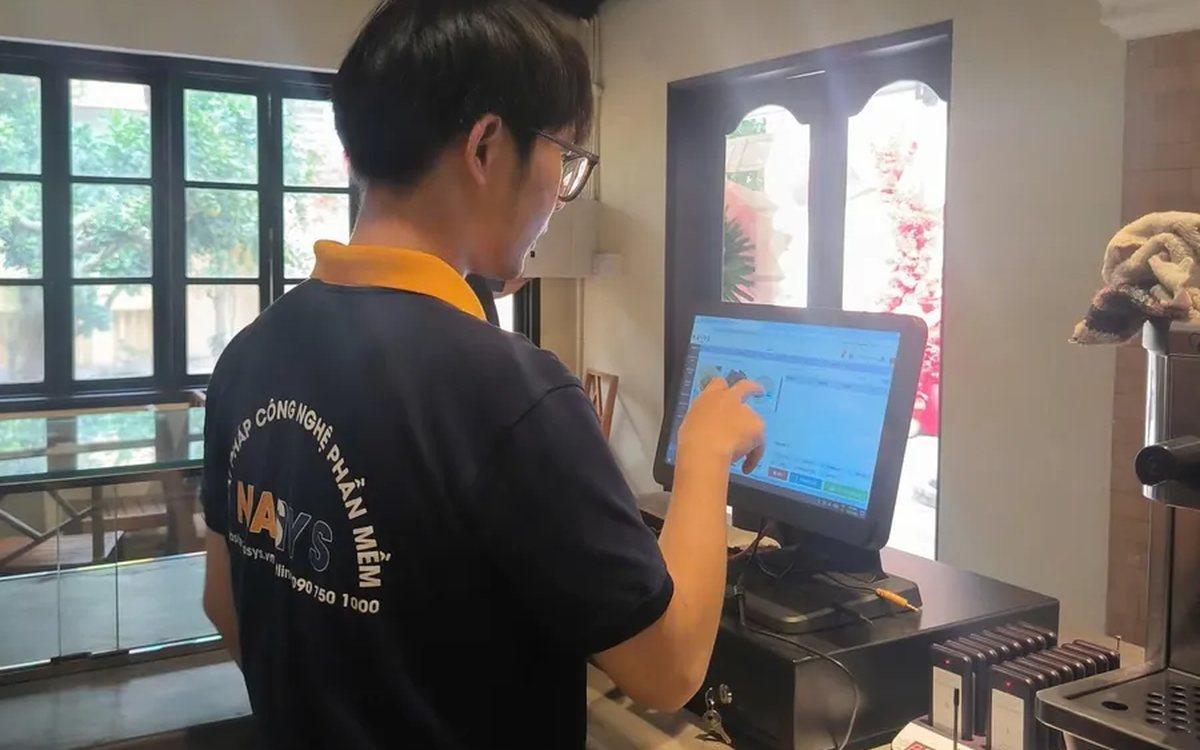
Scan a QR code to order at the table: guests order for themselves, the restaurant needs fewer staff
When guests scan a QR code to order at the table, handing out menus, taking orders, running tickets to the kitchen and answering "where is our food?" move to the guest. This guide separates what guests do themselves, what staff still have to do, how to rearrange shifts by table zone, and where things slip when the restaurant runs with fewer people.
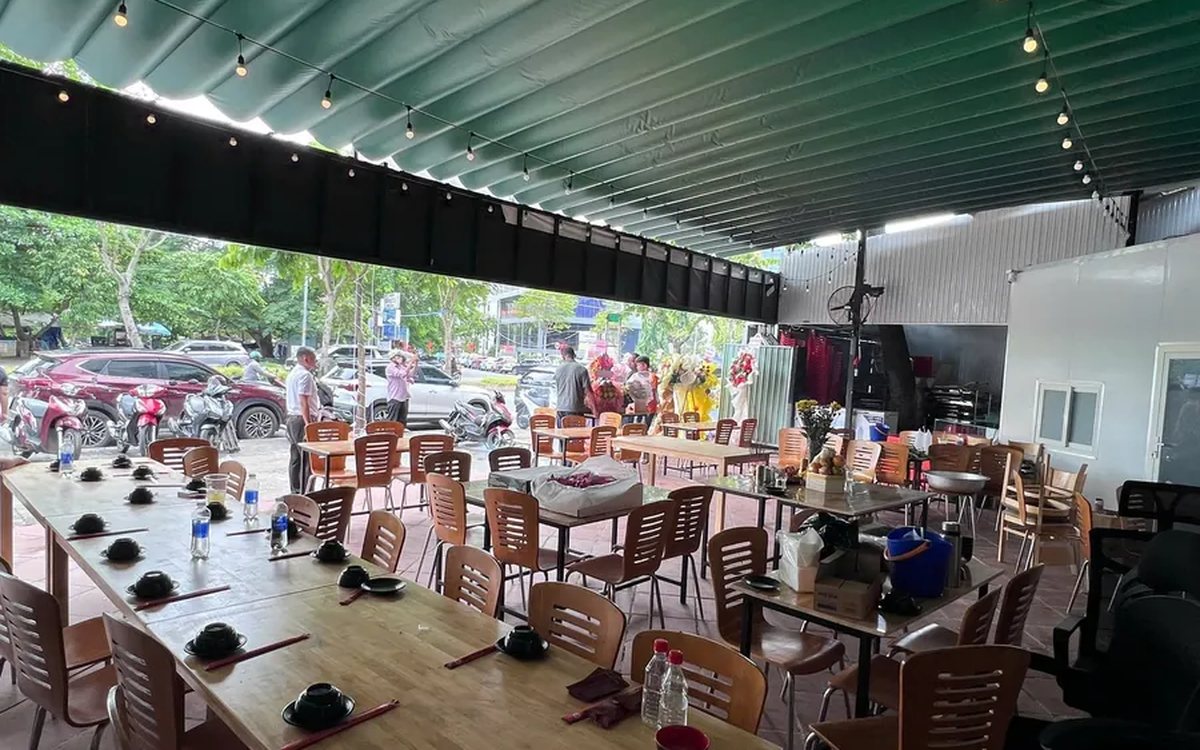
Ordering software for wedding banquet restaurants: serving many tables at once without the bill going wrong
A thirty-table wedding banquet usually goes wrong on the extras: drinks added mid-party, tables set up at the last minute, dishes sent to the kitchen twice, deposits remembered by word of mouth. This guide puts the whole banquet into one order from a multi-table booking or by merging tables, takes extra orders by phone, sends only new items to the kitchen, and settles with the host using a provisional bill, surcharges and automatic deposit deduction.
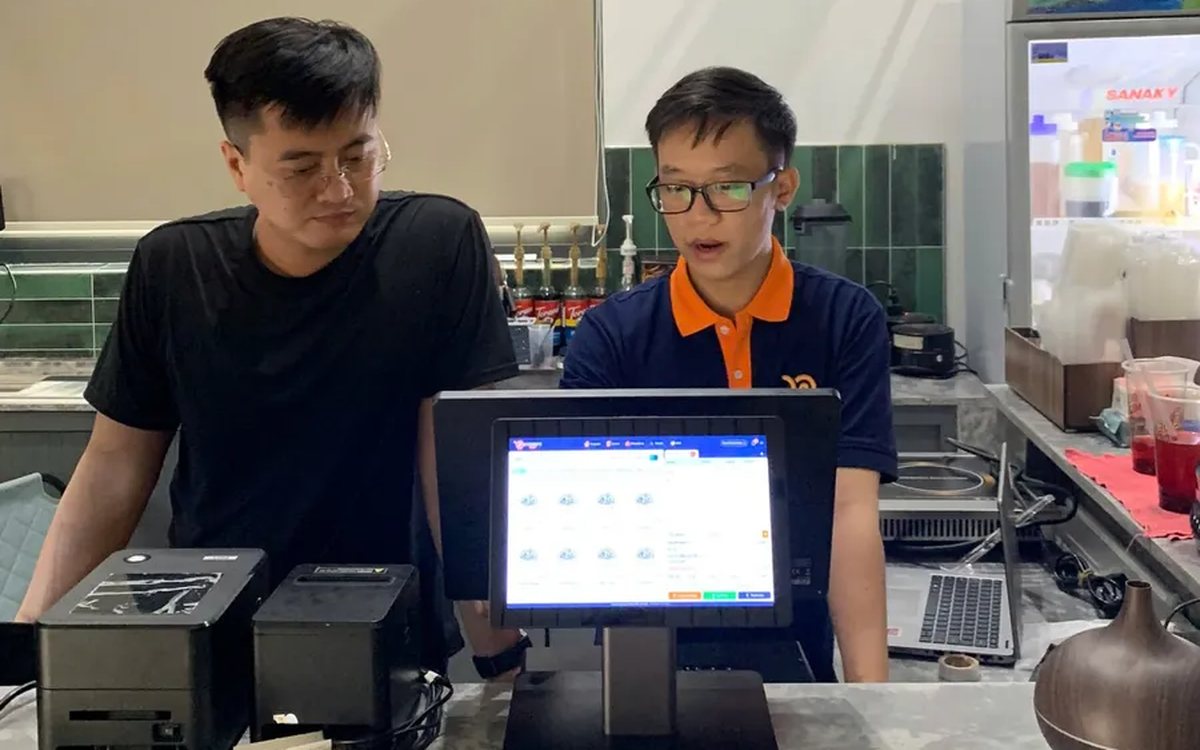
Complete coffee shop management software: how ordering, checkout, inventory and reports connect
Complete coffee shop management software is not a long feature list but ordering, checkout, inventory and reports working together: ring up one cup and the money goes into the right shift, ingredients are deducted by recipe and the end-of-day report updates itself. The article follows one cup through four stages, shows four common break points and the order to switch things on.
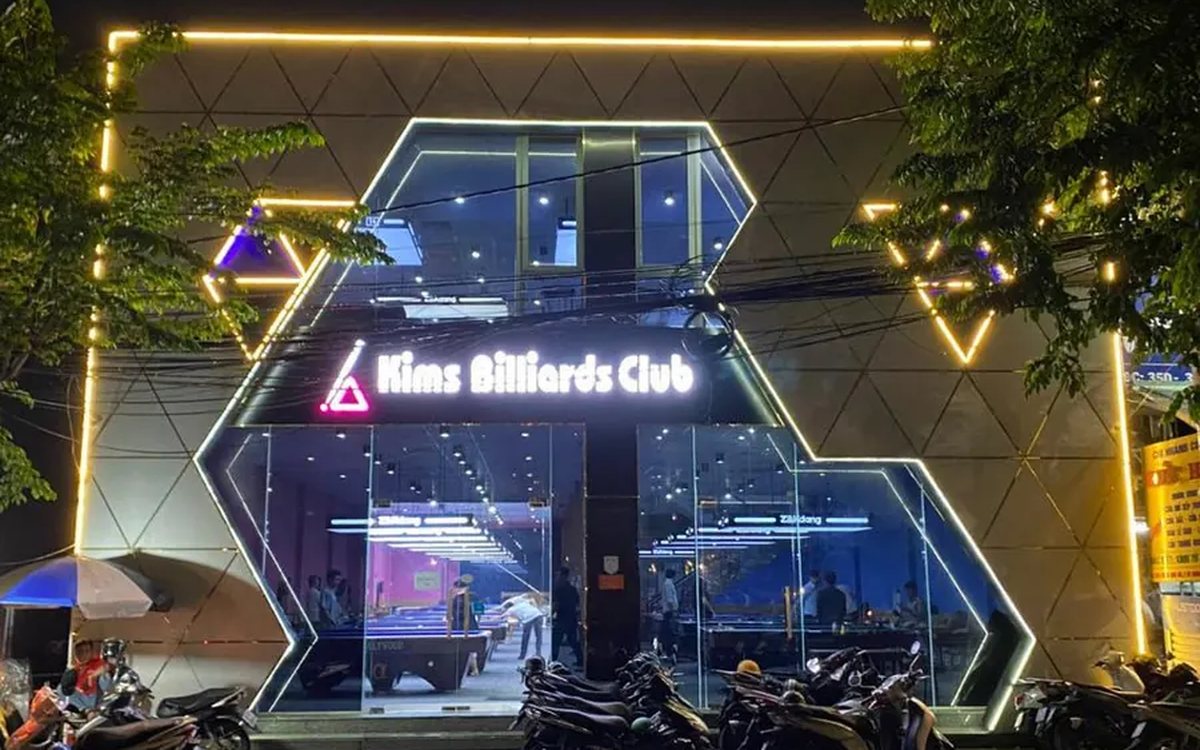
Billiards management software for a small new club: what to set up before opening day
For a new billiards club with five to ten tables, where the owner works the counter and starts the clocks, the software needs to do a few things right: set up tables, hourly rates, the menu and QR codes before opening; let players order drinks themselves and have table lights follow playing time; use camera highlights to get the club known; and after the first month read reports by table, debts and shift close.
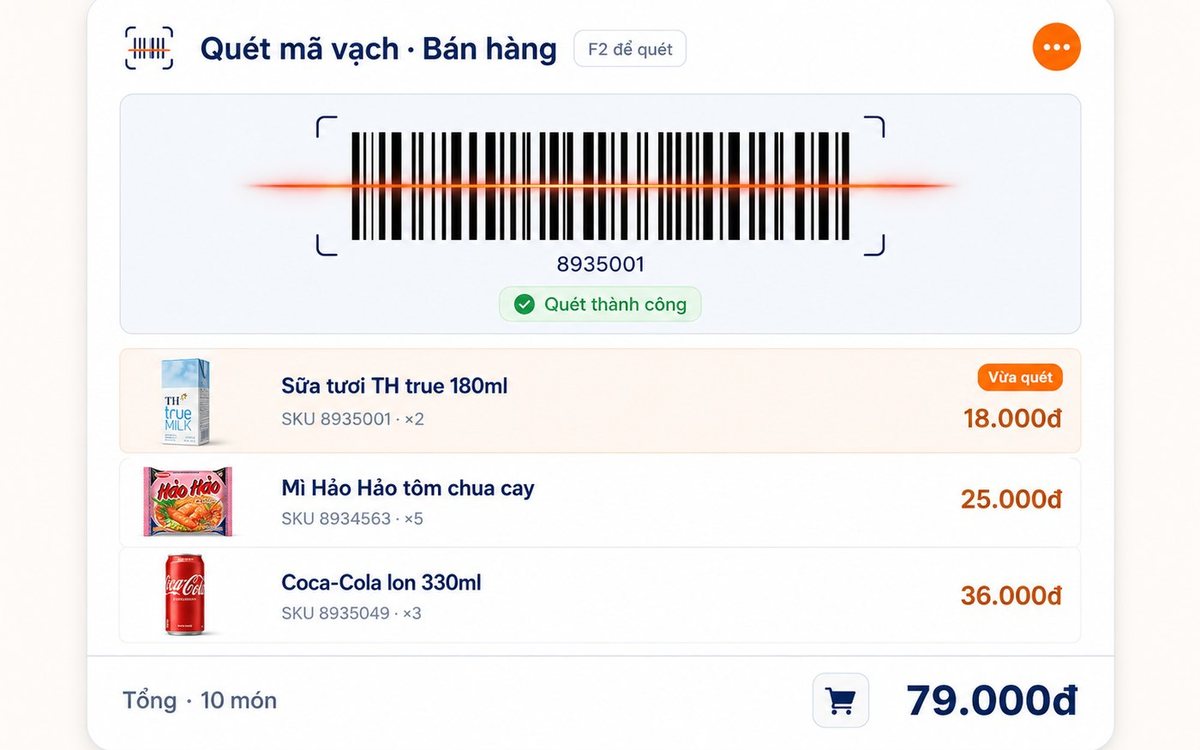
Retail order management software: counter sales and online orders in one place
Counter orders, phone and Zalo orders, and orders from the store's web shop all go into one order book in Ordersys. Each online order moves through five clear statuses, delivery requires the address, delivery time and delivery person, customers track their own order, and there is no adding up two places at the end of the day.

Spa and hair removal appointment software with no double bookings
Hair removal sessions are short, tightly packed and crowded into one machine room, so they clash easily. Each Ordersys appointment records the time, duration, room/bed and therapist; on save the software checks for room clashes, therapist clashes and therapists busy in the spa, adds bed turnover time, and shows exactly which booking is holding the slot.
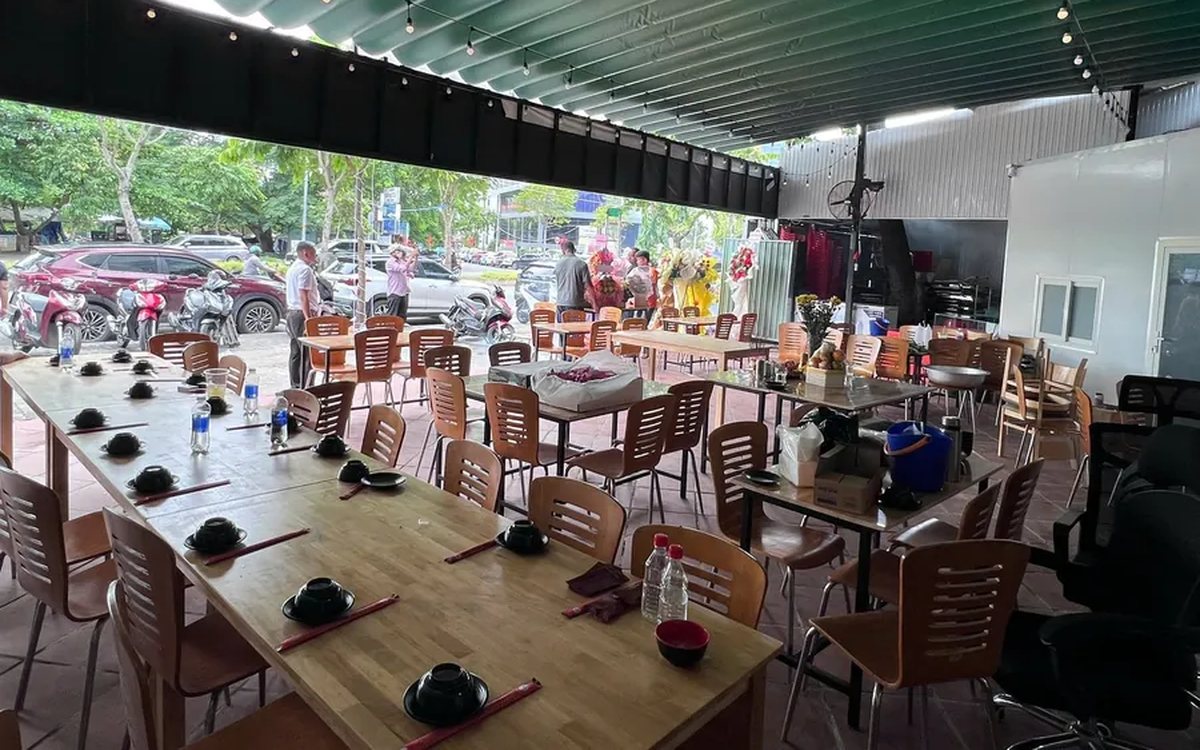
QR table ordering software for restaurants and eateries
One round of QR ordering in Ordersys goes through five steps: the guest scans the code on the table, picks dishes with options and notes, sends the order (with or without a confirmation step), the kitchen and bar receive it, and the guest reopens the page to check the order and order more. Plus a list of what to set up before putting codes on tables.
Ordersys or KiotViet? A Straight Comparison to Choose Right
An honest Ordersys vs KiotViet comparison by real needs: retail, services, billiards, QR ordering, automatic payment — choose right, not the wrong fit.