The restaurant has been collecting customers' phone numbers at checkout, and the list grows longer every month. But when it is time to open Zalo, nobody knows what to write, so the shop either sends the same "Thank you for your support" to everyone or sends nothing at all. After-sales care for a restaurant or café does not need many messages; it needs the right occasion and the right person. This article gives five scripts by occasion, each with who to send it to, when, and a sample line to adjust to your shop's own voice. How many messages is enough and the rules on promotional messages are already covered in Zalo messages for customer care, so they are not repeated here.
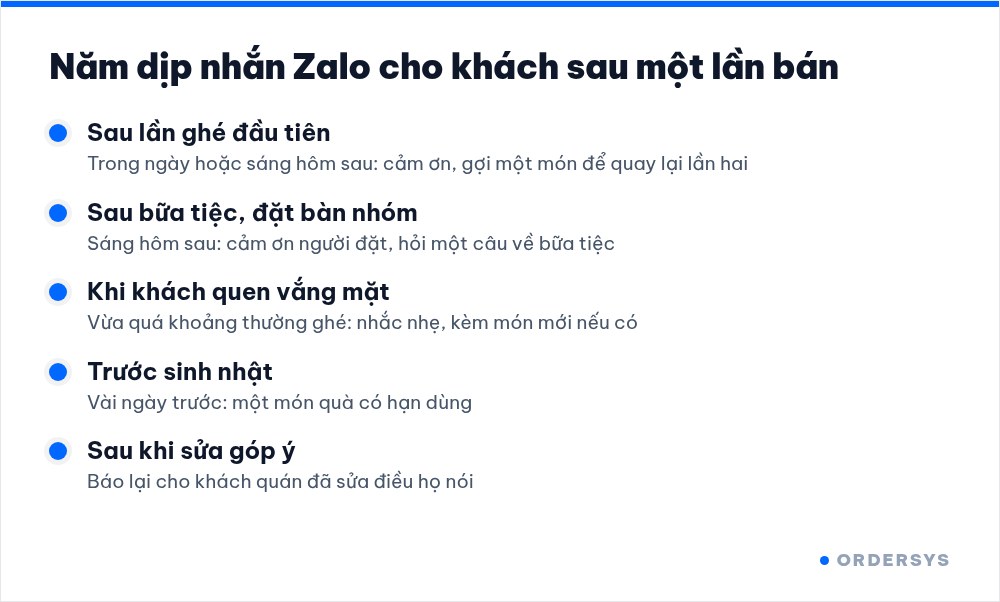
Five occasions worth a message after a sale
| Occasion | Who to send to | When | Purpose |
|---|---|---|---|
| First-time visitor | New customers with one bill | Same day or the next morning | Say thanks and give a reason for a second visit |
| Group booking, party | The person who made the booking | The morning after the party | Say thanks, ask one question about the party |
| Regular who has gone quiet | Customers who used to come regularly but are past their usual gap | Just past their usual cycle, don't wait months | A gentle reminder, perhaps with a new dish |
| Birthday | Customers who shared their birth date or month | A few days before the birthday | A gift with an expiry date |
| Feedback that has been fixed | Customers who complained before | After the shop has fixed it | Let them know so they give the shop another chance |
These five occasions have one thing in common: the customer can understand why the shop is messaging them at that moment. A message not tied to any occasion is easily seen as advertising and ignored.
Sample lines for each occasion
The lines below are only templates. Replace the parts in square brackets with your shop name and real dish names, and read them back in the way your staff usually talk.
- First visit: "[Shop name] thanks you for coming in today. Next time, try our [best-selling dish], it's what our regulars order most."
- After a party: "[Shop name] thanks you for choosing us for last night's party. If any dish didn't suit the group, please let us know so we can do better next time."
- Regular gone quiet: "[Shop name] hasn't seen you for a few weeks. We've just added [new dish], drop by and try it when you're free."
- Birthday: "[Shop name] wishes you a happy birthday. Enjoy [gift] from us this week, just show this message to the cashier." What to give and how long it should last is covered in what a customer birthday offer should be.
- After fixing feedback: "The other day you told us [what the customer said]. We have [what was fixed]. Thank you for being honest with us." How to collect and handle feedback from the start is covered in collecting customer reviews and handling bad feedback.
How to write so customers read to the end
- Shop name in the very first words. Customers don't save the shop's number; if the first two words don't say who it is, they skip it.
- One message, one idea. Don't cram thanks, a promotion, a new dish and opening hours into the same message.
- Name a specific dish. "Salted coffee" brings a taste to mind; "many attractive offers" brings nothing.
- Mention what the customer actually had. If they usually order peach tea, don't invite them to a beer promotion. Each customer's purchase history tells you which item to mention.
- Gifts need an expiry date. A gift with no expiry usually gets put aside and forgotten.
Who does it, and when
After-sales care is often dropped because nobody is assigned to it. The simplest way is to give it to one fixed person, pick a quiet slot in the day and spend about fifteen minutes on it daily:
- Filter the list by occasion: yesterday's new customers, yesterday's party bookings, regulars past their cycle, customers with an upcoming birthday.
- Message them with the sample line for that occasion, changing a word or two to suit each person.
- Note who was messaged and on which day, so the next shift does not message them twice.
- At month end, count how many of the people messaged came back. How to measure it properly is covered in how to bring old customers back.
How Ordersys helps
With Ordersys CRM software, customers are saved right at checkout on the sales screen, and each person's purchase history is gathered into one profile automatically. The CRM groups customers on its own: new, loyal, VIP and not back for a while, with reminders to care for customers who haven't bought in a while, birthday greetings and offers sent by group, so the person in charge just opens the group for that occasion and the list is ready. Shops can try it free for 7 days. To build a list long enough to care for, see asking for customers' phone numbers at checkout; for frequency rules and promotional messages on Zalo, read Zalo messages for customer care: what to send and how often.
Ordersys has editions for restaurants and for retail stores: checkout, stock, reports and e-invoices, with on-site setup and training.
Other news
Sales software for household businesses that fits the new rules
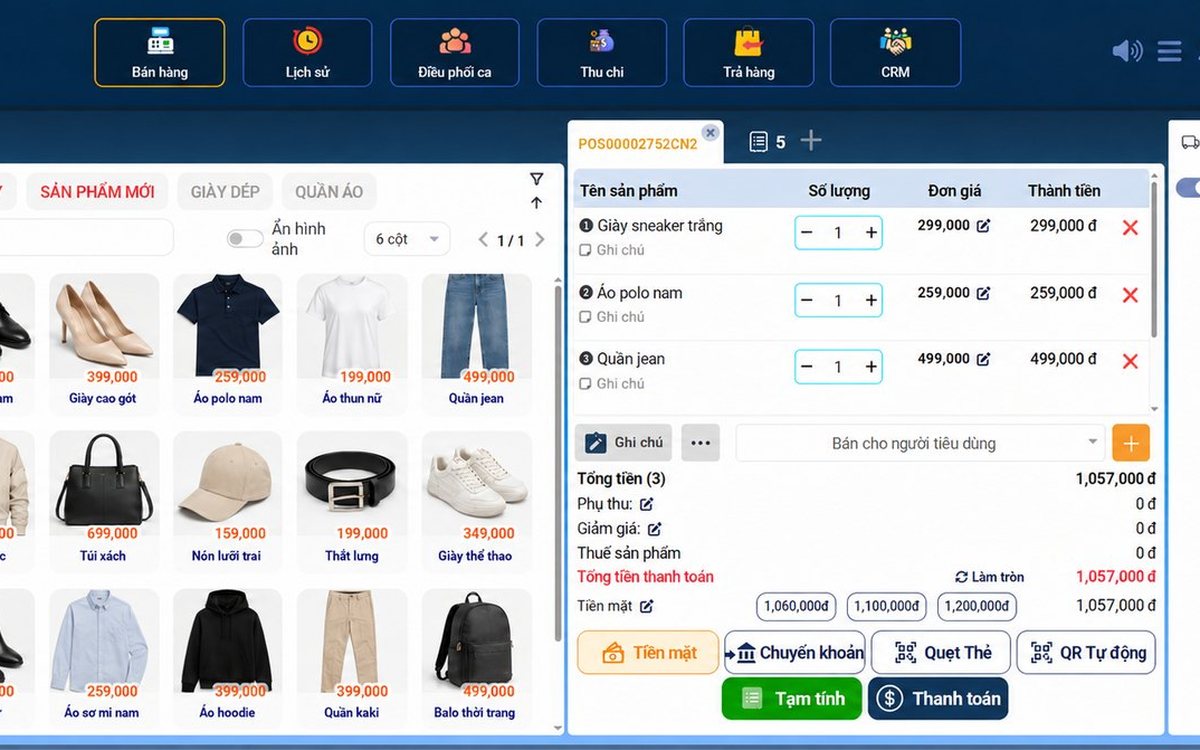
From 2026 household businesses no longer pay presumptive tax and declare based on actual revenue; stores with revenue of 1 billion VND/year or more selling directly to consumers must use e-invoices generated from cash registers. This guide summarises the regulatory milestones that affect retail stores and what sales software must do: record every order, issue e-invoices, report by period, keep purchase records and track debts.
Scan a QR code to order at the table: guests order for themselves, the restaurant needs fewer staff
When guests scan a QR code to order at the table, handing out menus, taking orders, running tickets to the kitchen and answering "where is our food?" move to the guest. This guide separates what guests do themselves, what staff still have to do, how to rearrange shifts by table zone, and where things slip when the restaurant runs with fewer people.
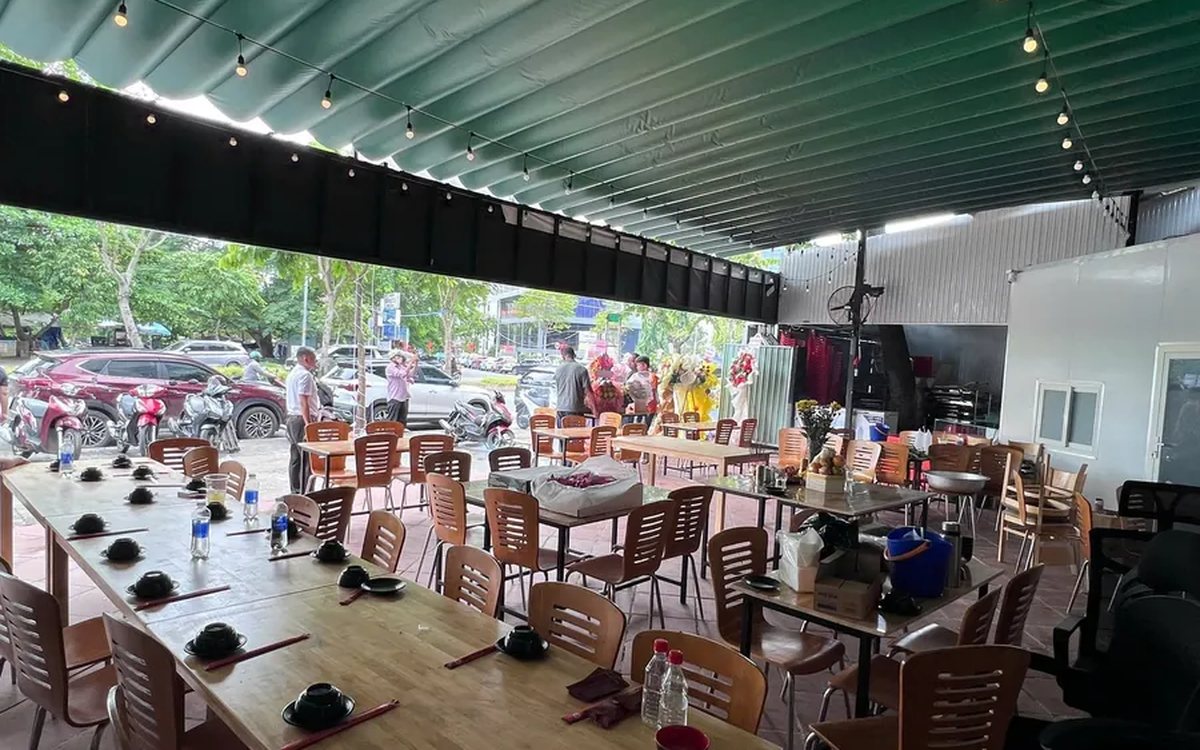
Ordering software for wedding banquet restaurants: serving many tables at once without the bill going wrong
A thirty-table wedding banquet usually goes wrong on the extras: drinks added mid-party, tables set up at the last minute, dishes sent to the kitchen twice, deposits remembered by word of mouth. This guide puts the whole banquet into one order from a multi-table booking or by merging tables, takes extra orders by phone, sends only new items to the kitchen, and settles with the host using a provisional bill, surcharges and automatic deposit deduction.
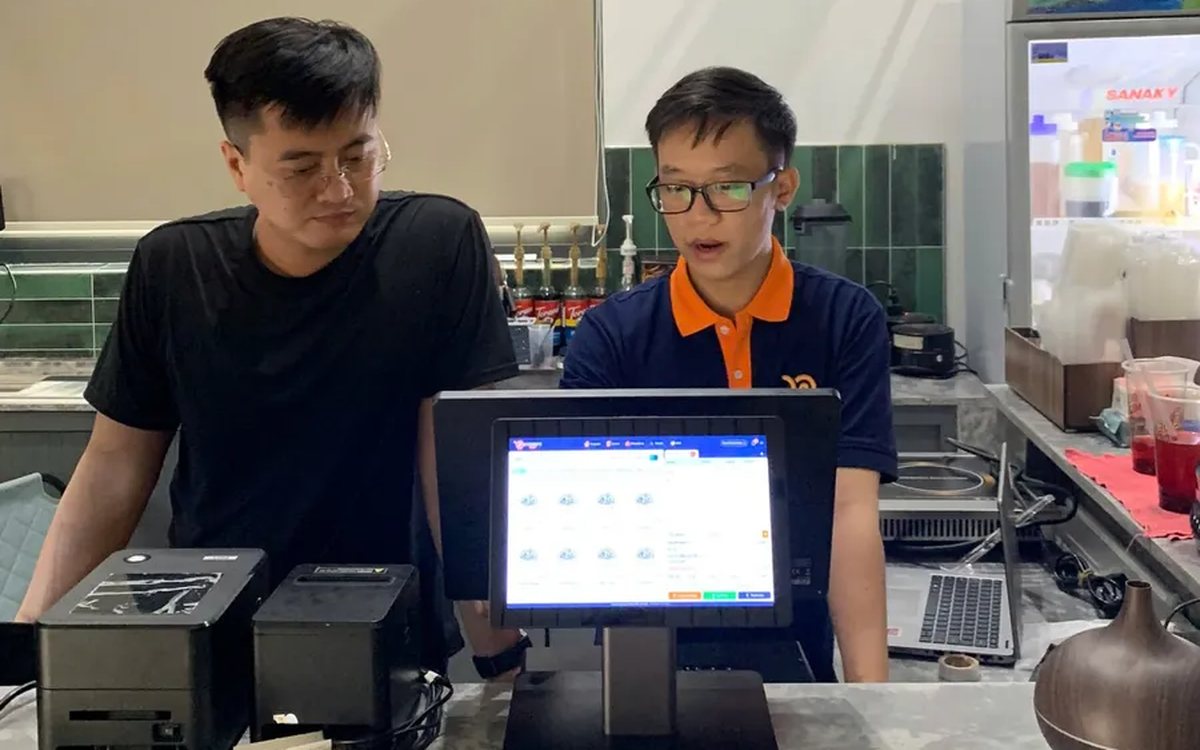
Complete coffee shop management software: how ordering, checkout, inventory and reports connect
Complete coffee shop management software is not a long feature list but ordering, checkout, inventory and reports working together: ring up one cup and the money goes into the right shift, ingredients are deducted by recipe and the end-of-day report updates itself. The article follows one cup through four stages, shows four common break points and the order to switch things on.
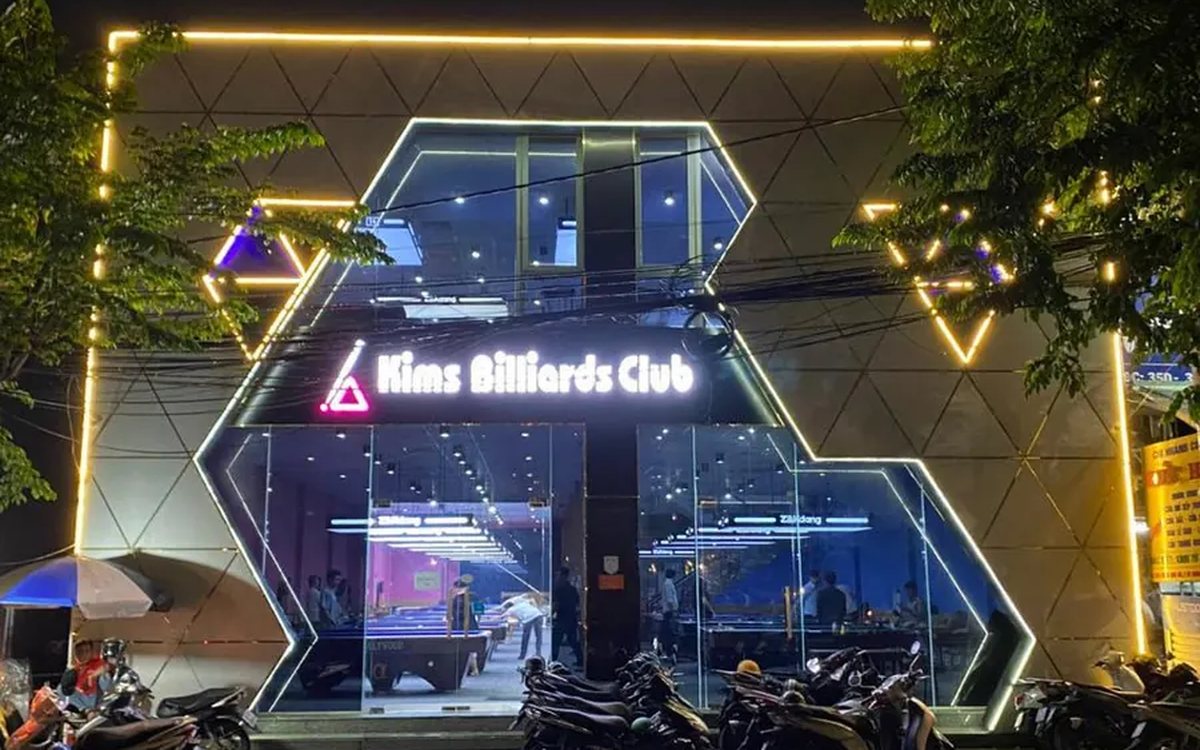
Billiards management software for a small new club: what to set up before opening day
For a new billiards club with five to ten tables, where the owner works the counter and starts the clocks, the software needs to do a few things right: set up tables, hourly rates, the menu and QR codes before opening; let players order drinks themselves and have table lights follow playing time; use camera highlights to get the club known; and after the first month read reports by table, debts and shift close.
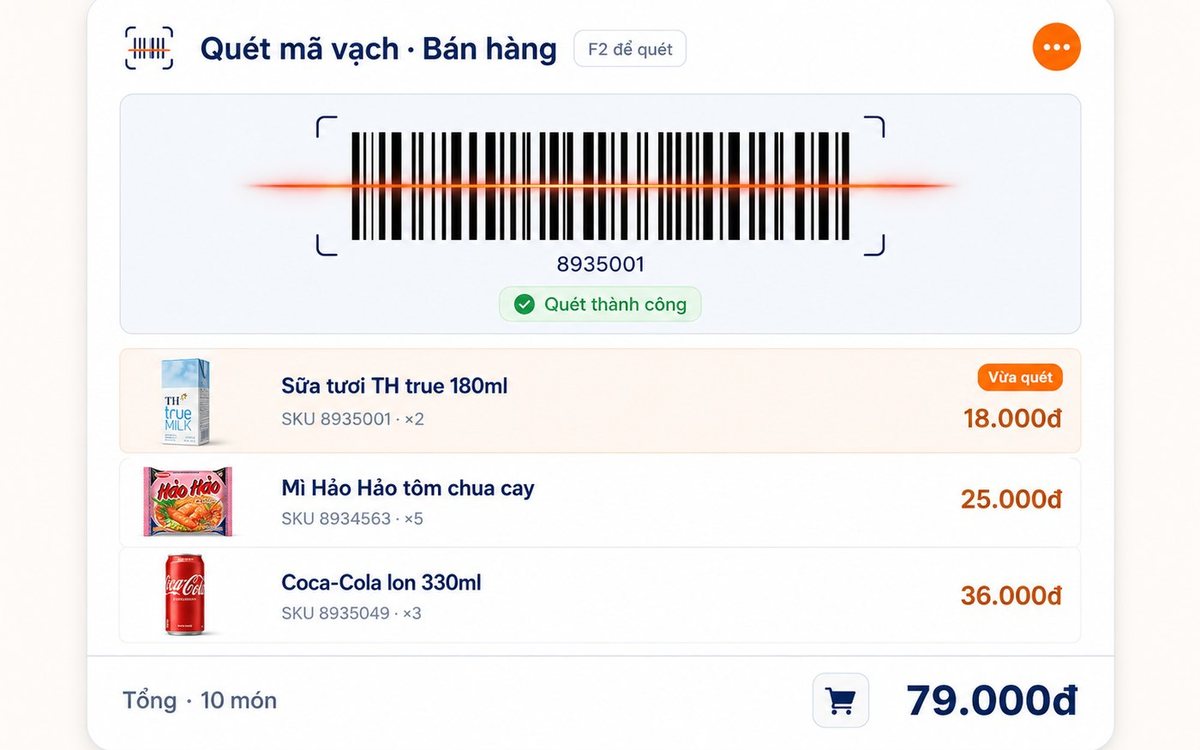
Retail order management software: counter sales and online orders in one place
Counter orders, phone and Zalo orders, and orders from the store's web shop all go into one order book in Ordersys. Each online order moves through five clear statuses, delivery requires the address, delivery time and delivery person, customers track their own order, and there is no adding up two places at the end of the day.
Spa and hair removal appointment software with no double bookings
Hair removal sessions are short, tightly packed and crowded into one machine room, so they clash easily. Each Ordersys appointment records the time, duration, room/bed and therapist; on save the software checks for room clashes, therapist clashes and therapists busy in the spa, adds bed turnover time, and shows exactly which booking is holding the slot.
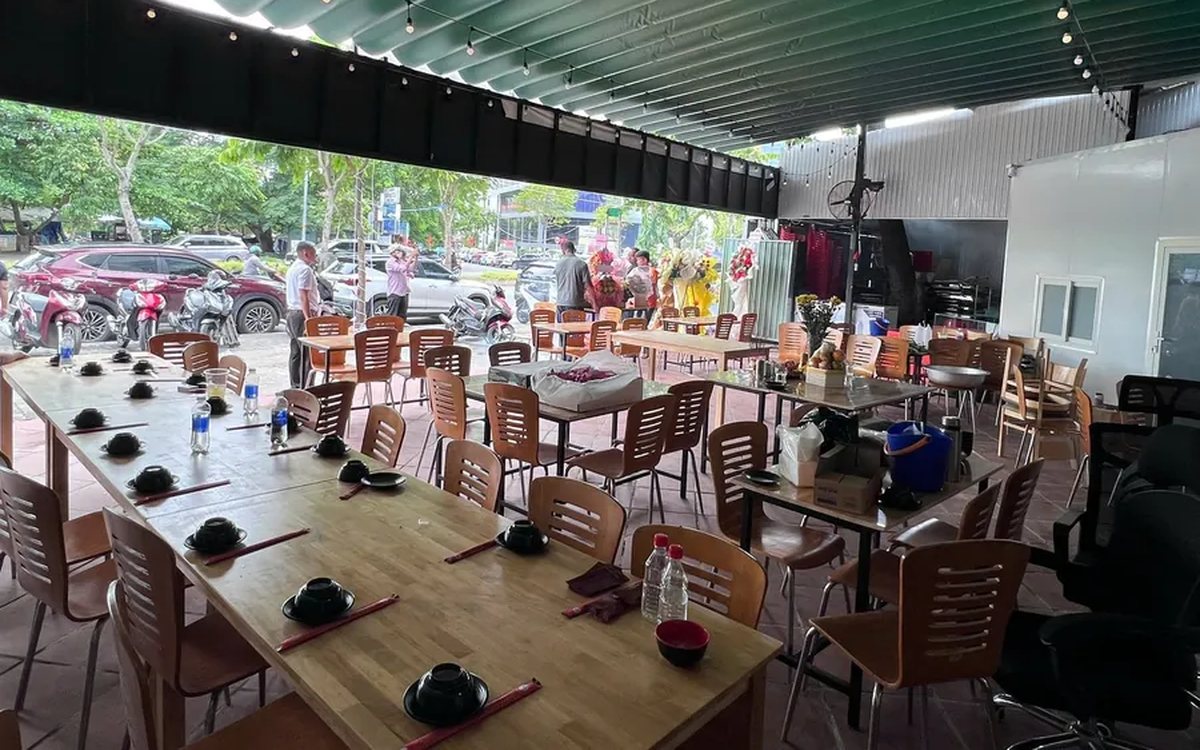
QR table ordering software for restaurants and eateries
One round of QR ordering in Ordersys goes through five steps: the guest scans the code on the table, picks dishes with options and notes, sends the order (with or without a confirmation step), the kitchen and bar receive it, and the guest reopens the page to check the order and order more. Plus a list of what to set up before putting codes on tables.
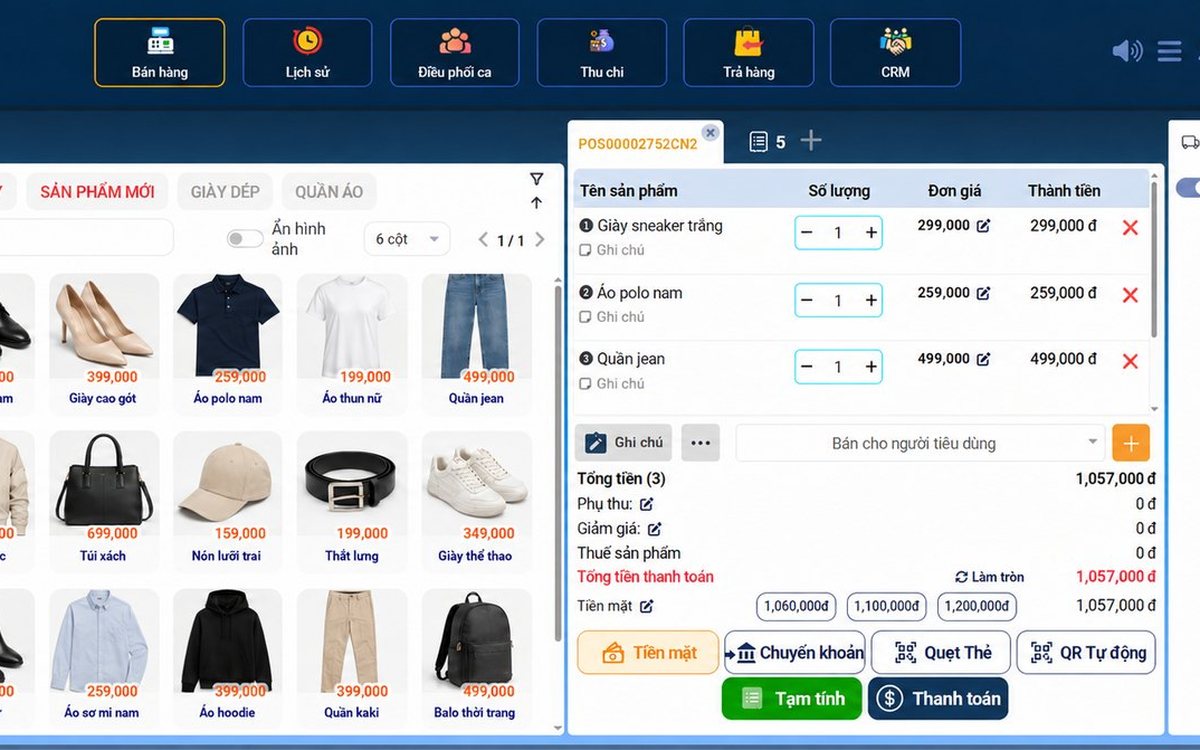
Ordersys or KiotViet? A Straight Comparison to Choose Right
An honest Ordersys vs KiotViet comparison by real needs: retail, services, billiards, QR ordering, automatic payment — choose right, not the wrong fit.